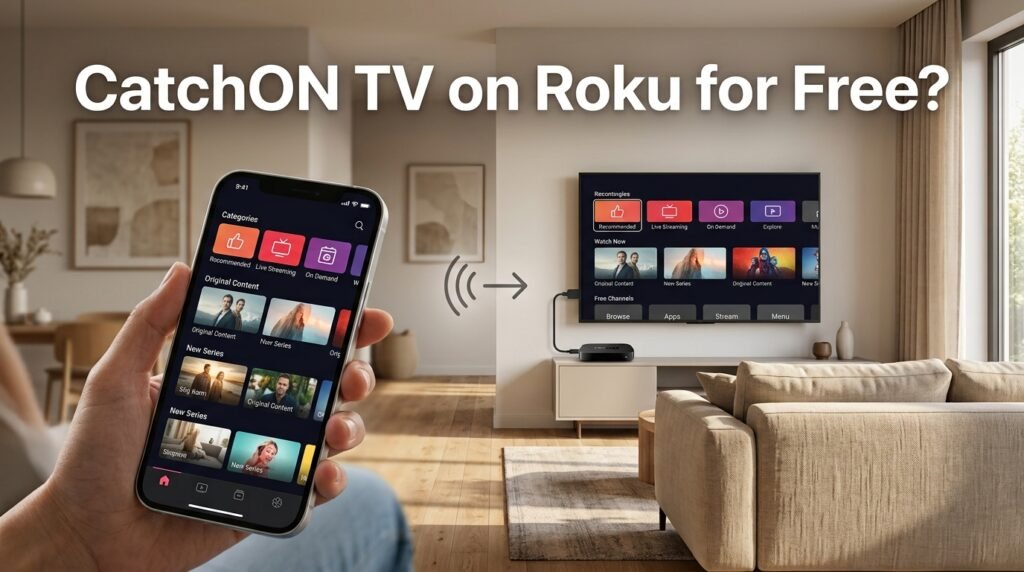
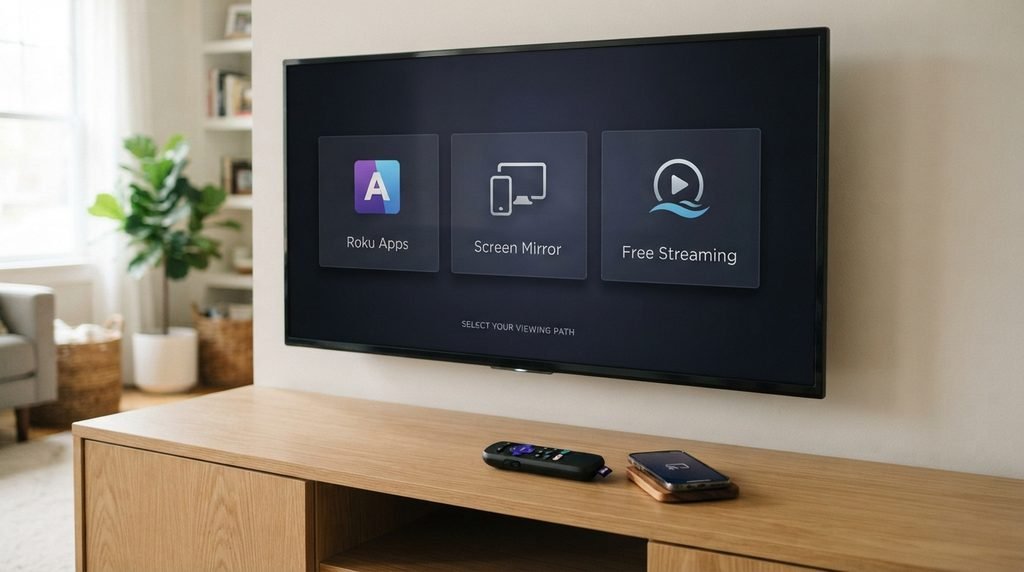
If you searched Catch On TV Roku free, the simplest answer is that Roku itself does not require a monthly Roku fee for free apps, but that does not make a separate streaming subscription free. Roku also works differently from Android-based devices such as Fire TV, so you should not follow CatchON APK installation instructions made for Firestick.
For compatible Roku devices, the practical no-extra-cost option is usually screen mirroring from a compatible Android device or Windows PC, or AirPlay from a supported Apple device. Roku officially supports these methods. There is also a major 2026 issue: the former Channelmoa/CatchON operation currently states that its service has been permanently discontinued.
Last updated: September 21, 2026
Research method: This guide uses Roku’s current documentation for app installation and screen mirroring, plus the current CatchON/Channelmoa service notice. It does not assume that unrelated websites currently using the CatchON name represent the former service.
Can You Watch Catch On TV on Roku for Free?
Roku gives you access to many free apps and does not charge a monthly equipment fee just for using the Roku platform. Individual streaming services, however, can still require their own subscription. That difference is important for the keyword Catch On TV Roku free. There are really two separate questions:
Can you use Roku without paying Roku every month? Yes.
Does Roku make a paid CatchON subscription free? No.
Roku explains that free channels can be added without a subscription charge, while paid services can still require their own subscription or purchase. You can see how this works in Roku’s official guide to adding apps. If you are researching CatchON rather than just the Roku setup, start with our CatchON TV homepage.
Key Takeaway: Roku can be free to use, but it does not convert a separate paid streaming service into a free service.
Is There a CatchON TV App for Roku?
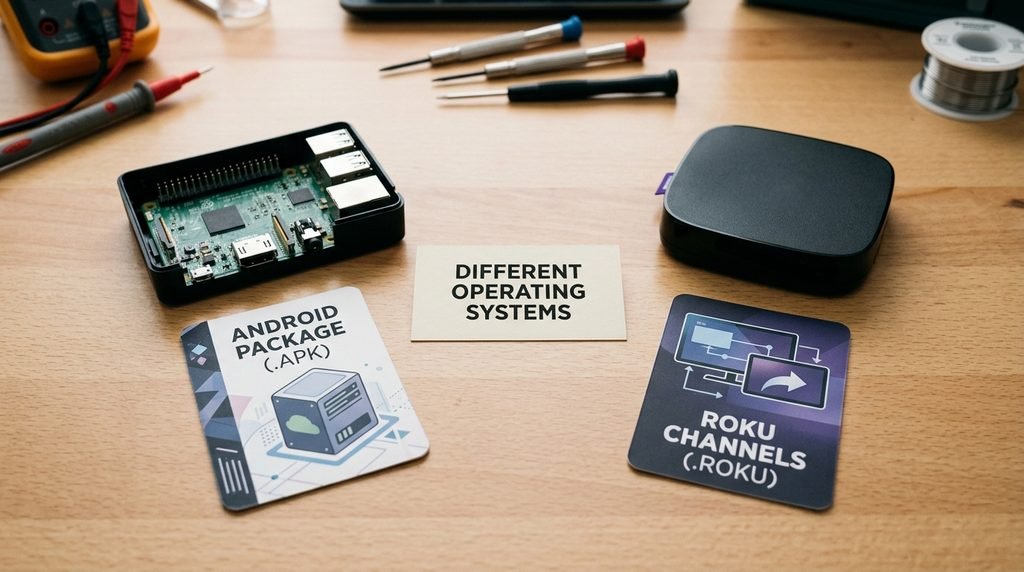
Do not assume that a CatchON Android app can simply be installed on Roku. Roku has its own operating system and application platform. Normal Roku apps are distributed through the Roku Store, while Roku’s separate developer sideloading system is intended for Roku applications being developed and tested—not for installing Android APK files.
That means instructions such as:
Download the CatchON APK → enable unknown sources → install it
are Android/Fire TV-style instructions, not normal Roku instructions.
Roku Is Not an Android TV Box
This is one of the biggest sources of confusion.
Device
Android APK Installation
Android TV
Supported through Android installation methods
Google TV
Android-based
Amazon Fire TV
Android-based platform with sideloading possibilities
Android TV box
Usually supports APK files
Roku / Roku TV
Uses Roku OS, not Android
So if a website tells you to download an .apk directly onto a Roku TV, stop before following the guide. It may be mixing up completely different platforms.
Key Takeaway: A CatchON APK intended for Android devices is not a normal Roku app.
The Free Roku Method: Screen Mirroring
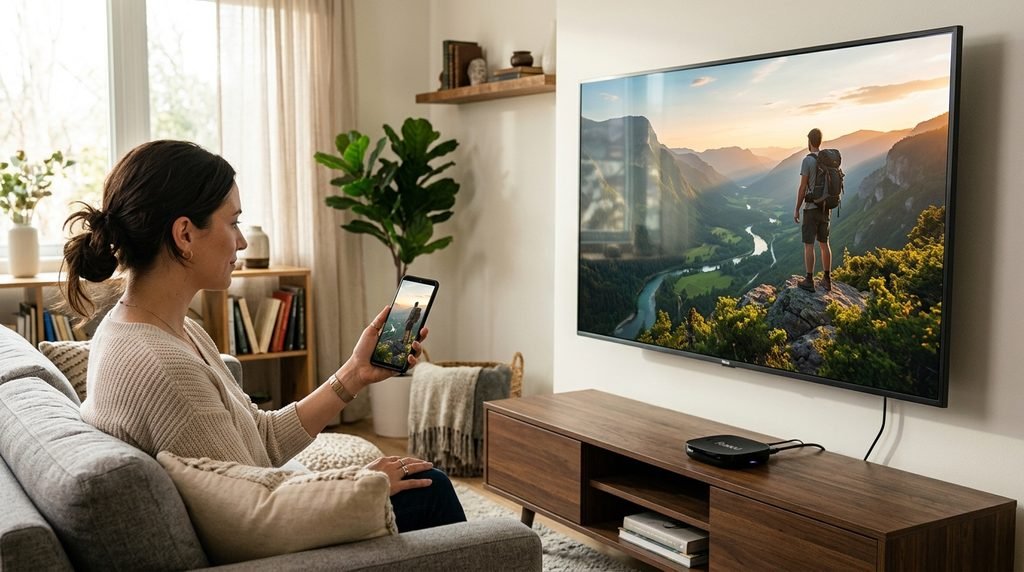
If you already have compatible content working on another device, screen mirroring is the most straightforward Roku feature to investigate. Roku’s official documentation says compatible Android and Windows devices can mirror their screens to supported Roku players and Roku TVs. Whatever appears on the phone or computer is replicated on the television.
This does not install CatchON on Roku. Instead, your phone or computer runs the application while Roku displays the mirrored screen.
How Roku Screen Mirroring Works
The basic setup is:
Connect your Roku and phone or computer to the same network.
Open Roku Settings.
Check the Screen Mirroring settings.
Enable screen mirroring on your compatible phone or Windows computer.
Select your Roku device.
Accept the connection request on the television.
Open the content on the original device.
Roku says Android manufacturers use different names for this feature, including terms such as Smart View, Wireless Display, Display Mirroring, and Screen Casting. You can follow Roku’s official screen-mirroring instructions for device-specific details.
Important Limitation
The phone or computer remains involved. With screen mirroring, your Roku is effectively displaying what the other device sees. If you close the app, disconnect the phone, or interrupt mirroring, playback on the television will also stop.
Key Takeaway: Screen mirroring can avoid buying another streaming device, but it is not the same as installing a native Roku app.
Can You Use Catch On TV With Roku From an iPhone?
Compatible Roku models also support Apple AirPlay. AirPlay lets an iPhone, iPad, or Mac send supported video or mirror the device’s screen to Roku.
Both devices generally need to be on the same wireless network, and Roku model/software compatibility matters. Roku provides a current compatibility list and setup instructions in its official AirPlay guide.
The setup typically involves:
Connect the Apple device and Roku to the same network.
Check that AirPlay is enabled on Roku.
Open Control Center on the Apple device.
Select Screen Mirroring where appropriate.
Choose the Roku device.
Enter any code shown on the television.
Again, this is mirroring. It does not create a native CatchON Roku application.
Screen Mirroring vs Casting on Roku
These terms are often mixed together, but Roku treats them differently.
Feature
Screen Mirroring
Casting
Displays entire phone screen
Yes
No
Requires supported Roku app
Not necessarily
Usually yes
Phone stays involved
Yes
Less after playback starts
Works with arbitrary mobile apps
More flexible
App must support casting
Best CatchON workaround
Potentially
Only if the app specifically supports casting
Roku explains that casting requires the relevant supported app on both the mobile device and Roku. Screen mirroring instead replicates the compatible device’s full screen. (Roku) For a service without a verified native Roku application, mirroring is therefore the more realistic feature to investigate.
Is Catch On TV Free on Roku With a Trial?
Be careful with old pages promising a free CatchON trial. Different websites currently use the CatchON name, and offers from one site should not automatically be treated as offers from the original operation.
More importantly, Channelmoa’s current service notice says that Channelmoa / Catchon is no longer available, was permanently discontinued, and cannot be restored. It also warns that other websites using the Catchon or Channelmoa names are not authorized to represent that former service.
That means I would not tell you:
“Go here for the official free CatchON Roku trial.”
There is not enough reliable evidence to make that claim about the discontinued original service. If you are comparing historical costs, use our CatchON TV pricing page.
Key Takeaway: “Free trial” claims using the CatchON name should be verified before you provide payment or account information.
Can You Install CatchON APK on Roku?
Not the way you would on Firestick. A Roku device’s developer mode does technically support sideloading Roku applications for development, but that does not mean it accepts Android APK files.
Roku’s developer documentation shows that Roku development uses Roku-specific application packages and technologies. Android APK installation instructions are therefore the wrong path for a normal Roku owner. This distinction can save you a lot of wasted time.
If a tutorial says:
Download CatchON APK.
Put Roku into developer mode.
Upload the APK.
that is not a normal supported Android-to-Roku installation process.
Catch On TV Roku Setup Decision Guide
Here is the simplest way to determine what applies to you.
Your Situation
Best Next Step
CatchON app appears in your Roku Store
Verify the developer/provider before using it
You already use an app on Android
Check Roku screen mirroring
You use an iPhone or iPad
Check AirPlay compatibility
You downloaded an Android APK
Do not try to install it directly on Roku
You only want free Roku content
Use legitimate free Roku Store apps
An old CatchON account no longer works
Consider the discontinued-service notice before troubleshooting
This is more useful than trying random Roku private codes or APK tutorials.
Why CatchON Roku Guides Can Be Confusing
Search results currently contain different websites using the CatchON name, and some claim very different installation methods. That creates three problems. First, old information remains indexed even after services change. Second, some tutorials treat Roku like Android even though the platforms work differently.
Third, the original CatchON/Channelmoa operation now says it is discontinued, while other unrelated-looking services continue using similar branding. The safest approach is to separate device facts from provider claims. For Roku facts, use Roku documentation.
For a CatchON-branded provider, independently establish who operates it before entering credentials or paying.
What If Screen Mirroring Does Not Work?
Start with compatibility rather than reinstalling random applications.
Check the following:
Roku and the phone are on the same Wi-Fi network.
Your Roku model supports screen mirroring.
Screen Mirroring Mode is not set to block the device.
Your Android phone supports Miracast-style screen mirroring.
Your Roku software is current.
A VPN or guest Wi-Fi network is not preventing local-device discovery.
Roku notes that some Android devices—particularly certain Google-branded devices—do not support the same mirroring method used by Roku. If you use an Apple device instead, check whether your Roku model supports AirPlay.
Is Roku a Good Device for CatchON TV?
For native Android-style IPTV applications, Roku is less straightforward than an Android TV or Fire TV device. That does not make Roku a bad streaming device. It simply has a different ecosystem.
Roku works particularly well when:
The service has an official Roku app.
You primarily use apps available through the Roku Store.
You use compatible casting or mirroring.
You already own Roku and do not want another device.
An Android-based device may be simpler when the application exists only as an Android APK. You should choose hardware based on the applications you actually need rather than trying to force an unsupported app onto the wrong platform.
What Free Content Can You Watch on Roku Instead?
If free is the most important part of your search rather than CatchON specifically, Roku already has legitimate free options. Roku’s own platform offers free content, and the Roku Store contains many free applications alongside paid subscriptions. Roku says there is no monthly Roku subscription fee simply for using free channels. That distinction matters if your real goal is:
“I own a Roku and want to watch television without another monthly bill.”
In that case, searching the Roku Store for legitimate free services is simpler than trying to make an old Android-oriented CatchON setup work.
Catch On TV Roku Free FAQ
Can I Get Catch On TV on Roku for Free?
Roku itself supports free apps and does not charge a monthly fee merely for watching free Roku channels. That does not automatically make a separate CatchON subscription free.
Can I Install CatchON TV APK on Roku?
Not as a normal Android APK. Roku runs Roku OS and uses its own application platform, so Android APK instructions made for Firestick or Android TV do not directly apply.
Can I Screen Mirror CatchON TV to Roku?
Compatible Android and Windows devices can screen mirror to supported Roku devices. Whether a particular streaming application’s content displays correctly can still depend on the app and its content restrictions.
Can I Use an iPhone With CatchON TV on Roku?
Compatible Roku devices support AirPlay from iPhone, iPad, and Mac. You can check your Roku model against Roku’s AirPlay compatibility requirements before trying it.
Is the Original CatchON TV Still Working in 2026?
The current Channelmoa notice says the former Channelmoa/Catchon service has been permanently discontinued and cannot be restored. Other websites using similar branding should not automatically be assumed to represent that service.
What Should You Do Next?
If you already own a Roku, do not download an Android CatchON APK expecting it to install directly. Check whether your Roku supports screen mirroring or AirPlay first. Those options use features already built into compatible Roku devices and do not require purchasing another streaming box.
If your main goal is completely free streaming rather than CatchON specifically, explore legitimate free Roku Store apps instead of paying a site simply because it uses the CatchON name.
This guide is informational. Roku compatibility, application availability, provider ownership, and streaming-service availability can change. Only access content and services you are authorized to use.