Installing a CatchON-compatible app on a supported Firestick can be free, but CatchON TV service itself should not automatically be assumed to be free. Historically, CatchON users reported receiving short free trials, while full access required activation or subscription credentials.
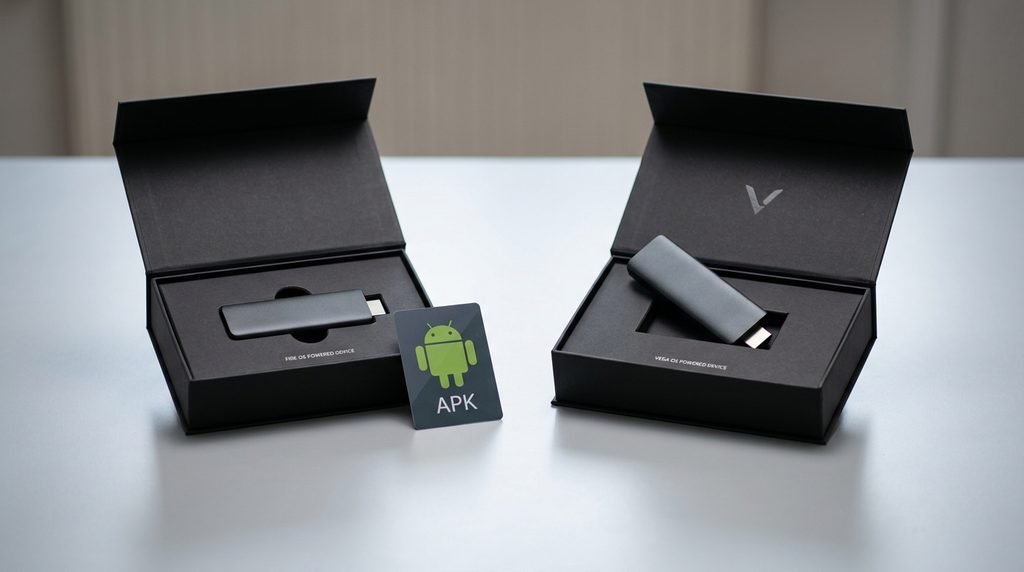
There is another important 2026 issue: not every Fire TV Stick now runs the same operating system. Amazon says the Fire TV Stick 4K Select uses Vega OS, while many older Firesticks use Android-based Fire OS, so older APK installation instructions may not work on every current Firestick.
Last updated: September 23, 2026 Research basis: Current Amazon Fire TV documentation and dated CatchON user reports. No subscription or free trial was purchased while preparing this guide.
Table of Contents
Is CatchON TV Free on Firestick?
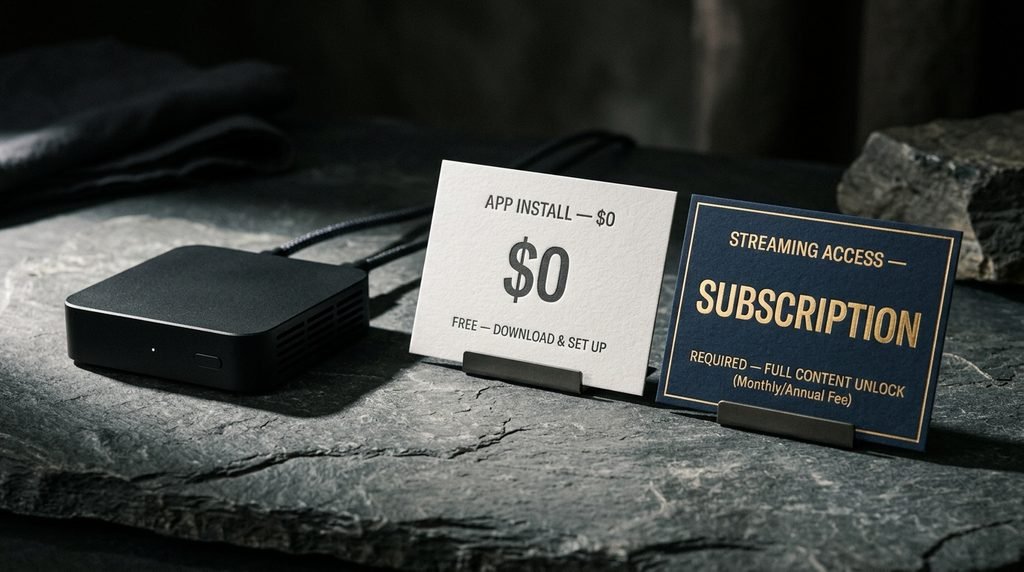
The Firestick setup itself can cost nothing beyond the Firestick you already own, but streaming access and installing an app are two separate things. You may be able to install a compatible player or CatchON-related application without paying for the installation, while actual channels and VOD normally require valid account credentials.
This distinction explains much of the confusion behind the search “CatchON TV Firestick free.” A website saying “free download” may be talking about the APK file, not unlimited free access to the television service.
Free Installation vs Free Service
Think of the app like the Netflix application.
Downloading Netflix costs nothing, but downloading the app does not give you a paid Netflix membership. CatchON has historically worked in a similar basic way: the app could be installed first, while a prepay or activation code provided the actual subscription access.
Older CatchON installation discussions show users installing the app and then being asked for a prepay code before accessing the service.
So when you see: “CatchON TV free download for Firestick”
that should not automatically be interpreted as: “CatchON TV channels are free forever.”
What Historical Trials Included
CatchON users historically reported short free trials. In 2023 and 2024 discussions, users asked for trial codes and referred to a three-day trial before deciding whether to subscribe. (Reddit)
That is historical evidence, not a promise that the same trial is available from every CatchON-branded seller in September 2026. Trial policies can change, and similarly named providers may operate independently.
Key Takeaway: The app or installation may be free; continued CatchON TV access normally requires valid subscription or trial credentials.
Can You Install CatchON TV on Firestick for Free?
On a compatible Fire OS device, installing an application outside the Amazon Appstore can technically be done without paying an installation fee. Amazon officially documents sideloading applications onto Fire TV, although the application still needs to be compatible with the specific device. (Amazon Developer)
The important word in 2026 is compatible.
Fire OS Devices
Traditional Fire TV devices have generally used Fire OS, which Amazon describes as Android-based. That is why Android APK files have historically been usable on many Firesticks.
Amazon currently lists several devices running Fire OS 7 or Fire OS 8, including previous Fire TV Stick and Fire TV Stick 4K generations. (Amazon Developer)
If you already have an older Firestick that successfully runs Android-style APKs, the traditional CatchON installation method may still be technically possible. That does not guarantee that a particular current CatchON APK is safe, current, or compatible.
New Vega OS Firesticks
This is the part many older CatchON guides miss. Amazon introduced Vega OS on the Fire TV Stick 4K Select and says future Fire TV Sticks are moving to the new operating system. Vega OS is not simply another Android-based Fire OS release, so an old CatchON APK guide should not automatically be followed on those devices.
Amazon’s device specifications currently identify the Fire TV Stick 4K Select as running Vega OS 1.1, while devices such as the Fire TV Stick 4K Plus continue to use Fire OS.
That creates a simple rule:
Firestick Type
Old Android APK Method
Compatible Fire OS Stick
Potentially supported
Fire TV Stick 4K Select
Do not assume APK compatibility
Fire TV Stick HD 2nd Gen
Vega OS; check current app support
Unknown model
Identify OS before installing
Key Takeaway: Check whether your Firestick runs Fire OS or Vega OS before following an old CatchON APK tutorial.
How Do You Install CatchON TV on Firestick?
Start by identifying your exact Fire TV model and operating system, then use only an installation method compatible with that platform. Do not begin with a random Downloader code because a code can point somewhere different later, while your device model determines whether the installation method works at all.
Check Your Firestick First
Open your Fire TV settings and identify the device model and current software.
You are looking for two things:
Exact Fire TV Stick generation
Fire OS or Vega OS
Amazon maintains a current device-identification table showing the operating system used by individual Fire TV models.
If you have a Fire OS device, continue with the application method supported by your provider. If the device uses Vega OS, verify that the app or player explicitly supports Vega before attempting installation.
Install the Compatible App
On compatible Fire OS devices, applications distributed outside the Appstore may be sideloaded. Amazon documents this process for developers and confirms that installing an application outside the Appstore is commonly referred to as sideloading.
For ordinary users, CatchON guides have historically relied on a downloader utility to retrieve an APK. However, specific CatchON URLs and numeric Downloader codes change over time, so this article does not recommend an old code simply because it appeared in a previous tutorial. Use the installation source attached to your exact provider and current account.
Enter Your Account Details
Once the compatible application opens, it may ask for a prepay code, activation code, username/password, or another account format. That is where the free installation ends and subscription access begins.
Historical CatchON users reported receiving a prepay code from the provider after purchasing a plan. If your app requests one, a random Downloader number is not the same thing.
Key Takeaway: Device compatibility → app installation → account activation. Treat those as three separate steps.
Does CatchON TV Have a Free Trial?
CatchON historically offered free trials, but you should verify current trial availability with the exact CatchON provider you are considering rather than relying on an old Reddit post or YouTube tutorial. User reports from earlier CatchON years repeatedly mention three-day trials, but that does not establish a universal 2026 policy.
If a current trial is offered, use it to test things that actually matter:
Does the app install on your Firestick?
Do your must-have channels appear?
Does live sports playback work?
Does VOD load correctly?
Does the guide populate?
Does the service remain stable during evening hours?
A free trial that merely proves the home screen opens tells you very little.
Also confirm whether the trial requires payment information and whether it converts automatically into a paid subscription.
What Do You Need Before Installing CatchON TV?
A successful Firestick setup requires compatible hardware, internet access, a trustworthy installation source, and valid account information. Missing any one of those can make an otherwise correct tutorial appear broken.
Before starting, have:
Your exact Firestick model
Current operating-system version
Reliable internet connection
Current app or player instructions from your provider
Trial or subscription credentials if required
Enough available Firestick storage
You do not need to buy another Firestick simply because one CatchON installation attempt fails. Identify whether the problem is compatibility, installation, or account access first.
If you are still deciding whether to subscribe, review the CatchON TV pricing guide before committing to a long plan.
Why Does CatchON TV Not Install on Some Firesticks?
Installation can fail because the Firestick uses an incompatible operating system, the APK requires a different Android version, the download is damaged, or the application itself rejects the device. The correct fix depends on where the failure occurs.
APK Compatibility
An APK is an Android application package. That matters because Android-based Fire OS and Vega OS are not the same platform. A CatchON APK designed for Android does not become a Vega application merely because both devices carry the Fire TV name.
Amazon now separates Fire OS and Vega OS throughout its developer documentation.
Unsupported Device Errors
If the application installs successfully but then displays Unsupported Device, that is different from an installation failure.
The app may be rejecting:
Your Firestick generation
Operating-system version
App version
Device registration
Account/device limit
Do not factory-reset the entire Firestick as the first response.
Wrong App Version
Older versions may work on hardware that newer builds no longer support, while new Firestick models may require newer application builds.
Here is what actually happens: a user deletes an older working CatchON app, installs a newer APK from a different source, and receives an unsupported-device message. The Firestick did not necessarily break—the software environment changed. This is why preserving a working installation until you verify the replacement is useful.
Key Takeaway: Where the failure occurs—download, installation, launch, or login—tells you what type of problem you actually have.
Free CatchON TV vs Paid CatchON TV
The word free can describe at least three completely different things.
“Free” Claim
What It Usually Means
Free app
No charge to download/install software
Free IPTV player
Player costs nothing, account still required
Free trial
Temporary service access
Free Downloader
Installation tool is free
Free CatchON forever
Should not be assumed
Paid subscription
Ongoing account access
This is the most useful distinction for the keyword.
Someone searching CatchON TV Firestick free may only want to avoid paying for installation. In that case, you generally should not need to pay someone simply to press buttons on a Firestick if your device and current app are compatible.
The subscription itself is a separate purchase.
For programming research before paying, compare the CatchON TV channel list and identify the channels you would actually test during any available trial.
What Should You Avoid When Looking for Free Access?
Avoid random APK files, publicly posted activation credentials, outdated Downloader codes, and websites promising permanent premium access for nothing. The cost of an installation should not pressure you into downloading executable files from sources you cannot verify.
A numeric Downloader code is particularly easy to misunderstand. It is merely a shortcut to a download destination; it does not tell you whether the file behind that destination is the same file it pointed to months ago.
Also avoid:
Posting your activation code publicly
Paying someone for a supposedly “free” trial without clear terms
Installing several different CatchON APKs at once
Entering subscription credentials into unrelated apps
Assuming every CatchON-branded website shares accounts
Deleting a working older installation before verifying the replacement
If you only need general service information, start with the CatchON TV homepage rather than downloading something immediately.
CatchON TV Firestick Free FAQ
Is CatchON TV Free on Firestick?
The application or installation may be free, but full CatchON TV access should not automatically be assumed to be free. Historically, subscriptions or trial credentials were needed to access the service.
Can I Install CatchON TV on Firestick for Free?
On compatible Fire OS devices, sideloading an application does not inherently require an installation fee. You still need a trustworthy compatible app and valid service credentials.
Does CatchON TV Have a Free Firestick Trial?
Historical CatchON users reported short free trials, including three-day trials. Current availability should be confirmed with the exact provider because trial policies can change.
Does CatchON TV Work on Every Firestick?
No assumption should be made that one installation method works across every Firestick. Amazon now sells Fire TV devices using both Android-based Fire OS and the newer Vega OS.
Can I Use a Free CatchON TV Activation Code?
A publicly posted code may be expired, already used, temporary, or tied to another provider. Use a trial or activation credential issued specifically for your account.
Why Won’t the CatchON APK Install on My New Firestick?
Check the operating system first. Newer Fire TV models such as the Fire TV Stick 4K Select use Vega OS, so old Android APK instructions may not apply.
What Should You Do Next?
For CatchON TV Firestick free, start by separating the two questions:
Can I install the app without paying an installation fee? Often yes on a compatible device. Can I watch the full service indefinitely without a subscription? Do not assume so.
Check your exact Firestick model first, determine whether it uses Fire OS or Vega OS, and then use installation instructions that match that platform. If a free trial is currently available from your exact provider, use it to test the channels and performance you actually care about before considering a longer subscription.