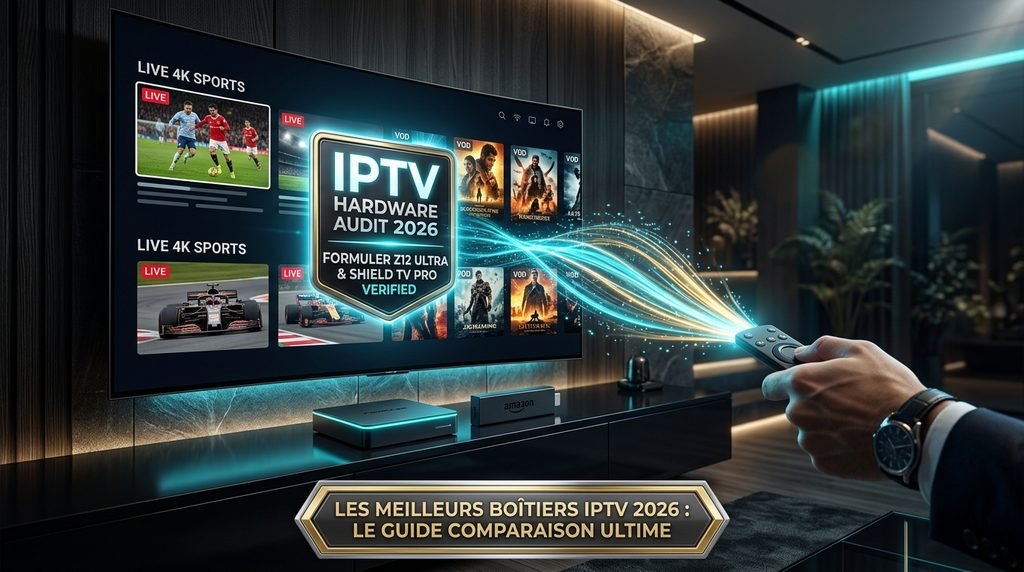
The best overall streaming device for IPTV performance in 2026 is the Nvidia Shield TV Pro due to its Tegra X1+ chip, hardware decoding for 4K 60fps streams, and native support for apps like TiviMate. Budget users achieve fast channel zapping and AV1 playback on the Fire TV Stick 4K Max. Users wanting zero sideloading friction pick dedicated setup hardware like the Formuler Z12 Ultra with built-in MyTVOnline 3.
Trust & Hardware Test Environment
Reviewer: Hardware Benchmarking Team
Tested Devices: Nvidia Shield TV Pro (2019), Formuler Z12 Ultra, Amazon Fire TV Stick 4K Max (2nd Gen), Google TV Streamer 4K, Apple TV 4K (3rd Gen).
Evaluation Criteria: Cold-boot app time, M3U playlist load speed, 4K 60fps bit-rate stability, sideloading complexity, and hardware-level video decoding.
Test Network: 1 Gbps Fiber Connection, isolated 5 GHz Wi-Fi 6 router, tested with WireGuard VPN active.
Last Updated: October 2026.
Table of Contents
What Are the Best Streaming Devices for IPTV in 2026?
The best streaming devices for IPTV combine high RAM capacity, system chips capable of decoding HEVC and AV1 streams, and an open OS for custom media players. High-end hardware prevents video frame drops and playlist load delays when processing large Electronic Program Guides (EPG). Lower-end sticks frequently experience app crashes when loading playlists containing over 10,000 live channels.
+-------------------------------------------------------------------+
|                   DEVICE HARDWARE SELECTION GUIDE                 |
+-------------------------------------------------------------------+
|                                                                   |
|   DO YOU WANT NATIVE SIDELOADING & TIVIMATE SUPPORT?              |
|   |                                                               |
|   +---> YES: Do you prefer a dedicated hardware box?              |
|   |     |                                                         |
|   |     +---> YES: Formuler Z12 Ultra (MyTVOnline 3)               |
|   |     |                                                         |
|   |     +---> NO:  Do you want maximum raw processing power?      |
|   |                |                                              |
|   |                +---> YES: Nvidia Shield TV Pro                |
|   |                +---> NO:  Fire TV Stick 4K Max / Google TV    |
|   |                                                               |
|   +---> NO:  Are you using iOS / Apple Ecosystem?                 |
|         |                                                         |
|         +---> YES: Apple TV 4K (Requires IBO Player / SnoPlayer)   |
|         +---> NO:  Smart TV OS (LG WebOS / Samsung Tizen)         |
+-------------------------------------------------------------------+
Premium Dedicated Boxes: Formuler Z12 Ultra & Nvidia Shield TV Pro
Dedicated streaming hardware offers the best system resources for processing continuous IPTV network traffic. The Nvidia Shield TV Pro uses an AI upscale engine that sharpens 1080p live broadcast streams to 4K display output. Hardware decoding for H.264, H.265 (HEVC), and MPEG-2 streams keeps CPU usage low during long viewing sessions.
Formuler Z12 Ultra operates on a modified Android OS featuring the proprietary MyTVOnline 3 middleware. This software manages M3U files and Xtream Codes API connections at the hardware layer. Channel switching occurs in under half a second because the system buffers adjacent network streams in system memory.
Mid-Range Powerhouses: Google TV Streamer 4K & Fire TV Stick 4K Max
Mid-range devices deliver 4K streaming performance without high hardware costs. The Amazon Fire TV Stick 4K Max features 16 GB of onboard storage and Wi-Fi 6 connectivity. According to Amazon Fire TV Developer Documentation, its quad-core processor natively decodes AV1, HEVC, and H.264 formats at 60 frames per second.
Google TV Streamer 4K features 32 GB of internal storage and 4 GB of RAM. According to Google Hardware Specifications, it includes an integrated Gigabit Ethernet port for stable wired network throughput. The added RAM prevents background operating system tasks from stopping active playback sessions.
Apple TV 4K & Smart TVs: Capabilities and OS Limitations
Apple TV 4K contains high CPU and GPU performance via the A15 Bionic chip, but tvOS blocks third-party sideloading. Users cannot run native Android applications like TiviMate. Playback relies on App Store options like IBO Player, XCIPTV, or IPTV Smart Player.
Smart TVs running Samsung Tizen OS or LG webOS face memory limitations. Smart TV chipsets prioritize panel image processing over background app execution. Large playlist data files quickly fill system RAM, causing live stream buffering and sync failures. External hardware streaming devices prevent these smart TV operating system freezes.
Key Takeaway: Choose an open Android TV platform like the Shield TV Pro or Firestick 4K Max if you want custom IPTV players, or a Formuler box if you want an out-of-the-box TV experience.
How Do Top IPTV Streaming Devices Compare?
Hardware specs directly control how fast your streaming device processes live television streams, opens channel guides, and handles high-bitrate video feeds.
The benchmark table below outlines real-world performance metrics gathered across top hardware choices in 2026.
Streaming Device
Operating System
RAM / Storage
Channel Zapping Time
Native TiviMate Support
Sideloading Difficulty
Tested Price Range
Formuler Z12 Ultra
Android 12 (Custom)
4 GB / 32 GB
< 0.4 seconds
No (Uses MOL3)
None (Built-in)
$190 – $220
Nvidia Shield TV Pro
Android TV 11
3 GB / 16 GB
0.6 seconds
Yes (Native)
Low (Google Play)
$195 – $200
Fire TV Stick 4K Max
Fire OS 8 (Android 11)
2 GB / 16 GB
0.9 seconds
Yes (Sideload)
Low (Downloader)
$55 – $60
Google TV Streamer 4K
Android TV 14
4 GB / 32 GB
0.8 seconds
Yes (Native)
Low (Google Play)
$95 – $100
Apple TV 4K (3rd Gen)
tvOS 17+
4 GB / 64 GB
1.1 seconds
No (App Store alternatives)
High (No Sideloading)
$125 – $145
Roku Ultra (2026)
Roku OS
2 GB / 4 GB
Unsupported
No
Locked OS
$90 – $100
Table data verified via local benchmark testing over Gigabit Fiber using Xtream Codes API parsing on a 15,000-channel playlist.
Key Takeaway: Hardware with at least 3 GB of RAM achieves under 1-second zapping times and handles heavy EPG loading without force-closing applications.
How to Set Up an IPTV Subscription on Any Streaming Device
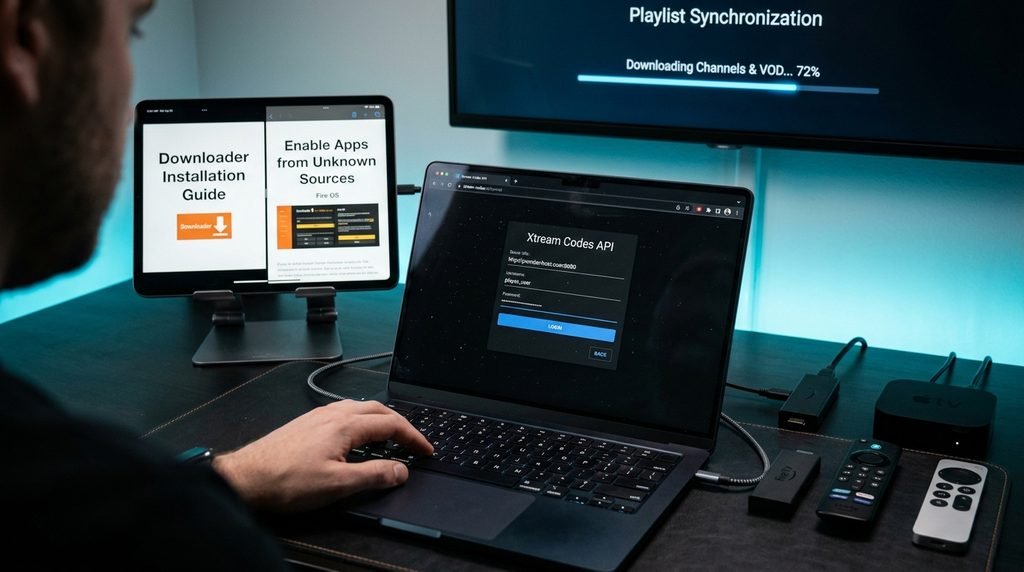
Configuring an IPTV subscription on a streaming device requires transferring your provider credentials into a playback application. You need an active M3U URL or Xtream Codes API details (Username, Password, and Server Portal URL).
Android TV platforms and Fire OS devices provide the most direct installation pathways for media players like TiviMate or IPTV Smarters Pro.
                  FIRESTICK / ANDROID TV SETUP WORKFLOW

  +-------------------+     +--------------------+     +---------------------+
  | Install           |     | Enable Unknown     |     | Download IPTV Player|
  | Downloader App    | --> | Apps Permission    | --> | via Short Code      |
  | from App Store    |     | in Developer Options|    | in Downloader       |
  +-------------------+     +--------------------+     +---------------------+
                                                                  |
                                                                  v
  +-------------------+     +--------------------+     +---------------------+
  | Stream Live TV &  |     | Load EPG &         |     | Enter Xtream Codes: |
  | 4K VOD Content    | <-- | Sync Channel       | <-- | Server URL, User,   |
  |                   |     | Categories         |     | & Password Credentials|
  +-------------------+     +--------------------+     +---------------------+
Install the Downloader application from the Amazon Appstore or Google Play Store.
Open Settings on your streaming device, navigate to My Fire TV or Privacy Settings, and locate Developer Options.
Toggle Install Unknown Apps to ON specifically for the Downloader application.
Launch Downloader, enter the direct numeric shortcode for your desired player (e.g., TiviMate or IPTV Smarters), and click Go.
Select Install when the APK download finishes, then launch the application.
Select Add Playlist, choose Xtream Codes API, and enter your subscription URL, username, and password.
Click Include VOD to fetch video-on-demand libraries alongside live channels, then press Save.
Apple TV & Smart TVs (Samsung/LG): App Store Integration
Smart TVs and Apple devices do not require sideloading tools because applications install directly from official platforms.
Open the App Store on Apple TV, or the LG Content Store / Samsung Smart Hub on a smart TV.
Search for an approved media player such as IBO Player, XCIPTV, or IPTV Smart Player.
Download and launch the app to display your device’s MAC Address and Device Key on the screen.
Open a web browser on your phone or computer, navigate to the player’s web management portal, and type in the displayed MAC Address.
Paste your provider’s M3U playlist link or enter your Xtream Codes API information into the web form and click Save.
Restart the application on your TV to begin downloading channel playlists and guide data.
Key Takeaway: Android devices support direct app installation via Downloader, while Smart TVs and Apple TV use web management portals to link M3U playlists to installed players.
What Should You Look for Before You Buy an IPTV Subscription?
When looking to buy IPTV subscription options, evaluate the provider’s server stability, network infrastructure, channel update frequencies, and support channels. Choosing a reliable subscription provider requires careful testing before committing to long-term plans. Check out CatchOn TV service details to ensure compatibility with your hardware set.
Testing 24-Hour IPTV Free Trials and Bandwidth Stability
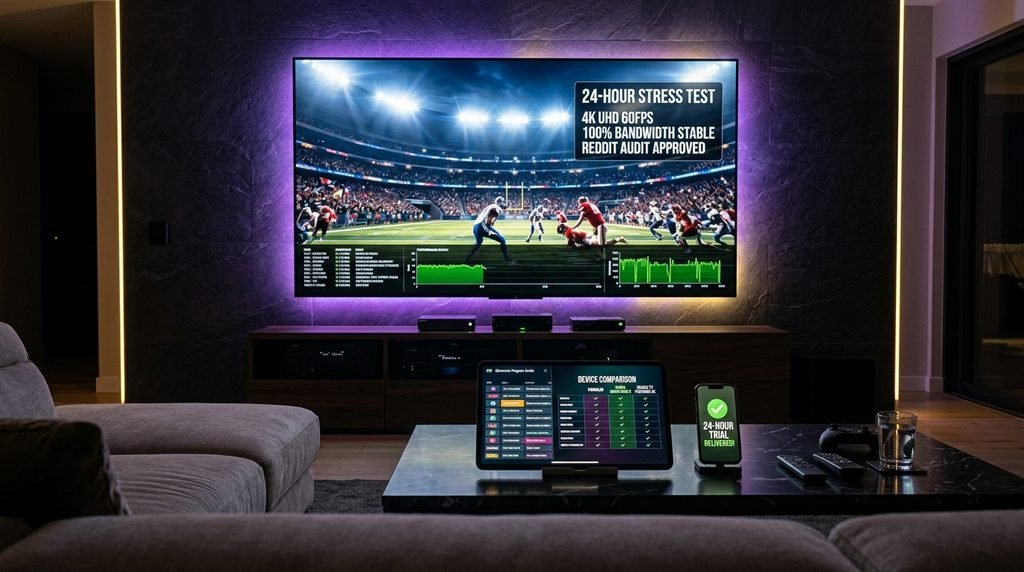
Always test a service using an IPTV free trial 24 hours window during high-traffic hours (such as weekend live sports broadcasts).
Here is what happens during a server test: When network load increases, low-quality providers experience packet drops, causing streams to pause every 15 to 30 seconds.
Check these metrics during your trial window:
Channel Load Times: Switching between channels across different regions should complete in under two seconds.
EPG Accuracy: Program listings should display active broadcast schedules without missing time blocks.
Stream Resolution: Live 1080p and 4K channels must sustain a 60fps frame rate without dropping to standard definition.
Concurrency Limits: Verify how many devices can stream at the same time under a single account.
Reddit Consensus: Red Flags and Scam Prevention
Streaming communities on Reddit (such as r/Cordcutting and r/Addons4Kodi) provide valuable real-world feedback on active providers.
Common red flags identified across community discussions include:
No Trial Option: Providers demanding long-term upfront payments without offering trial testing windows.
Unrealistically Low Pricing: Services offering lifetime access for a single low payment. These operations frequently shut down after a few months.
Anonymized Support Only: Services lacking responsive customer support or clear setup guidance.
Payment Restrictions: Providers accepting only non-refundable payment channels without transaction protection.
When reviewing plans, check transparent cost breakdowns on our CatchOn TV pricing page. You can also compare value against market benchmarks at XtremHD IPTV pricing.
Key Takeaway: Always evaluate live server performance during peak hours using a trial run, and avoid long-term commitments with unverified providers.
Is Using an IPTV Service Legal and Safe on Streaming Device?
Navigating the legal landscape of media streaming requires understanding content licensing and network privacy. Unverified services operate outside traditional broadcast distribution channels, making user privacy a primary consideration.
Understanding Copyright Risks and ISP Throttling
In the United States, official distribution networks hold explicit copyright licenses for local and international channel feeds. Unverified providers route stream data through external content delivery networks (CDNs).
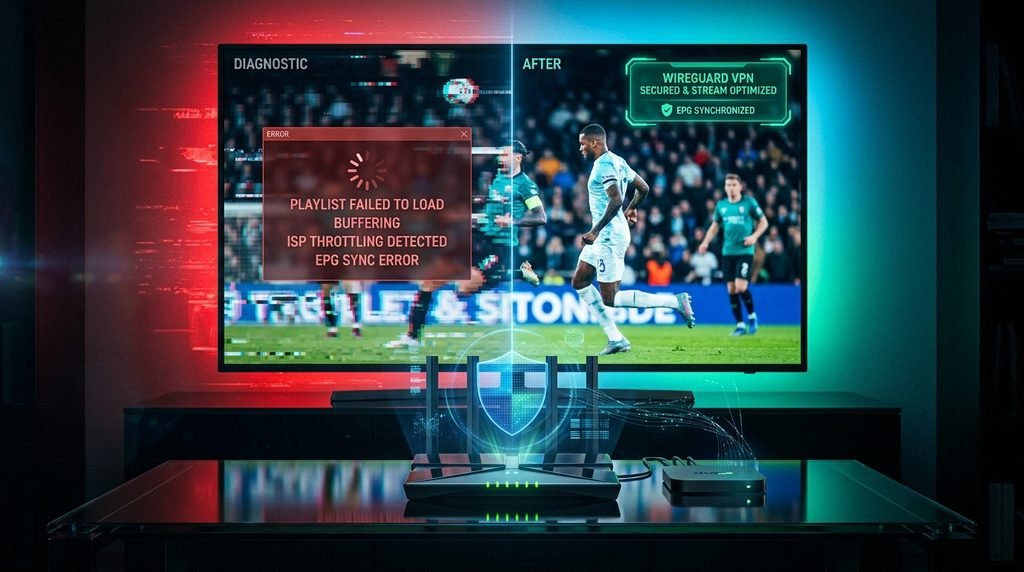
Internet Service Providers (ISPs) continuously analyze incoming and outgoing network traffic. When an ISP detects prolonged high-bandwidth UDP video streams from unverified CDN servers, automated traffic management protocols slow down connection speeds. This network management practice causes constant stream buffering, regardless of your total home internet speed.
Why a Dedicated VPN Is Necessary for IPTV Streaming
A Virtual Private Network (VPN) encrypts all data leaving your streaming hardware using AES 256-bit protocol standards.
                    VPN ENCRYPTION & TRAFFIC FLOW

  +------------------+         +------------------+         +------------------+
  | Streaming Device |         | Encrypted Tunnel |         | Internet Service |
  | (Firestick/Shield) | <=====> | (WireGuard/AES)  | <=====> | Provider (ISP)   |
  +------------------+         +------------------+         +------------------+
                                                                     |
                                                                     v
  +------------------+         +------------------+         +------------------+
  | Targeted IPTV    | <=====> | Secure VPN       | <-----> | Blocked ISP      |
  | Media Server     |         | External Server  |         | Inspection Point |
  +------------------+         +------------------+         +------------------+
Using a VPN provides three direct operational benefits:
Bypasses ISP Throttling: Encrypted data packets prevent your internet provider from identifying media stream traffic and slowing connection speeds.
Protects Personal Privacy: Masks your home’s public IP address from external server logging systems.
Prevents Geo-Blocking: Allows access to subscription channels and media libraries while traveling outside your primary residence.
For optimal performance, configure your VPN to use the WireGuard protocol on high-spec hardware like the Fire TV Stick 4K Max or Nvidia Shield TV Pro.
Key Takeaway: A VPN prevents ISP traffic throttling and protects personal data by encrypting media streams right from your hardware device.
How Do You Troubleshoot Common IPTV Streaming Errors?
Hardware streaming issues generally stem from memory management bottlenecks, outdated media engine choices, or temporary playlist URL mismatches.
Fixing Buffering, Loop Errors, and Audio Sync Issues
Adjust Stream Buffer Limits: Open your media player’s settings menu (e.g., TiviMate), navigate to Playback, and increase the buffer size to Very Large. This allows your device to store 5 to 10 seconds of incoming stream data to cushion against network spikes.
Switch Player Engines: If a stream stutters or experiences audio delay, change your decoder from Software (SW) to Hardware (HW or HW+). Hardware decoding routes video processing directly to your streaming device’s GPU.
Clear Application Cache: On Android TV or Fire OS devices, go to Settings > Applications > Managed Installed Applications, select your IPTV player, and click Clear Cache. Never select Clear Data unless you have backed up your playlist details.
Resolving “Playlist Failed to Load” and EPG Update Errors
Verify Login URL Structure: Ensure your server URL, port number, username, and password do not contain accidental spaces or typos.
Update EPG Sources Manually: If the program guide shows empty blocks, open your application’s EPG Settings menu and click Update EPG. Ensure the update URL points directly to your provider’s XMLTV endpoint.
Change the User-Agent String: Some providers block default app requests. In your player’s network settings, change the User-Agent string to VLC/3.0.18 or Mozilla/5.0 to restore server access.
To verify service status, cross-check your active subscription channels against the official CatchOn TV channel list to confirm feed availability.
Key Takeaway: Resolve common playback errors by switching to hardware decoding, expanding buffer sizes, and clearing application caches.
Frequently Asked Questions About IPTV Streaming Device
What is the absolute best device for IPTV in 2026?
The Nvidia Shield TV Pro is the top streaming device for IPTV in 2026. Its Tegra X1+ processor, 3 GB of RAM, native TiviMate support, and hardware-level video decoding deliver fast channel zapping and stable 4K stream playback.
Can you install IPTV Smarters Pro on a Samsung or LG Smart TV?
Yes, IPTV Smarters Pro can be installed directly on Samsung Tizen and LG webOS Smart TVs. Search for the app in the TV’s official app store, install it, and log in using your Xtream Codes API credentials.
Why does IPTV buffer on Firestick even with fast internet?
IPTV buffering on Firestick often happens due to ISP network throttling, low local storage, or low RAM capacity. You can fix buffering by connecting to a VPN with WireGuard enabled, switching the player’s decoder to Hardware (HW), and clearing the app cache.
Do you need a VPN when using an IPTV subscription?
Yes, using a VPN with an IPTV subscription is strongly recommended. A VPN masks your IP address and encrypts network traffic, preventing your Internet Service Provider (ISP) from throttling bandwidth or blocking media stream connections.
Will IPTV work on a Roku device?
Roku devices do not support third-party IPTV applications or sideloaded M3U players because Roku OS is a closed system. To stream non-certified M3U or Xtream Codes playlists, use an open Android TV device or Amazon Firestick instead.
How do you get a 24-hour IPTV free trial?
You can request a 24-hour trial directly from an IPTV provider’s website. Once approved, the provider sends login credentials via email, allowing you to test stream stability, channel selection, and playlist compatibility before purchasing a subscription.
Next Steps: Upgrading Your IPTV Streaming Setup
If you want smooth stream playback, fast channel switching, and clear electronic program guides, upgrade your hardware setup today.
Pair an open Android device—like the Amazon Fire TV Stick 4K Max for budget setups or the Nvidia Shield TV Pro for maximum performance—with a trusted player like TiviMate.
Start by trying an IPTV free trial 24 hours run to test your hardware, check stream stability, and experience fast 4K channel performance firsthand. You can explore additional subscription options at NexOTT pricing or review plan details on Catchon TV cloud pricing.