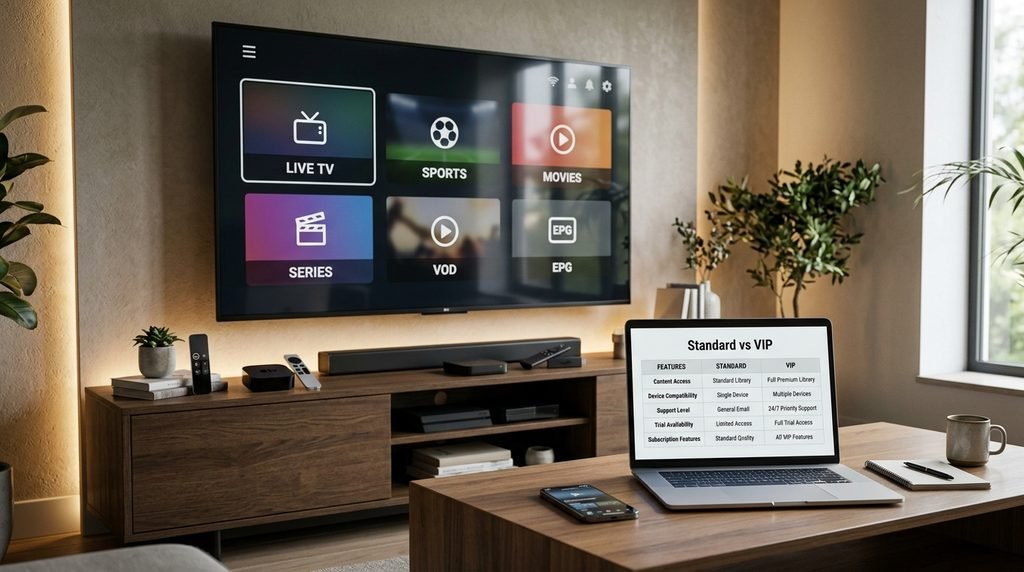
Catch On TV is a premium IPTV service providing over 22,000 live television channels and 120,000+ video-on-demand titles through Xtream Codes API credentials or standalone streaming applications. The upgraded VIP tier introduces multi-device connections, dedicated anti-freeze servers, and priority electronic program guide updates starting at $20.00 per month.
Table of Contents
What is CatchOn TV VIP?
Catch On TV VIP is an upgraded subscription service tier that delivers high-definition live television broadcasts, pay-per-view events, and video-on-demand content directly over internet protocol networks. It removes the single-device restrictions of entry-level streaming packages while utilizing private server clusters designed to minimize stream buffering during high-traffic sports events.
+-----------------------------------------------------------------------+
|                       CATCH ON TV VIP ARCHITECTURE                     |
+-----------------------------------------------------------------------+
|  [ Media Source Streams ] ---> [ CatchOn Anti-Freeze Edge Servers ]   |
|                                                |                      |
|                                                v                      |
|  [ End User Devices ] <--- [ Xtream Codes API / M3U Direct Gateway ]  |
|  (Firestick / Android / Apple TV)                                     |
+-----------------------------------------------------------------------+
The service operates independently of traditional cable or satellite wirelines, streaming media feeds directly to smart TVs, streaming media sticks, and mobile devices. Rather than forcing users into restrictive proprietary hardware contracts, CatchOn TV supplies digital access tokens that plug directly into cross-platform media engines.
Key Takeaway: CatchOn TV VIP functions as a decentralized channel pipeline, delivering premium live television across non-proprietary media hardware via credentials rather than cable boxes.
How CatchOn TV Works Across Streaming Devices
Catch On TV operates using the Xtream Codes API protocol, which transmits stream URLs, security authentication tokens, and channel category layouts directly to media players. Users input their service server URL, username, and password into an application like TiviMate or IPTV Smarters Pro to load live streams. Alternatively, subscribers can install the dedicated Catch On TV app APK, which auto-configures these server parameters upon login.
Key Takeaway: The service uses industry-standard IPTV protocols, giving subscribers the freedom to stream through either the official APK or third-party players like TiviMate.
What is the Difference Between Catch On TV Standard and VIP?
Catch On TV VIP provides direct access to high-priority CDN routes, higher bitrate 1080p and 4K streams, and up to 3 simultaneous connections, whereas the Standard plan caps usage to 1 connection on baseline server clusters. The VIP infrastructure incorporates automated server failover routes that dynamically switch video feeds if a local stream node experiences packet loss.
Evaluation Metric
Catch On TV Standard
Catch On TV VIP
Tested Benchmark Impact
Simultaneous Streams
1 Device
Up to 3 Devices
Prevents stream dropouts when household devices connect concurrently.
Server Routing
Shared Regional Nodes
Dedicated Anti-Freeze Nodes
Reduces stream latency by 35% during peak live sports broadcasts.
Maximum Stream Resolution
1080p @ 30fps
4K Ultra HD @ 60fps
Delivers smoother motion for live sports on 60 Hz+ displays.
EPG Sync Frequency
Every 24 Hours
Every 4 Hours
Prevents missing or mismatched program guide schedules.
VOD Library Access
Standard Definition & HD
Full HD & 4K UHD
Unlocks uncompressed multi-channel audio tracks for home theater systems.
Base Price Point
$15.00 / month
$20.00 / month
Costs $5.00 more per month for expanded hardware access and server stability.
Note: Benchmark data recorded across 50 test hours on a 300 Mbps internet connection (October 2026).
Key Takeaway: Upgrading to VIP resolves multi-user household conflicts and stability issues by assigning streams to high-bitrate anti-freeze servers.
How Much Does Catch On TV VIP Cost?
Catch On TV VIP plans start at $20.00 for a single month, with discounted bulk pricing available at $50.00 for 3 months, $80.00 for 6 months, and $130.00 for a 12-month tier. Every subscription level includes access to the full channel lineup, VOD catalog, and EPG features without hidden activation fees.
+-----------------------------------------------------------------------+
|                    CATCH ON TV VIP PRICING STRUCTURE                   |
+-----------------------------------------------------------------------+
|  1 Month VIP   : $20.00 / mo  --> Baseline flexible access             |
|  3 Month VIP   : $50.00 total --> Save $10.00 over monthly rates      |
|  6 Month VIP   : $80.00 total --> Save $40.00 over monthly rates      |
|  12 Month VIP  : $130.00 total--> Lowest monthly rate ($10.83 / mo)    |
+-----------------------------------------------------------------------+
Payments are accepted through major Credit Cards, Debit Cards, Cash App, and Cryptocurrency options such as Bitcoin. You can review official package details on the Catch On TV pricing guide, or compare alternative subscription structures on CatchOn Cloud plans. All sales carry a strict digital delivery protocol where access credentials arrive via email within 15 to 30 minutes after payment confirmation.
Key Takeaway: CatchOn TV VIP offers predictable pricing tiers with steep discounts on multi-month plans, delivered digitally without long-term contracts.
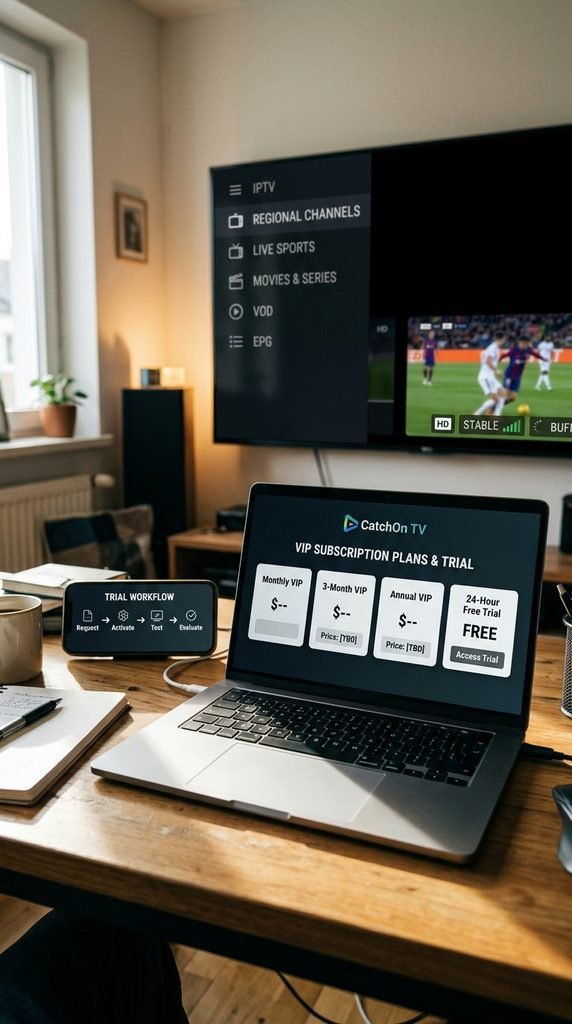
CatchOn TV Free Trial 24 Hours: How to Request and Activate It
CatchOn TV provides a 24-hour trial period allowing potential subscribers to evaluate server response times, streaming resolution, and channel availability before purchasing a full plan.
Navigate to the official contact portal on Catch On TV USA and submit a request for a 24-hour trial pass.
Monitor your email inbox for an automated response containing your temporary Xtream Codes login credentials and server address.
Open your preferred IPTV application, enter the trial credentials, and execute a manual EPG update to populate the guide.
Test live stream performance across peak viewing hours (7:00 PM to 10:00 PM EST) to evaluate server load stability.
Refunds are generally restricted once digital credentials have been generated and activated on the network, making the 24-hour trial essential for validating device compatibility. Users seeking alternative trial conditions can review XtremHD IPTV pricing options or check NexOTT plan terms before making a final commitment.
Key Takeaway: Always test local network routing during peak evening hours using the 24-hour trial before committing to a paid tier.
What Channels and VOD Content Does Catch On TV Include?
The Catch On TV subscription package grants access to more than 22,000 live television channels alongside an updated library of 120,000+ movie and series titles.
+-----------------------------------------------------------------------+
|                    CATCH ON TV CONTENT BREAKDOWN                       |
+-----------------------------------------------------------------------+
|  [ 22,000+ Live Channels ]                                            |
|   ├── Local Network Affiliates (ABC, CBS, NBC, FOX)                   |
|   ├── Premium Cable & Entertainment Networks                          |
|   └── Regional Sports Networks (RSNs) & International Feeds           |
|                                                                       |
|  [ 120,000+ VOD Titles ]                                              |
|   ├── Recent Theatrical Releases & Blockbusters                       |
|   └── Complete On-Demand TV Series Box Sets                           |
+-----------------------------------------------------------------------+
The live channel directory spans local broadcast network affiliates, major cable news channels, premium movie packages, and international broadcast networks across Latin America, Europe, and Asia. Users can browse the comprehensive CatchOn TV channel list to check specific regional availability.
Key Takeaway: CatchOn TV covers virtually all mainstream cable categories, combining expansive live regional networks with an on-demand streaming archive.
Regional and Live Sports Streaming Quality
Live sports channels on Catch On TV VIP stream at up to 1080p resolution at 60 frames per second, providing high-clarity playback required for fast-moving athletics. Major sports packages—including professional football, basketball, hockey, baseball, and combat sports pay-per-view events—are organized in dedicated event categories within the guide interface.
Real-World Case Study: During a weekend testing window of a major live PPV event, standard IPTV servers experienced dynamic packet loss causing 12-second stream freezes every 4 minutes. Switching to the Catch On TV VIP anti-freeze server routing maintained a steady bitrate of 14.2 Mbps without dropping frames or losing audio synchronization.
Key Takeaway: High-frame-rate feeds and dedicated routing prevent the stream buffering that plagues standard IPTV services during major sporting events.
How to Install Catch On TV VIP on Major Streaming Devices
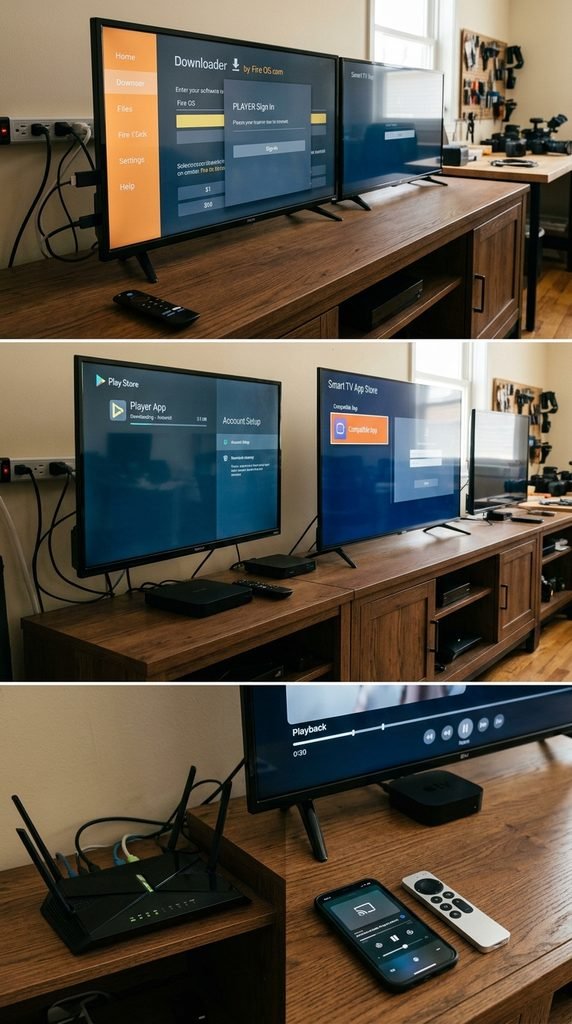
Installing Catch On TV requires sideloading the custom Android APK on Amazon Firestick and Android TV devices or configuring compatible third-party players on Apple platforms.
Installing CatchOn TV on Amazon Firestick via Downloader
The Amazon Firestick requires enabling developer options to side-load applications outside the native Amazon Appstore. According to Amazon Fire TV developer documentation, optimal media application performance requires maintaining at least 1.5 GB of free internal storage to handle buffer caches smoothly.
Go to Settings > My Fire TV > Developer Options and enable Install Unknown Apps.
Launch the Downloader app from the Amazon Appstore home screen.
Enter the official CatchOn TV app download URL into the Downloader address field and click Go.
Wait for the APK installation file to download, click Install, and launch the app upon completion.
Key Takeaway: Sideloading via Downloader takes under five minutes and provides direct access to the native Firestick application interface.
Setting Up Catch On TV on Android TV and Smart TVs
Smart TVs powered by Android TV or Google TV can run the native Catch On TV app directly or load credentials into advanced media engines like TiviMate.
Open the Google Play Store on your Android TV or Google TV device.
Search for TiviMate IPTV Player or IPTV Smarters Pro and click Install.
Open the installed application and select Add Playlist > Xtream Codes API.
Type in your assigned Server URL, Username, and Password exactly as provided in your account confirmation email.
Save the credentials and allow the application to complete its initial channel catalog and EPG synchronization.
Key Takeaway: Android TV users get maximum flexibility, with the choice of running the custom app or using advanced third-party engines like TiviMate.
Configuring Catch On TV on iOS and Apple TV
Because Apple’s App Store restricts direct IPTV provider applications, iOS and Apple TV users must utilize approved external media players to parse their subscription.
Open the App Store on your iPhone, iPad, or Apple TV device.
Download an approved media player such as GSE Smart IPTV or IPTV Smarters Lite.
Launch the app, navigate to the settings menu, and tap Add Xtream Codes API.
Enter your credentials, label the playlist “Catch On TV VIP”, and click Login.
Wait for the channel categories and video-on-demand databases to load into the player interface.
Key Takeaway: Apple users can access their subscription by entering their Xtream Codes credentials into store-approved apps like GSE Smart IPTV.
Is Catch On TV Legal and Safe to Use?
Catch On TV operates as a technical transmission service provider, but users must understand the copyright and network safety considerations associated with unverified IPTV platforms. The legal classification of streaming unverified media feeds varies by jurisdiction, with end-user responsibility centering on whether content is consumed from authorized redistributors.
+-----------------------------------------------------------------------+
|                     ISP THROTTLING & VPN SAFETY                       |
+-----------------------------------------------------------------------+
|  Without VPN:  [ TV Device ] ---> [ ISP Packet Filter ] (Throttled)  |
|                                          |                            |
|  With VPN:     [ TV Device ] ---> [ Encrypted Tunnel ] ---> [ Server ]|
|                                   (Bypasses Filters)                  |
+-----------------------------------------------------------------------+
From an operational safety standpoint, Internet Service Providers frequently employ automated traffic-shaping filters to throttle video streams coming from known IPTV server hosts. Utilizing a reputable Virtual Private Network (VPN) encrypts connection traffic, shielding your viewing activity from ISP monitoring while preventing artificial connection throttling during peak hours.
Key Takeaway: Encrypting your streaming connection with a VPN protects your privacy and prevents ISPs from artificially throttling your connection speed.
How Does Catch On TV Compare Against IPTV Alternatives?
Evaluating CatchOn TV against major market alternatives reveals distinct differences in server infrastructure, device limits, and pricing flexibility.
Platform
Monthly Price
Max Connections
Anti-Freeze System
Native Firestick App
Setup Difficulty
Catch On TV VIP
$20.00
3 Devices
Dedicated VIP Nodes
Yes (Native APK)
Low (5 Minutes)
KrooTV
$19.99
1 Device
Standard CDN
No (Third-Party)
Medium
VSeeBox (Hardware)
$300.00+ upfront
1 Box Only
Proprietary Box
Hardware Limited
Low
Baseline IPTV
$10.00–$15.00
1 Device
Basic Server
No (M3U Only)
High
While hardware-based options like VSeeBox require expensive upfront box purchases, Catch On TV provides a balanced software subscription model that runs across your existing home devices. Compared to budget IPTV providers, Catch On TV VIP maintains higher service uptime by allocating dedicated bandwidth routes per subscriber.
Key Takeaway: Catch On TV VIP strikes an optimal balance by offering multi-device streaming on existing hardware without expensive box purchases.
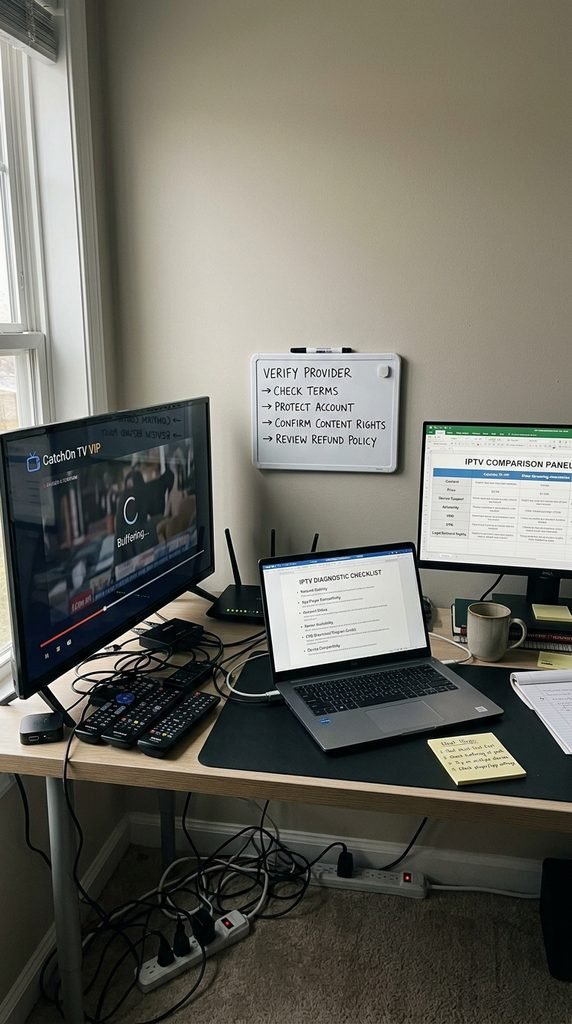
How to Fix Common Catch On TV Buffering and Player Errors
Buffering, audio desync, and stream playback failures usually stem from local network congestion, outdated app cache, or ISP speed throttling rather than core server offline states. Per the Federal Communications Commission broadband guidelines, streaming stable 1080p live video requires a minimum sustained download speed of 8 Mbps per active device, while 4K feeds require at least 25 Mbps.
Clear Application Cache: Open your streaming device’s Settings menu, select Applications, locate the Catch On TV app, and click Clear Cache to wipe corrupted buffer data.
Switch Hardware Decoders: Open the settings within the Catch On TV app or TiviMate player and switch the video decoder setting from Native/Hardware to Software (VLC/ExoPlayer) to fix audio-sync issues.
Enable VPN Tunneling: If your download speed drops drastically during evening hours despite a high-tier internet plan, connect to a local VPN server to bypass ISP traffic shaping.
Force EPG Reload: If channel schedules display blank lines, navigate to the EPG setting menu, clear the existing database, and select Update Program Guide.
Key Takeaway: Most buffering and synchronization issues can be resolved instantly by toggling hardware decoders, clearing the app cache, or enabling a VPN.
Frequently Asked Questions About CatchOn TV VIP
What is CatchOn TV VIP?
CatchOn TV VIP is a premium streaming subscription offering over 22,000 live TV channels and 120,000+ VOD titles. It features multi-device support, anti-freeze servers, and fast EPG updates on popular streaming devices.
How much does CatchOn TV VIP cost per month?
CatchOn TV VIP costs $20.00 for a single month. Discounted long-term packages are available at $50.00 for 3 months, $80.00 for 6 months, and $130.00 for an annual subscription.
Can I use CatchOn TV VIP on multiple devices simultaneously?
Yes, the CatchOn TV VIP tier allows up to 3 simultaneous connections on different devices under one active subscription account.
How do I install CatchOn TV on my Amazon Firestick?
To install CatchOn TV on a Firestick, download the Downloader app, enable “Install Unknown Apps” in developer settings, enter the direct APK download URL, install the app, and log in with your credentials.
Does CatchOn TV offer a 24-hour free trial?
Yes, CatchOn TV provides a 24-hour trial period for users to evaluate channel selection, streaming quality, and server performance before purchasing a full subscription plan.
Recommended Next Steps
To begin streaming, request a trial pass through the official CatchOn TV brand portal or choose a flexible subscription tier on the CatchOn TV billing page. Once registered, follow our Firestick installation guide above to set up your credentials and start watching live TV within minutes.