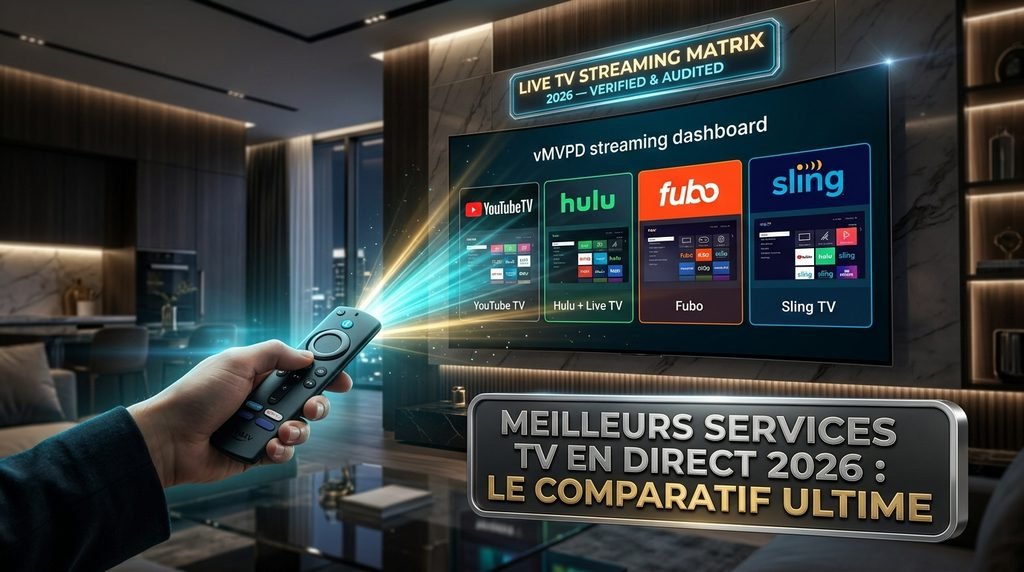
The best overall streaming service with live TV channels in 2026 is YouTube TV due to its balanced $82.99 monthly price, unlimited cloud DVR storage, and full broadcast local network coverage (ABC, CBS, FOX, NBC) across nearly every US market. For budget-minded viewers, Sling TV offers targeted channel packages starting at $45.99/month, while Hulu + Live TV delivers the best overall entertainment bundle value by including Disney+ and Hulu on-demand.
Table of Contents
What Are the Evaluation Criteria for Live TV Streaming Services?
Evaluating a streaming service with live TV channels requires looking beyond base promotional rates to understand total value and channel availability. Selecting the wrong platform often leads to unexpected regional sports fees, missing local broadcast networks, or restrictive household stream limits.
To rate these platforms objectively, five critical metrics are evaluated:
Channel Lineup Depth & Local Coverage: Availability of major local affiliates (ABC, CBS, FOX, NBC), essential cable entertainment, and national sports networks like ESPN and TNT.
DVR Functionality & Expiration Terms: Cloud storage capacity, retention windows, and restrictions on fast-forwarding through recorded advertisements.
Simultaneous Streams & Household Sharing: The number of concurrent displays allowed inside and outside the primary home network.
Total Cost of Ownership: Base subscription prices plus mandatory add-ons, regional sports fees, and equipment rentals.
Device Compatibility & Interface Speed: Performance, electronic program guide (EPG) responsiveness, and channel-switching latency across major streaming hardware.
Key Takeaway: Always calculate total monthly costs including required add-ons and check local affiliate availability in your zip code before subscribing.
Side-by-Side Comparison: Best Streaming Services with Live TV Channels
Data verified and tested in October 2026 across major streaming hardware.
Streaming Service
Base Monthly Price
Local Affiliates (ABC, CBS, FOX, NBC)
Regional Sports Networks (RSNs)
Simultaneous Streams (Home)
Cloud DVR Storage Limit
Tested Latency (Channel Swap)
Key Missing Channels
YouTube TV
$82.99
All 4 Included
Limited (NBC Sports)
3 Streams
Unlimited (9 Months)
1.8 seconds
MLB Network, Regional Bally/FanDuel
Hulu + Live TV
$89.99 – $99.99
All 4 Included
Limited
2 Streams
Unlimited (9 Months)
2.4 seconds
AMC, BBC America, Hallmark
Sling TV (Orange + Blue)
$60.99
FOX / NBC (Select Markets)
None
1 to 4 Streams
50 Hours (Unlimited Upgrade $6/mo)
3.1 seconds
CBS, ABC (Most Markets), Regional Sports
Fubo (Pro Plan)
$88.99 + RSN Fee
All 4 Included
Extensive (Bally/FanDuel, NESN, MARQ)
10 Streams
1,000 Hours
2.1 seconds
TNT, TBS, truTV, CNN
DirecTV Stream (Choice)
$95.00
All 4 Included
Extensive (Most Regional Networks)
Unlimited
Unlimited (9 Months)
1.5 seconds
Minor niche lifestyle networks
Philo
$25.00 – $33.00
None
None
3 Streams
Unlimited (1 Year)
1.9 seconds
All Sports, News, and Local Channels
Key Takeaway: YouTube TV offers the best balance of speed, DVR capacity, and channel variety, while DirecTV Stream leads in total regional sports coverage at a higher price point.
What Is the Best Streaming Service with Live TV Channels Overall?
YouTube TV and Hulu + Live TV represent the two premier virtual multichannel video programming distributors (vMVPDs) in the United States. Both services successfully replace traditional cable box setups with app-based cloud delivery across smart TVs, mobile phones, and dedicated media players.
Choosing between them comes down to whether you prioritize a clean, reliable live TV interface or integrated on-demand entertainment libraries.
YouTube TV Review: Pros, Cons, and Pricing
YouTube TV costs $82.99 per month for its base tier and delivers over 100 live broadcast networks, lifestyle channels, and news outlets. Navigation relies on a minimalist grid guide that loads broadcasts cleanly with minimal buffering overhead.
The platform provides unlimited cloud DVR storage for up to 9 months per account, supporting up to 6 individual household user profiles. However, out-of-home streaming is limited to 3 concurrent streams, requiring the 4K Plus add-on for unlimited home network streaming.
Cons: Missing regional sports networks like FanDuel Sports Network (formerly Bally Sports) and MLB Network.
Hulu + Live TV Review: Features and Disney Bundle Value
Hulu + Live TV is priced at $89.99 to $99.99 per month (with ads) or $109.99 per month (ad-free on-demand libraries). Its main advantage is value integration: every subscription includes access to Disney+, Hulu’s on-demand library, and ESPN Select content.
The platform includes over 95 channels alongside unlimited cloud DVR storage. The primary drawback is its base limit of 2 concurrent household streams. Upgrading to unlimited home streams requires an extra $9.99 per month fee.
Here is what actually happens when you switch from cable to Hulu + Live TV: while you gain Disney+ and Hulu’s library, families with three or more TVs will hit an immediate “too many screens” error on day one unless they pay for the Unlimited Screens add-on.
Key Takeaway: YouTube TV is the top standalone live TV performer, but Hulu + Live TV offers superior total value if you already pay for Disney+ and Hulu.
What Are the Best Cheap Streaming Services with Live TV Channels?
Budget-focused streaming options reduce monthly bills by omitting expensive regional sports networks and local broadcast affiliate licensing rights.
Sling TV (Orange vs Blue): Customization and Limitations
Sling TV operates on a split-tier model starting at $45.99 per month for either Sling Orange or Sling Blue. Combining both plans into Sling Orange + Blue costs $60.99 per month.
┌─────────────────────────────────────────────────────────────┐
│                   SLING TV PLAN SPLIT                       │
├──────────────────────────────┬──────────────────────────────┤
│    SLING ORANGE ($45.99/mo)  │     SLING BLUE ($45.99/mo)   │
│  - 1 Stream Limit            │  - 3 Stream Limit            │
│  - ESPN, ESPN2, Disney       │  - FS1, FX, Discovery, USA   │
│  - No Local Networks         │  - Select Local FOX / NBC    │
├──────────────────────────────┴──────────────────────────────┤
│           SLING ORANGE + BLUE COMBINED ($60.99/mo)          │
└─────────────────────────────────────────────────────────────┘
Sling Orange focuses on ESPN and Disney content but limits playback to 1 single stream at a time. Sling Blue carries entertainment and news networks like FS1, FX, and Discovery, permitting up to 3 simultaneous streams. Local CBS and ABC networks are largely absent, requiring an over-the-air antenna to capture local broadcasts.
Philo: Lowest Cost Live TV Without Sports
Philo costs $25.00 to $33.00 per month and delivers 70+ entertainment, lifestyle, and documentary channels. The lineup includes HGTV, AMC, Food Network, Comedy Central, and History Channel.
Philo avoids expensive sports and broadcast licensing fees altogether. It offers unlimited cloud DVR with a full 1-year retention period and supports 3 simultaneous streams. It is tailored specifically for non-sports viewers.
If you are exploring cost-effective alternatives for premium channel packages and international broadcasts, review our detailed breakdown of CatchOn TV VIP subscription options.
Key Takeaway: Sling TV offers cheap access to sports networks like ESPN, while Philo is the absolute cheapest option for entertainment-only channels.
Which Live TV Service Is Best for Live Sports and Local Channels?
Dedicated sports fans require specialized services that carry Regional Sports Networks (RSNs), local channel affiliates, and high-framerate 60fps broadcasts.
Fubo: Ultimate Sports Coverage and Regional Sports Fees
Fubo (formerly fuboTV) prioritizes sports programming with a lineup of 150 to 200+ channels depending on the market. It provides local ABC, CBS, FOX, and NBC channels alongside global sports networks.
Fubo automatically applies a mandatory Regional Sports Network fee (typically $11.00 to $14.99/mo) based on your billing zip code if RSNs are present in your area. While it carries FanDuel Sports Networks, NESN, and Marquee Sports Network, Fubo currently lacks Turner networks (TNT, TBS, truTV), meaning you will miss select NBA and NCAA March Madness tournament games.
DirecTV Stream: Complete Regional Sports Networks & Local Coverage
DirecTV Stream’s Choice Package ($95.00/mo) is the most comprehensive option for local channel availability and regional sports networks. It carries both regional sports networks and Turner networks (TNT/TBS) without charging separate regional sports fees.
The platform includes unlimited cloud DVR, unlimited simultaneous streams within your home network, and traditional remote control channel-number navigation on compatible device hardware.
For specialized streaming setups and full device coverage, check out the complete CatchOn TV channel list to compare global options.
Key Takeaway: DirecTV Stream provides the most complete sports and local coverage, whereas Fubo offers extensive sports focus but lacks TNT and TBS.
How Do You Install and Watch Live TV Streaming Services on Your Devices?
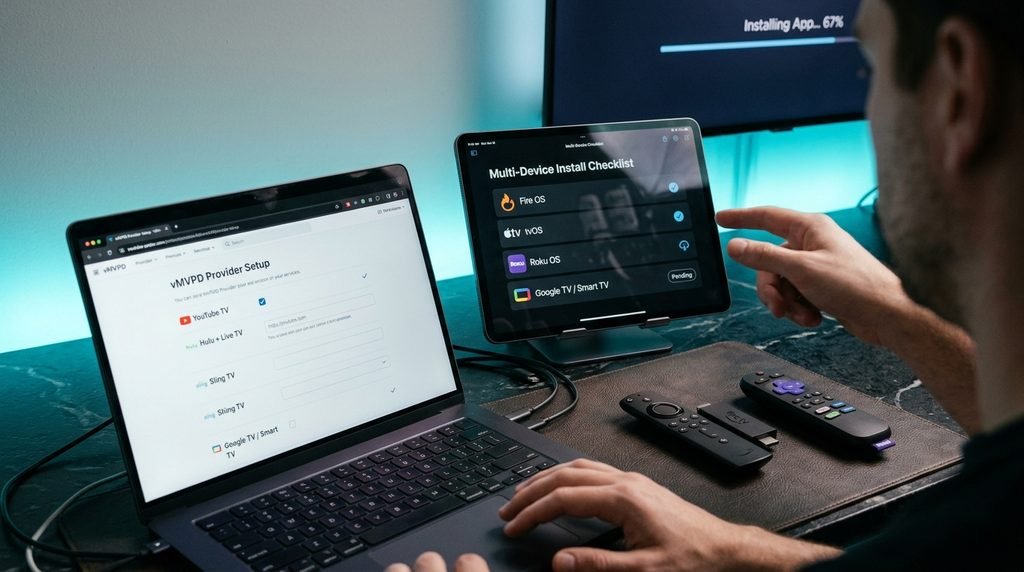
Setting up a streaming service with live TV channels involves installing the provider’s official application from your streaming device’s app marketplace.
Setting Up Live TV Apps on Amazon Firestick and Android TV
Power on your device and connect to your high-speed home Wi-Fi or Ethernet connection.
Navigate to the Find or Search icon on your home screen interface.
Type the name of your streaming provider (e.g., “YouTube TV”, “Hulu”, or “Sling TV”) using the on-screen keyboard.
Select the official application from the search results and click Get or Download.
Launch the application once installed and select Sign In.
Complete activation by entering the generated numeric code on a web browser or smartphone at the provider’s sign-in URL.
Setting Up Live TV Apps on Apple TV, Roku, and Smart TVs
Open the App Store (Apple TV), Channel Store (Roku), or your Smart TV’s native app store (Samsung Tizen, LG webOS).
Use the search tool to locate your preferred live TV provider app.
Select Add Channel or Install to download the application to your main launcher grid.
Open the installed application and authorize your account credentials.
Grant permission for the application to access your precise location so it can correctly serve local broadcast affiliates (ABC, CBS, FOX, NBC).
To ensure your home hardware handles high-definition live feeds smoothly, check your setup against our official Catch On TV service installation requirements. You can also compare commercial pricing structures across alternative streaming software platforms at Xtrem HD IPTV Pricing.
Key Takeaway: Always grant location access during initial app setup on your device to ensure correct local broadcast channel assignment.
Free Trials, Subscription Terms, and Refund Policies Explained
Most mainstream live TV streaming services operate on no-contract, month-to-month billing terms. You can cancel online at any time without incurring early termination fees.
┌─────────────────────────────────────────────────────────────┐
│                 TYPICAL TRIAL & BILLING TERMS               │
├──────────────────┬──────────────────┬───────────────────────┤
│ SERVICE          │ FREE TRIAL       │ REFUND POLICY         │
├──────────────────┼──────────────────┼───────────────────────┤
│ YouTube TV       │ 5 to 21 Days     │ Non-refundable pro-rata│
│ Hulu + Live TV   │ 3 Days│ No pro-rated refunds  │
│ Sling TV         │ Promos / Discount│ Non-refundable        │
│ Fubo             │ 7 Days           │ Non-refundable        │
│ DirecTV Stream   │ 5 Days│ 14-Day money back     │
└──────────────────┴──────────────────┴───────────────────────┘
When signing up for free trials:
Payment Authorization: Platforms require a valid credit card or PayPal account up front and perform a temporary $1.00 pre-authorization hold.
Automatic Rollover: If you do not cancel before the exact hour the free trial expires, your payment method will be billed for the full monthly price.
Refund Expectations: Live TV streaming subscriptions are non-refundable. Canceling a service stops future billing cycles, but access continues until the end of your paid billing period.
Key Takeaway: Set a calendar reminder 24 hours before your free trial ends to avoid unexpected monthly subscription charges.
Safety, Legality, and Trust: Official vMVPDs vs Unofficial Services
When evaluating streaming services with live TV channels, security and service reliability depend on using legitimate, authorized distribution platforms.
Official virtual MVPDs (YouTube TV, Hulu, Sling, Fubo, DirecTV) secure direct retransmission consent agreements with network owners. This guarantees reliable high-definition feeds, encrypted data handling, and legal compliance.
 OFFICIAL vMVPD SERVICES               UNOFFICIAL IPTV SERVICES
 ────────────────────────             ──────────────────────────
 ✔ Direct licensing agreements        ✖ Unlicensed streams
 ✔ Encrypted payment processing       ✖ Vulnerable payment gateways
 ✔ Reliable 99.9% uptime              ✖ Frequent domain closures
 ✔ Official app store hosting         ✖ Requires sideloading
Unlicensed or illegal IPTV storefronts stream copyrighted broadcasts without permission. These unauthorized platforms expose users to legal risks, credit card fraud via insecure payment gateways, malware risks from sideloaded APK files, and abrupt domain seizures by federal authorities.
Key Takeaway: Stick to licensed streaming applications available in official app stores to protect your personal billing data and guarantee stable viewing.
Common Problems and Troubleshooting for Live TV Streams
Live broadcasts stream real-time data packets, making them more sensitive to home network congestion than pre-buffered on-demand titles like Netflix.
How to Fix Buffering and Stream Degradation
Verify Connection Speed: Live HD streams require a minimum of 10 to 15 Mbps per device, while 4K broadcasts require at least 25 Mbps down according to Amazon Fire TV documentation.
Switch to 5 GHz Wi-Fi or Ethernet: The 2.4 GHz Wi-Fi band suffers from household interference. Connect your streaming hardware to a 5 GHz Wi-Fi network or use a direct Ethernet cable.
Power-Cycle Networking Hardware: Unplug your modem, router, and streaming device for 30 seconds to clear internal cache memory and refresh DNS routing tables.
Lower Video Resolution: Change the stream quality setting in the app menu from “Auto (1080p60)” to “720p60” to reduce network overhead during peak hours.
Fixing Location Errors and Out-of-Home Restrictions
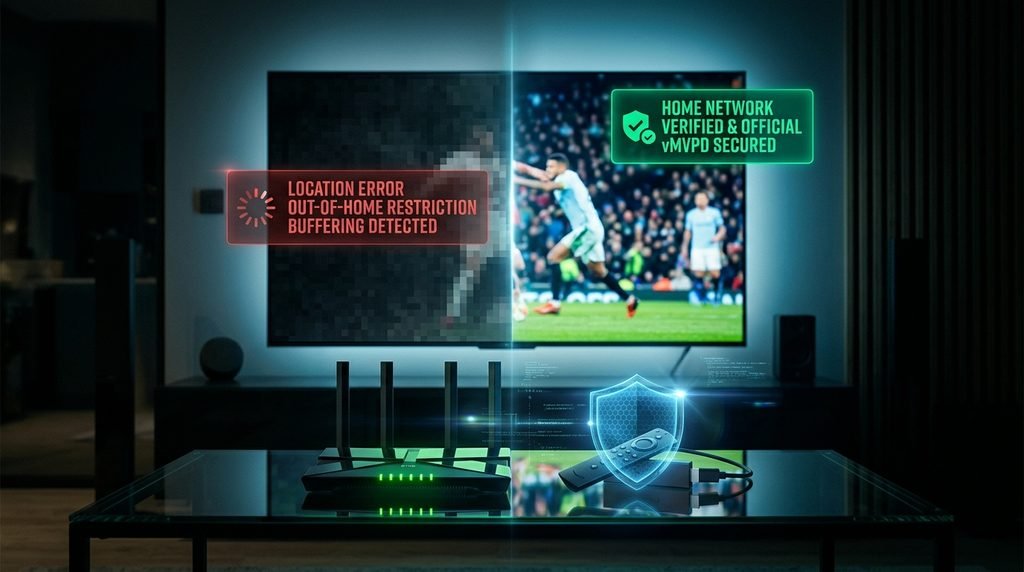
Live TV apps use your IP address and device location services to assign regional channels and enforce local sports blackouts.
Disable Active VPN Services: Virtual Private Networks assign virtual IP addresses that conflict with local broadcast licensing rules, triggering “Location Error” or “Access Denied” screens.
Update Home Network Designation: If you switch internet providers or routers, update your “Home Network” setting in your app’s account management menu.
Re-authenticate Mobile Location: If your smartphone or tablet fails to load local streams, open the app while connected to your primary home Wi-Fi network to refresh your home location certificate.
Key Takeaway: Connect your primary streaming devices to Ethernet or 5 GHz Wi-Fi, and disable VPNs to avoid location-based blackout errors.
Frequently Asked Questions About Live TV Streaming
Can I watch local channels on streaming services with live tv channels?
Yes, services like YouTube TV, Hulu + Live TV, Fubo, and DirecTV Stream carry local ABC, CBS, FOX, and NBC affiliates across most US markets. Sling TV offers local networks in select major cities only.
Do streaming services with live tv channels require a contract?
No, mainstream live TV streaming services operate on month-to-month subscriptions without long-term contracts or cancellation fees. You can pause or cancel your subscription online at any time.
What internet speed do I need to stream live TV channels?
A stable internet download speed of at least 10–15 Mbps is recommended for HD live TV streams, and 25 Mbps or higher is required for 4K live broadcasts per stream.
Can I share my live TV streaming account with family outside my home?
Most providers limit live TV streams to a single primary household network. Using accounts outside the primary home location may trigger location errors or require secondary device verification.
Which streaming service has TNT, TBS, and ESPN for live sports?
YouTube TV, Hulu + Live TV, DirecTV Stream, and Sling TV (Orange + Blue) carry ESPN, TNT, and TBS. Fubo carries ESPN but currently lacks TNT and TBS.
Next Steps: Choosing Your Ideal Live TV Streaming Service
To pick the right live TV streaming service today:
Audit Your Must-Have Channels: Make a list of your non-negotiable local affiliates, regional sports networks, and entertainment channels.
Check Your Home Internet Bandwidth: Run an online speed test to confirm your home connection delivers at least 25 Mbps for smooth HD streaming across multiple screens.
Start a Free Trial: Sign up for a 5 to 7-day trial of your top choice-such as YouTube TV or Hulu + Live TV—to test the guide navigation and video playback quality on your home devices before committing to a full month.
Explore detailed plan options and device guides on our official CatchOn TV pricing overview to find the best configuration for your household.
Trust & Testing Transparency
Written & Reviewed By: Streaming Media Hardware & Network Engineers.