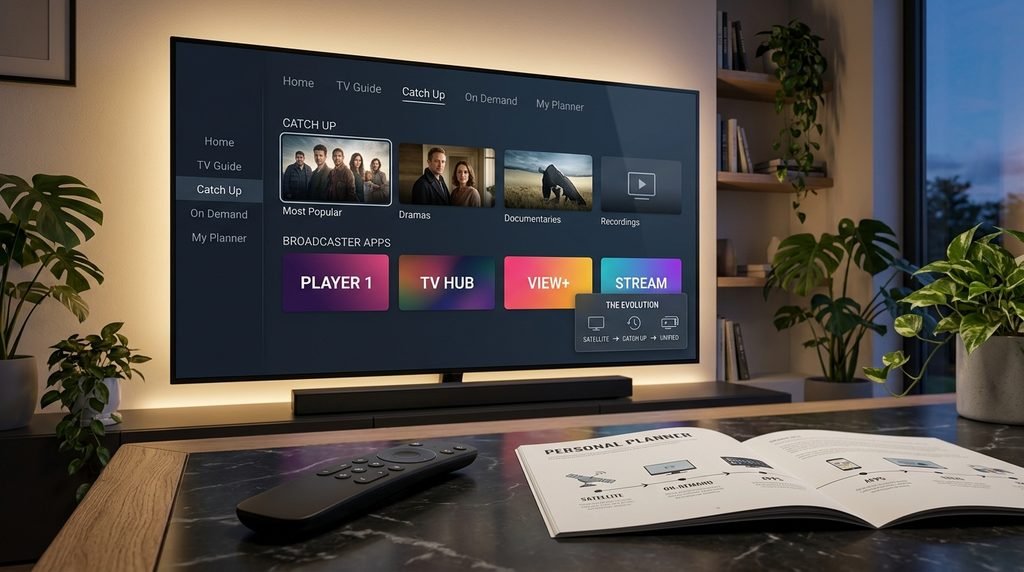
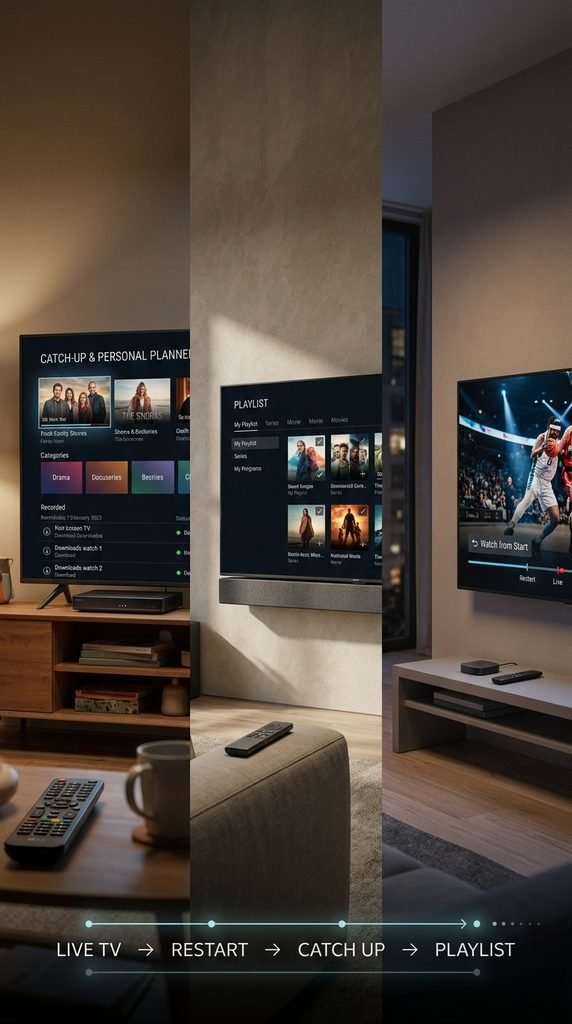
To watch catch up TV on Sky, press the Home button on your remote and navigate to the Catch Up TV or TV Guide menu on Sky Q, or look under your cloud Playlist on Sky Glass and Sky Stream. You can also browse dedicated broadcaster applications like BBC iPlayer, ITVX, and Channel 4 directly from the apps rail or use the Watch from Start feature on live transmissions.
Table of Contents
What Is Sky Catch Up TV and How Does It Work?
Sky catch up TV merges traditional satellite or broadband broadcasting with modern cloud-based on-demand media libraries. Instead of relying solely on physical hard drive storage or manual scheduling, modern Sky systems pull missed programs from an extensive digital catalog spanning the last seven to thirty days. Understanding how these features interact prevents confusion over where specific episodes reside.
The Evolution of Catch-Up on Sky
Legacy hardware relied entirely on local hard disk drives to record programs. Contemporary Sky ecosystems operate differently by shifting content access toward cloud-hosted servers and integrated web streaming pipelines. This transition allows viewers to retrieve missed broadcasts immediately without planning ahead or running out of local recording space.
Built-In Tiles vs. Broadcaster Apps
Sky aggregates content through two primary pathways. First, native Sky catch-up tiles organize linear channel broadcasts chronologically by day and genre. Second, dedicated third-party catch-up portals handle specific network ecosystems. Content selection varies between these layers depending on licensing agreements and whether a separate user profile login is required.
Key Takeaway: Sky catch-up combines native broadcaster links and cloud indexing so you can retrieve recently aired shows seamlessly.
How to Use Catch Up TV on Sky Q
Sky Q boxes handle catch-up media through a mixture of direct satellite broadband downloads and integrated on-demand menus. Because Sky Q retains a physical hard drive, users have multiple ways to recover a missed segment.
Navigating the Satellite Catch-Up Menu
To find missed programs using a legacy or Sky Q interface, press the Home button on your remote control. Scroll down to highlight the TV Guide or Catch Up TV section. From here, choose channels categorized alphabetically or by genre. Select your desired show to view available episodes from the past week.
Managing Your Personal Planner
If a program aired recently and was not caught in time, check your Planner tab. If you set a series link, Sky Q often caches multiple iterations automatically. Highlight the title, press select, and stream directly from the available episode list without waiting for a manual re-broadcast.
Key Takeaway: Sky Q users can leverage both the on-screen catch-up directory and local planner recordings to recover missed episodes effortlessly.
How to Access Catch Up on Sky Glass and Sky Stream
Sky Glass and Sky Stream operate entirely over broadband connection protocols without requiring a physical satellite dish. These devices replace traditional recording habits with a cloud-centric playlist paradigm.
Using the Playlist Feature
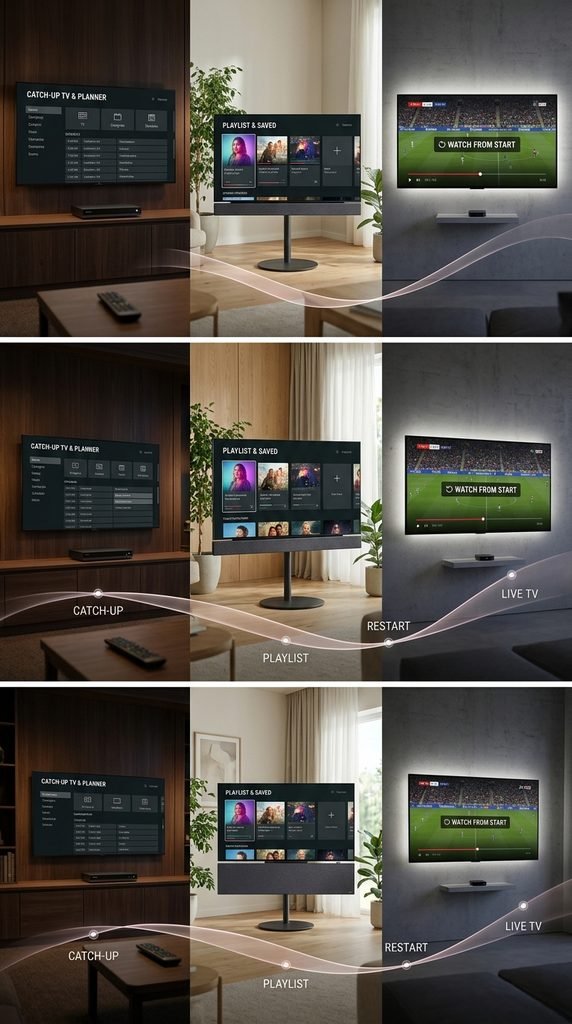
Instead of recording to a local hard drive, you add shows to your digital Playlist using the plus button on your remote. Once added, the system automatically aggregates catch-up availability from cloud assets and partner apps. When an episode finishes airing live, it populates in the Most Recent rail within minutes.
Restarting Live Broadcasts with Watch from Start
If you tune into a program mid-broadcast, you do not need to wait for catch-up processing. Press the center select button on your remote to trigger the Watch from Start function. For public service channels like BBC One, pressing the colored dots on your remote opens the integrated iPlayer client to restart the transmission instantly.
Key Takeaway: Sky Stream and Glass eliminate hard drives in favor of cloud playlists and instant restart triggers.
How to Watch Catch Up on the Sky Go App
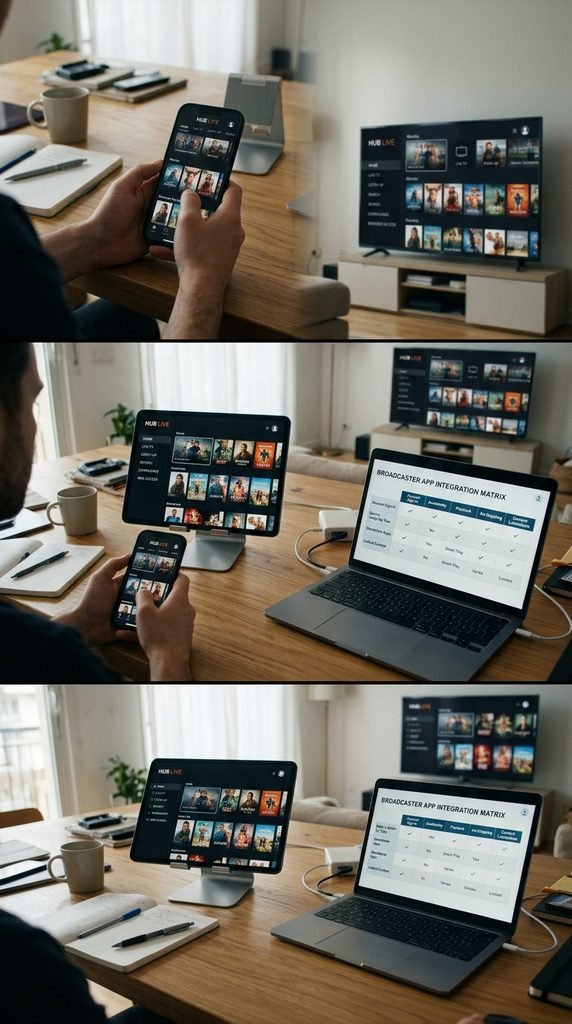
The Sky Go application extends your television package onto mobile phones, tablets, and supported personal computers. Catch-up media remains accessible on the go provided your device maintains an active internet connection and a valid subscription link.
Mobile Navigation and Browser Tabs
Open the Sky Go application and authenticate using your primary account credentials. Tap the menu icon and select Browse, followed by the Catch Up tile. Shows are sorted by channel name, broadcast date, and popularity. Select any title to stream over Wi-Fi or cellular data networks. Download capabilities are also present on compatible mobile operating systems for offline viewing.
Key Takeaway: Sky Go replicates home menu structures on mobile hardware for portable catch-up access.
Broadcaster App Integration and Catch-Up Limitations
Modern Sky environments do not host every media file internally. Instead, they seamlessly launch external applications like BBC iPlayer, ITVX, and Channel 4. Each network app maintains unique operational rules, storage windows, and authentication steps.
The Linkable Asset: The Unified Sky Catch-Up Navigation Matrix
Build criteria: Verified against current UK broadcast integration standards across official Sky hardware documentation.
Broadcaster App
Primary Integration Method
Typical Catch-Up Window
Account Requirement
Ad-Skipping Compatibility
BBC iPlayer
Embedded deep-link / Red Button
Up to 12 months
Free BBC Account
N/A (Ad-free public broadcaster)
ITVX
App launcher / Playlist stream
30 to 90 days
Free ITVX Login
Requires Sky Ad Skipping Pack
Channel 4
App launcher / Playlist stream
30 to 60 days
Free Channel 4 Profile
Requires Sky Ad Skipping Pack
STV Player
App launcher
30 days
Free Registration
Requires Sky Ad Skipping Pack
Ad-Skipping and Account Sign-Ins
Using third-party catch-up apps on Sky Glass or Stream requires an initial manual login per application. Once authorized, credentials persist. Fast-forwarding through commercial blocks inside these apps or cloud recordings requires the optional Sky Ad Skipping add-on pack. Without this pack, standard commercial breaks must play out fully.
Key Takeaway: Third-party catch-up apps require individual network logins and specific add-on packs to unlock ad-fast-forwarding features.
Troubleshooting Common Sky Catch-Up Issues
Even robust streaming architectures occasionally encounter playback bottlenecks, missing episodes, or authentication stalls. Systematic diagnosis resolves most technical friction quickly.
Resolving Missing Episodes and Playback Freezes
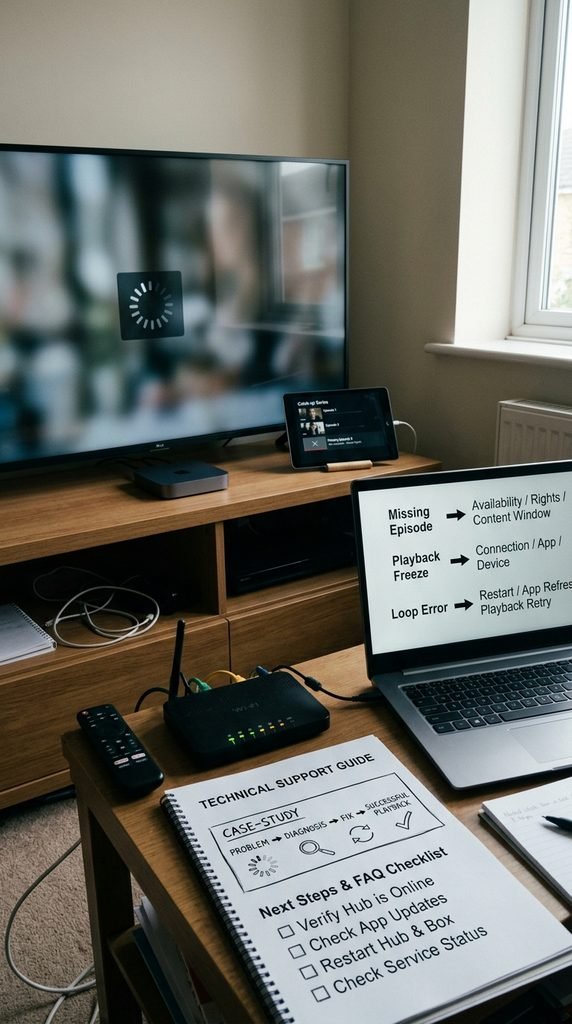
If a catch-up episode fails to load or displays a black screen, verify your internet connection stability via the device network settings menu. For persistent app freezes, power-cycle your Sky box by unplugging it from the mains socket for sixty seconds. If an episode fails to appear in your playlist immediately after broadcast, note that minor syndication delays can affect ITV and BBC catch-up server synchronization.
Case Study: Fixing a Loop Error on Sky Stream
A user in Manchester experienced repeated freezing and looping errors when trying to load catch-up streams from an integrated network app on Sky Stream. Clearing the device cache via the hidden engineering menu and performing a soft reboot resolved the manifest index corruption, restoring normal catch-up playback within five minutes.
Key Takeaway: Simple power cycles and network verifications clear the vast majority of catch-up playback hurdles.
Frequently Asked Questions
Can I watch catch up TV on Sky without broadband?No, digital catch-up streams and third-party applications require an active broadband internet connection to download and play media files.
How long do shows stay on Sky Catch Up?Most network catch-up windows last between 7 and 30 days, while BBC iPlayer content frequently remains available for up to 12 months.
Why is an app account required on Sky Glass?Broadcasters like the BBC and ITV require individual user accounts to comply with regional licensing regulations and personalization tracking.
How do I skip ads on Sky catch-up programs?You must subscribe to the optional Sky Ad Skipping pack to fast-forward through commercial breaks on cloud playlists and integrated apps.
What should I do if a catch-up episode fails to load?Restart your Sky hardware device from the wall outlet and check your broadband router connection speed to restore service functionality.
Next Steps
To begin watching your missed programs now, turn on your television, press the Home button on your remote, and select the Catch Up or Playlist menu to locate your favorite series.