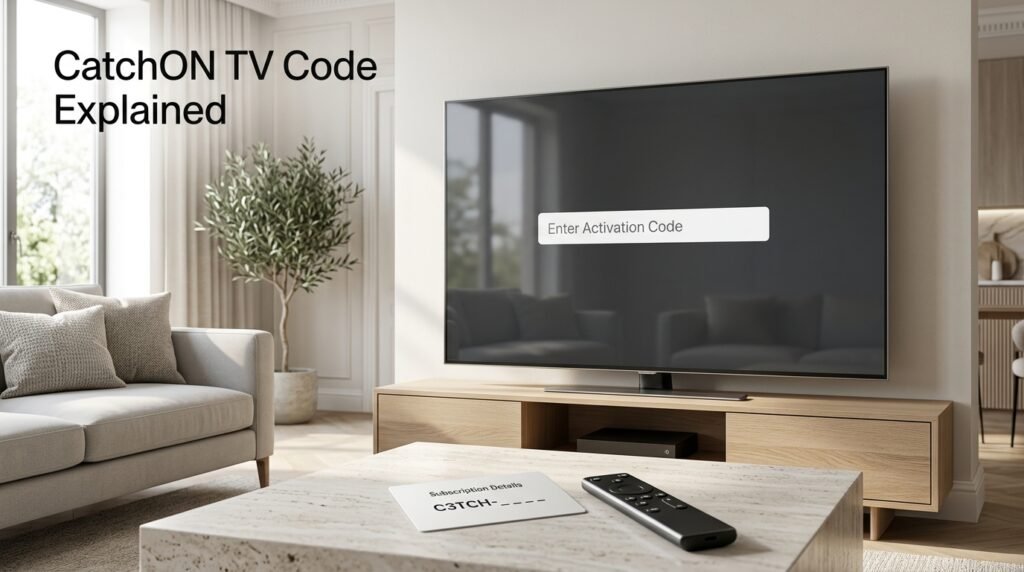
A CatchON TV code can mean several different things, but most users are looking for the activation or prepay code used to connect a paid subscription to the CatchON TV app. Historically, users received this code from the provider after purchasing a subscription and entered it when the CatchON TV Player asked for a prepay or activation code. (Firetvsticks)
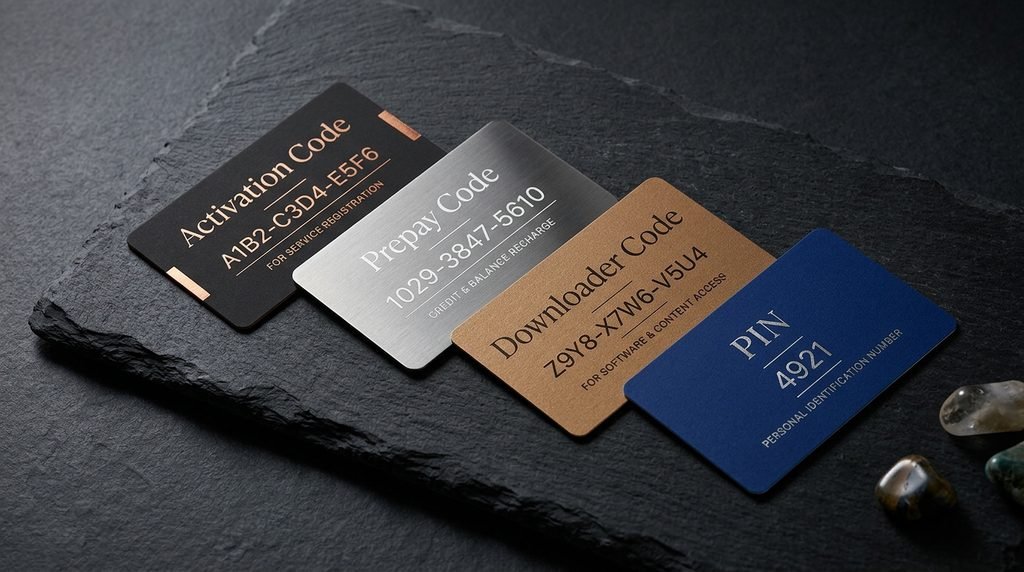
Do not confuse that code with a Downloader installation code, parental PIN, username/password, or random code posted online. Using the wrong type of code is one of the easiest ways to end up with an “invalid code” or authentication error.
Last updated: September 23, 2026 Target: United States Research method: Historical CatchON setup documentation, recent user reports, and Amazon Fire TV documentation were compared. No public CatchON code is treated as universally valid.
What Is a CatchON TV Code?
A CatchON TV code is typically a credential used to activate or restore access to a CatchON TV subscription inside a compatible app. Older CatchON installation instructions show users opening the CatchON TV Player and entering an “Activation Prepay Code” supplied after subscribing.
The confusing part is that the word code is also used for several completely different things. Knowing which one you have saves you from entering a perfectly valid code into the wrong screen.
Activation and Prepay Codes
An activation or prepay code is associated with subscription access. Historically, CatchON users reported purchasing a plan and then receiving a prepay code from the provider, which they entered inside the app to unlock their account. (Reddit)
The exact relationship between “activation” and “prepay” has varied across CatchON app versions and sellers. In some older setups the same credential effectively handled both subscription activation and access, so the wording shown on the screen matters more than the name somebody uses in a forum.
Downloader Codes
A Downloader code is not your subscription code. Short numeric Downloader codes are simply shortcuts that can direct Amazon’s Downloader app toward a particular download location.
Think of the difference this way:
Downloader code → helps obtain an app
Activation/prepay code → gives an account access inside the app
Amazon confirms that Fire TV supports installing compatible applications outside the Appstore through sideloading methods, although compatibility still depends on the device and app involved.
Because download locations can change, avoid relying on an old Downloader number from a years-old post without checking where it currently leads.
PIN Codes
A PIN normally controls restricted sections or settings rather than activating the subscription itself. If a screen specifically asks for a parental PIN, entering your paid subscription code is unlikely to solve the problem.
There is no reason to assume one universal CatchON PIN applies to every version currently circulating. App versions, sellers and configurations can differ, so use the credential associated with your own installation.
Key Takeaway: Before searching for a CatchON TV code, identify whether the screen wants an activation code, prepay code, Downloader code, PIN or login credentials.
Which CatchON TV Code Do You Need?
Use the wording displayed on your screen.
Here is the quickest way to identify the correct code:
Screen Says
What You Probably Need
Purpose
Activation Code
Provider-issued activation credential
Connects subscription to app
Prepay Code
Provider-issued subscription credential
Activates or renews access
Downloader Code
Installation shortcut
Finds an app download
PIN
Local access/security code
Unlocks restricted settings
Username + Password
Account credentials
Signs into provider
Server URL
IPTV account/server information
Connects a compatible player
Device Unsupported
Not normally a code issue
Compatibility needs checking
This table is especially useful because “I need my CatchON code” can refer to at least four different problems.
For example, if the CatchON application opens normally but immediately asks for Prepay Code, downloading another APK will not automatically solve anything. The missing piece is probably the credential linked to the subscription.
How Do You Get a CatchON TV Code?
For a legitimate subscription, the activation or prepay code should come from the seller or provider responsible for that subscription. Historical CatchON users reported that the provider sent the prepay code after payment rather than users generating codes themselves.
This means a CatchON TV code is generally not something you should need to discover through Google. If you paid for access and were never sent one, start with the confirmation information connected to that purchase.
New Subscriptions
After purchasing a new subscription, check:
Confirmation email
Spam or junk folder
Order confirmation page
Account dashboard, if one exists
Support conversation connected to the purchase
Save the code somewhere private once you receive it. Do not publish screenshots showing the full value because a subscription code may be redeemable or associated with your account.
If you are still deciding on a plan, review the CatchON TV pricing guide before purchasing rather than obtaining a code first and working backward.
Renewals and Replacement Codes
Renewal can work differently from a first activation. Some providers may extend the existing account, while others may issue new credentials or another prepay code.
The safest rule is to renew through the same provider connected to your existing account unless you have confirmed that another seller’s system is compatible. Similar CatchON branding does not guarantee that codes transfer between unrelated account systems.
Key Takeaway: A paid CatchON code should come from the provider handling your order, not from a public code list.
How Do You Enter the CatchON TV Code?
On historical CatchON installations, the process was straightforward: open the CatchON TV Player, enter the provider-issued activation/prepay code, submit it, allow the application to load the account, and then open the content library. (Firetvsticks)
The exact interface may now differ because different CatchON-branded applications and versions exist. Follow the field labels displayed by the particular app you installed instead of forcing instructions from an older screenshot onto a newer version.
Entering It on Firestick or Android TV
If the app is already installed:
Open the CatchON-related app.
Wait for the activation or prepay screen.
Enter the code exactly as supplied.
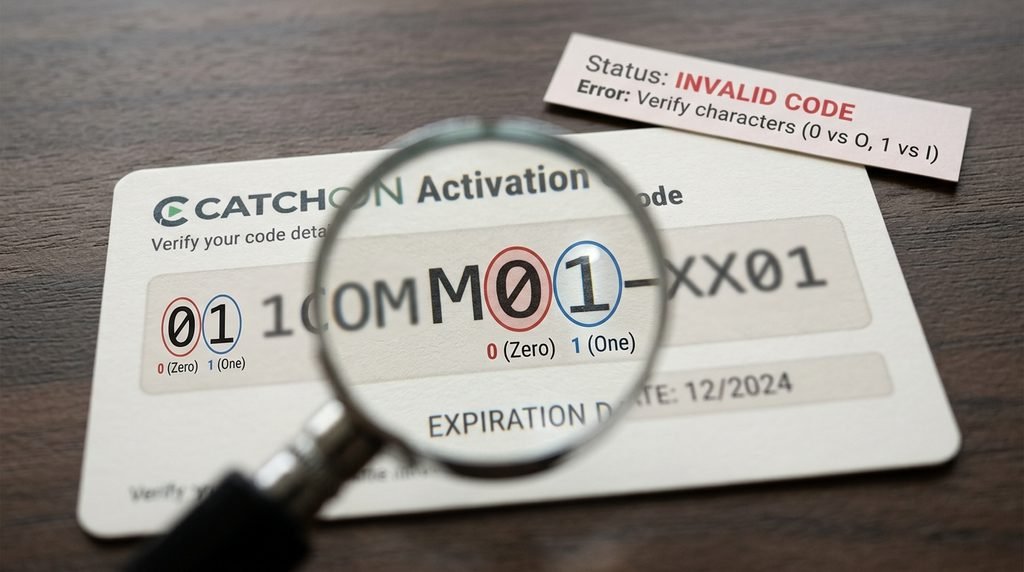
Check similar-looking characters carefully.
Select the activation or submit button once.
Wait for the account data to finish loading.
Test one live channel or VOD item.
Typing with a television remote makes mistakes surprisingly easy. Characters such as 0 and O, 1 and I, or copied spaces can make a valid credential look invalid.
Do not repeatedly submit different random codes. That makes troubleshooting harder because you no longer know whether the original problem was the code, the account or the application.
What Happens After Activation?
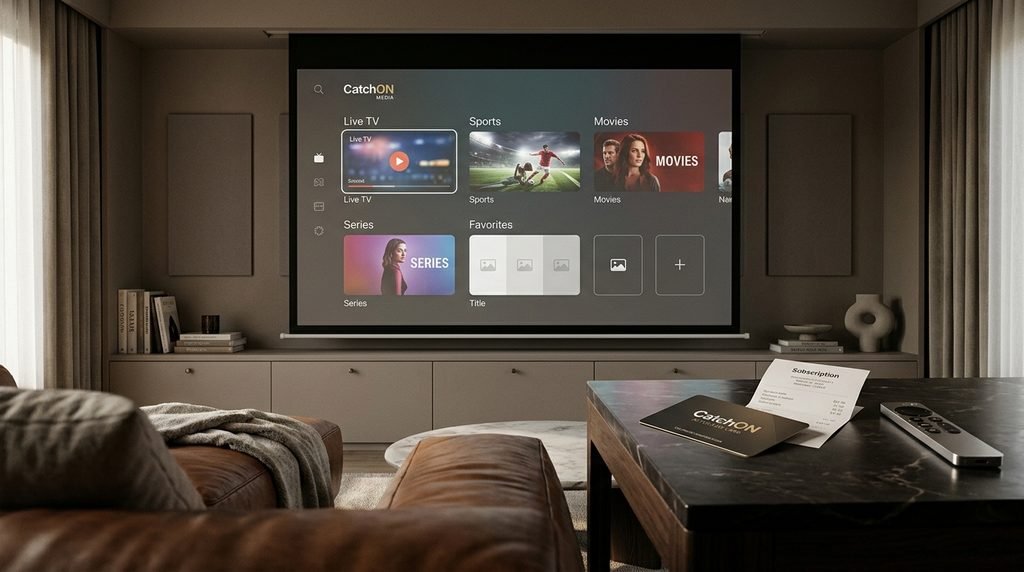
A successful CatchON TV code should normally move you past the activation screen and allow the app to retrieve whatever account information the provider supplies. Depending on the version, that can include live TV categories, VOD, favorites and other account features.
If the code is accepted but nothing loads afterward, the activation credential itself may not be the problem. Network connectivity, app compatibility or remote service availability could be responsible instead.
CatchON TV Code Troubleshooting Flow
Use this before reinstalling anything:
App asks for a code
Did you purchase or receive an account?
No → You need credentials from the provider, not a random public code.
Yes → Continue.
Does the screen specifically say activation/prepay code?
No → Identify whether it wants a PIN, username/password or Downloader code.
Yes → Continue.
Enter the original code exactly
Accepted?
Yes → Let account data load and test playback.
No → Continue.
Did the code previously work on this exact installation?
No → Verify the code belongs to this provider/app.
Yes → Check subscription status, device/account registration and recent app changes before reinstalling.
This approach avoids treating every code problem as an installation problem.
Why Is Your CatchON TV Code Not Working?
An invalid CatchON TV code does not necessarily mean the code itself is fake. The same message can appear when the credential belongs to a different account system, has expired, was typed incorrectly, has already been redeemed, or is being entered into an incompatible version of the app.
Recent community reports also show users encountering prepay-code prompts even though they believed their subscriptions still had time remaining. In July and August 2026, multiple users reported broader service and authentication problems, including previously functioning accounts being asked for codes again. Those reports are user experiences rather than an official explanation of every code failure.
Invalid or Expired Code
First, type the code again manually and compare every character.
Then check the subscription period. If the account genuinely expired, an old prepay code may no longer grant access even though the application itself still opens.
Avoid assuming that an “invalid” message automatically means you need to purchase another code. Confirm the existing account first.
Wrong App or Provider
This has become increasingly important because multiple services and websites use similar CatchON terminology. A code created by Seller A may not be recognized by Seller B’s application even if both display “CatchON” somewhere on the screen. The provider, app and credential need to belong to the same account system.
Here is what actually happens: someone replaces an older CatchON installation with a different APK carrying similar branding, enters the old prepay code and receives “invalid code.” The subscription may still exist, but the replacement app may not be connected to the same backend.
Device and Account Problems
A code can also appear to fail after changing devices, reinstalling an app or resetting hardware. Some streaming systems associate subscriptions with device identifiers or connection limits. If the same account works on one device but not another, that is useful evidence. Check the device/account relationship before paying for another subscription.
For hardware-related errors, the CatchON TV homepage provides the broader guides for device and app troubleshooting.
Key Takeaway: Verify the account, provider and app before deciding that an invalid code needs to be replaced.
Should You Use Free CatchON TV Codes Online?
Treat public activation and prepay codes cautiously. A code posted publicly can be expired, already redeemed, intended for a short trial, attached to another provider or deliberately posted to direct users toward an unrelated seller. A historical Reddit thread even shows users sharing a prepay code while other commenters later reported that it stopped working.
A random public code also gives you no reliable account ownership. Even if it temporarily works, you may have no way to renew it, recover it or resolve a device problem.
If you want to test a service, use a trial explicitly provided to you by the seller you are evaluating rather than collecting credentials from public forums.
CatchON TV Code FAQ
What Is a CatchON TV Code?
A CatchON TV code usually refers to an activation or prepay credential supplied with a subscription. It is entered into a compatible CatchON application to connect the device with the purchased account.
Where Do I Get My CatchON TV Activation Code?
Check the provider that sold you the subscription, your purchase confirmation, email, account page or support conversation. Historical CatchON users reported receiving their prepay codes from the provider after purchase.
Is a CatchON Downloader Code the Same as an Activation Code?
No. A Downloader code typically points the Downloader app toward an installation location, while an activation or prepay code provides subscription access after the application has been installed.
Why Does My CatchON TV Code Say Invalid?
Possible causes include a typing mistake, expired subscription, already-used credential, wrong app, incompatible provider, device-registration issue or wider account/service problem. Verify those before purchasing another code.
Can I Use a Free CatchON TV Code From Reddit?
A public code may already be redeemed, expired or intended only for a temporary trial. It may also belong to a different provider, so public codes are unreliable for establishing your own subscription.
Can I Use One CatchON TV Code on Multiple Devices?
That depends on the account and connection limits attached to the subscription. Do not assume one activation credential permits unlimited simultaneous devices; confirm the limits associated with your specific plan.
What Should You Do Next?
If your app currently asks for a CatchON TV code, do not search immediately for a random number online.
First read the exact field on the screen. If it says activation or prepay, find the credential issued with your subscription; if it says PIN, username, or anything else, use the matching type of credential instead.
If you have already paid but never received the required code, preserve the order confirmation and contact the exact provider connected to that transaction rather than buying another code from a different CatchON-branded seller.