To download CatchON TV, first identify your device. Android phones, Android TV devices, and Fire TV devices can install Android applications, while Roku uses a different operating system and cannot normally install an Android APK.
The bigger issue in 2026 is finding a verified download source. The former Channelmoa/CatchON operation currently states that its service has been permanently discontinued, so an APK found through an old tutorial or random search result should not automatically be assumed to belong to the original service. (Amazon Developer)
Last updated: September 21, 2026
Research method: This guide uses current Android and Amazon Fire TV documentation for application installation and security, plus the current CatchON/Channelmoa service status. It does not promote an unverified APK or Downloader code.
Can You Still Download CatchON TV?
You can still find websites and files online using the CatchON TV name, but finding a file is not the same as verifying its source. That distinction matters because APK files can be redistributed, renamed, or modified. An installer called catchontv.apk does not prove that it came from the same CatchON service you previously used.
If you already received a download link directly from a provider you independently trust, verify the domain before installing anything. If you found a random file through Google, Reddit, Telegram, WhatsApp, or an APK mirror, treat it more carefully. For broader information about the service and its history, visit the CatchON TV homepage. CatchON TV homepage
Key Takeaway: Verify who supplied the app before worrying about how to install it.
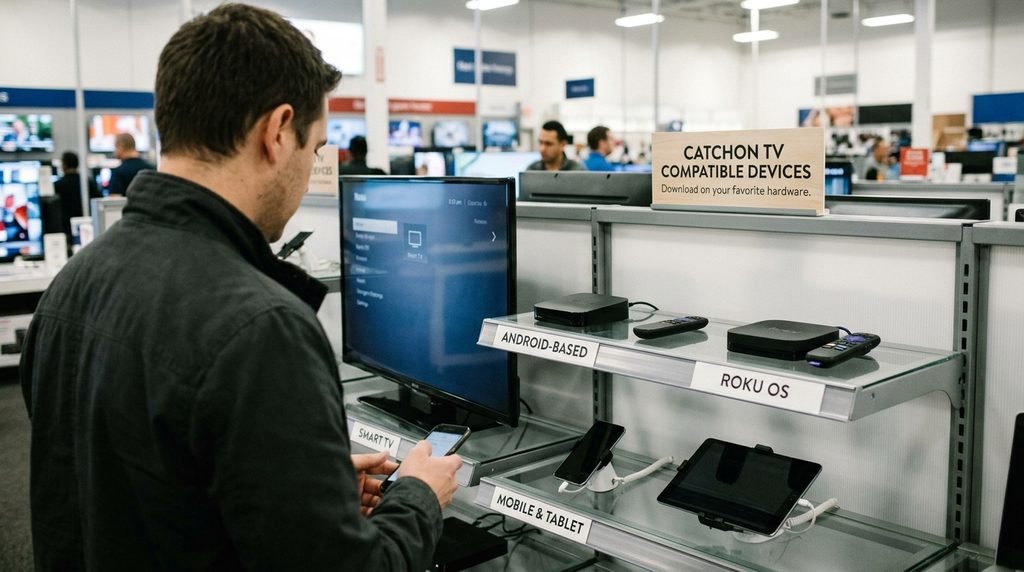
Which Devices Can Download CatchON TV?
The installation method depends on the operating system, not simply the television brand.
Device
APK Support
Best Installation Method
Firestick / Fire TV
Yes
Verified APK sideload
Android TV
Yes
Play Store or verified APK
Google TV
Yes
Play Store or verified APK
Android phone/tablet
Yes
Play Store or verified APK
Android TV box
Usually
Verified APK
Roku
No normal Android APK support
Native Roku app or mirroring
iPhone / iPad
No Android APK support
iOS app if available
Samsung / LG Smart TV
Depends on TV OS
Native TV app or external device
The important part is not to follow instructions written for another platform. A Firestick guide should not automatically be used on Roku, and an Android APK cannot be installed directly on an iPhone.
How to Download CatchON TV on Firestick
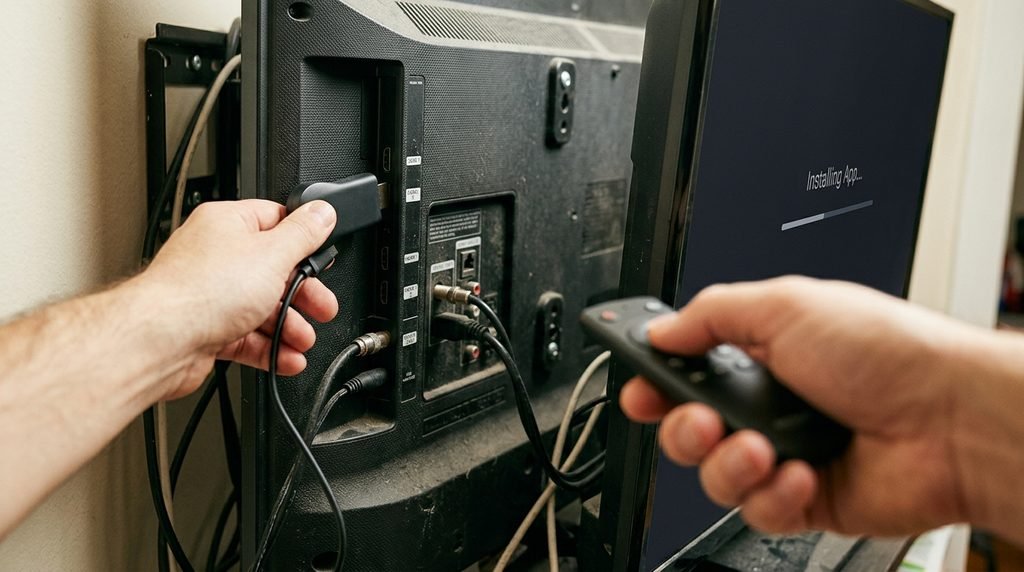
Fire TV is based on Android technology and supports applications installed outside the Amazon Appstore.
Amazon refers to this process as sideloading. Its developer documentation confirms that APK files can be installed onto Fire TV devices outside the Appstore. Amazon Fire TV installation documentation
If you already have a CatchON APK from a source you trust, the general process is:
Turn on your Firestick.
Make sure it is connected to the internet.
Obtain the verified APK from the provider.
Allow installation from the application you are using to open the APK when Fire TV requests permission.
Download the file.
Open the installer.
Review the installation request.
Select Install.
Wait for installation to finish.
Open the application.
The exact menu wording can differ between Fire TV versions.
Do You Need the Downloader App?
Not necessarily. Downloader is simply one method people use to retrieve APK files on Fire TV. It is not part of CatchON itself. The bigger question is what URL or file you are entering into Downloader. Do not blindly enter an old Downloader code from a YouTube video or forum post. Those codes can expire, redirect somewhere else, or point to a file that has changed since the tutorial was created.
Key Takeaway: Downloader is only a delivery tool; it does not verify the APK.
How to Download CatchON TV on Android TV
Android TV devices can install Android applications, but the safest path is always an official app store when a legitimate version is available there.
If an app is distributed as a verified APK instead, the general process is:
Download the APK from the verified provider.
Open the file.
Android may ask you to permit installations from that browser or file manager.
Review the permission request.
Install the application.
Keep Google Play Protect enabled.
Open the app after installation.
Google warns that apps downloaded outside Google Play may create additional security risks, and Play Protect checks applications from outside the Play Store for potentially harmful behavior. Google Play Protect security guidance Do not disable security protections simply because an unknown APK refuses to install.
If Android blocks the file, verify its source before trying to bypass the warning.
How to Download CatchON TV on an Android Phone
The process on an Android phone is similar to Android TV. If the app is available from a trusted app store, that is usually the simplest installation route.
If your provider instead supplies an APK:
Download the APK from the provider’s verified website.
Open the downloaded file.
Allow installation from that source if Android requests it.
Review the requested permissions.
Install the application.
Run a Play Protect scan if appropriate.
Open the app.
Be particularly cautious if the application asks for permissions unrelated to streaming.
For example, a streaming player may reasonably need network access, but permissions involving SMS, accessibility controls, contacts, or unrelated sensitive information deserve more scrutiny.
Can You Download CatchON TV on Roku?
You cannot normally install a CatchON Android APK directly on Roku. Roku uses Roku OS rather than Android, so .apk files designed for Firestick or Android TV are not normal Roku applications.
If you already have compatible streaming access working on an Android phone, Windows PC, or Apple device, screen mirroring or AirPlay may be an alternative depending on your Roku model. Do not put Roku into developer mode just because a tutorial claims that developer mode will make Android APK files compatible. It will not convert an Android application into a Roku application.
Key Takeaway: Roku and Android require different app formats.
Can You Download CatchON TV on Samsung or LG Smart TV?
It depends on the television operating system. Many Samsung televisions use Tizen, while LG televisions generally use webOS. Neither is the same as Android TV. That means an Android APK cannot normally be installed directly on those televisions.
Your options may include:
A native app made specifically for the television platform
Screen mirroring
Casting
Connecting an Android TV or Fire TV streaming device through HDMI
An external Android-based streaming device can often be simpler than trying to force an incompatible APK onto the TV itself.
How to Verify a CatchON TV Download Before Installing
This is the most important part of the process.
Before downloading, check:
Verification Check
What You Want to See
Provider identity
Clear information about who operates the service
Domain
Consistent website with no suspicious redirects
APK source
File supplied directly by the verified provider
App version
Current version information
Security
No instruction to permanently disable protection
Permissions
Permissions relevant to a streaming app
Payment
No pressure to pay simply to download an installer
You should be especially suspicious when a page says:
“Disable Play Protect permanently”
“Ignore every Android warning”
“Send payment before we reveal the APK”
“Use this secret code before it expires”
“Enter your old CatchON password here”
None of those things prove fraud on their own, but they are reasons to verify the source more carefully.
Why Does CatchON TV APK Fail to Install?
An APK can fail for several different reasons.
The APK Is Corrupted
The download may have stopped before the entire file was received. Delete the incomplete file and download it again only from the same verified source.
Your Device Is Not Android-Based
A Roku, iPhone, Samsung TV, or LG TV may not support Android APK installation at all. Changing settings will not solve an operating-system mismatch.
The APK Is Too Old
An older application may no longer be compatible with a newer Android or Fire OS version.
Android Blocks the Application
Google Play Protect may warn about or block applications that appear potentially harmful or unverified. Do not immediately disable Play Protect. Investigate why the application is being blocked first.
A Previous Version Is Installed
In some situations, an existing installation can conflict with a new version. Before removing the old app, make sure you know whether uninstalling it will erase login information, favorites, or settings.
Why Does CatchON TV Install but Not Work?
Installation and service access are two different things.
An APK can install perfectly while still failing to load content.
Possible causes include:
Account credentials are invalid.
The activation code expired.
The application version is outdated.
Authentication servers are unavailable.
The provider changed apps.
The underlying service has ended.
This is particularly important for people trying to restore the original CatchON/Channelmoa service.
The current Channelmoa notice states that Channelmoa/Catchon is no longer available, has been permanently discontinued, and cannot be restored.That means reinstalling an old APK cannot necessarily restore an old account.
Key Takeaway: Successful installation proves only that the app installed—not that the service behind it still exists.
Should You Use an Old CatchON Downloader Code?
Usually not without verifying where it now leads. Downloader codes are shortcuts. The code itself does not contain or authenticate the application.
A code used in a 2023 or 2024 tutorial may:
No longer work
Point to a different URL
Reference an outdated APK
Have been reassigned
Lead to a file from a different provider
For that reason, the safest instruction is not “use this code.”
It is:
Verify the current provider → obtain the current download address → install that file.
That approach ages much better than publishing a code that could become wrong next month.
The Safe CatchON TV Download Decision Tree
Use this before installing anything.
What device do you have?
Firestick / Android TV / Android phone → Android APK may be technically compatible.
Roku → Do not use an Android APK. Check native app or mirroring options.
iPhone / iPad → Look for an iOS-compatible application rather than an APK.
Samsung / LG Smart TV → Check the TV’s native app platform or use an external streaming device.
Then ask:
Do I know who supplied this APK?
Yes → Verify the domain and security warnings, then install.
No → Do not install it yet.
This decision tree prevents most of the common mistakes people make when searching how to download CatchON TV.
How to Download CatchON TV FAQ
How Do I Download CatchON TV on Firestick?
Obtain the current APK from a provider you have independently verified, allow installation from that source when Fire TV asks, open the downloaded APK, and install it. Do not rely on an old Downloader code without verifying where it leads.
Can I Download CatchON TV From Google Play?
Availability can change depending on the app and provider. Search the Play Store first, and if no verified version appears, do not assume the first APK website in Google results is an official replacement.
Can I Download CatchON TV on Roku?
Not as a normal Android APK. Roku uses Roku OS, so you need a Roku-compatible app or a supported mirroring method instead.
Why Won’t CatchON TV Download?
Common reasons include using an incompatible device, a corrupted APK, security protection blocking the file, insufficient storage, or an outdated application version.
Is CatchON TV Still Available in 2026?
The original Channelmoa/CatchON operation currently says its service has been permanently discontinued. Other current services using similar CatchON branding should therefore be verified independently rather than assumed to be the same company.
What Should You Do Next?
If you want to download CatchON TV, do these three things in order:
Identify your device → verify the provider → download only the version intended for that device.
Do not start by copying an old Downloader code or installing a random APK. For Android and Fire TV, sideloading is technically possible, but source verification matters more than the installation itself.
If you are trying to restore an old CatchON installation rather than setting up a current verified provider, remember that the former Channelmoa/CatchON operation now says its service has been discontinued.