Evidence checked: CatchOn TV’s published subscription information plus official Amazon Fire TV, Google Android TV, and Apple device documentation.
Hands-on testing: No direct device lab test was performed for this article; device instructions are based on official platform documentation and published CatchOn information.
Quick Answer: Is a Catch On TV Subscription Worth Considering?
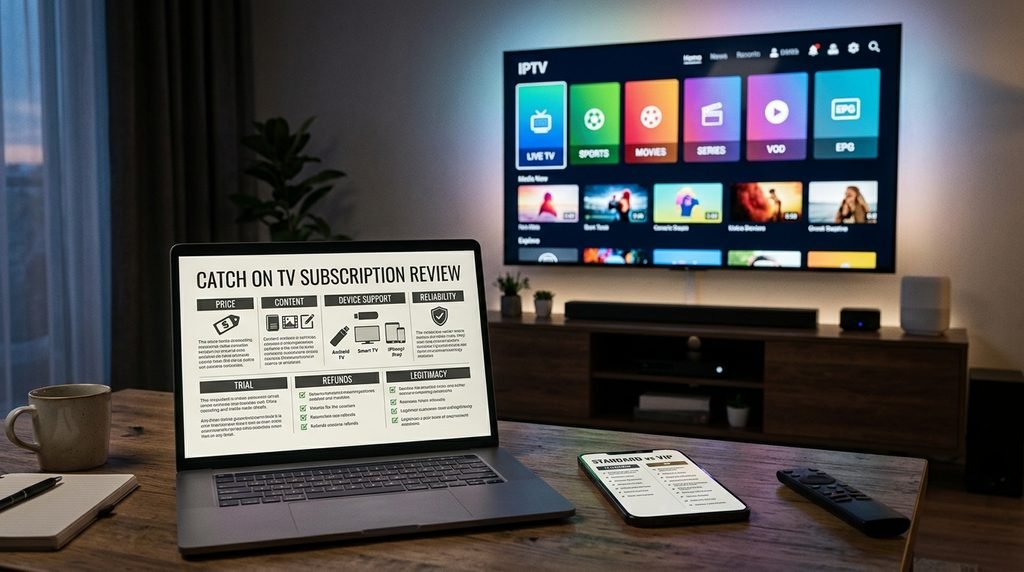
A Catch On TV Subscription is positioned as an internet-based TV service offering 24,000+ live channels, 90,000+ movies and series, EPG access, multiple connection options and a free 24-hour trial according to the current CatchOn TV site. The published one-connection plans currently start at $15.99.
The biggest buying question is not the word “VIP.” The current CatchOn TV site clearly publishes standard connection-based plans, but it does not clearly document a separate VIP subscription tier with its own verified price and feature list, so buyers should not pay a premium for an undocumented VIP label.
What Is a Catch On TV Subscription?
A Catch On TV Subscription is an internet-delivered television service rather than a traditional cable or satellite package. CatchOn TV promotes live channels, sports, VOD movies and series, EPG functionality and support for devices such as Firestick, Android devices, Smart TVs and smartphones.
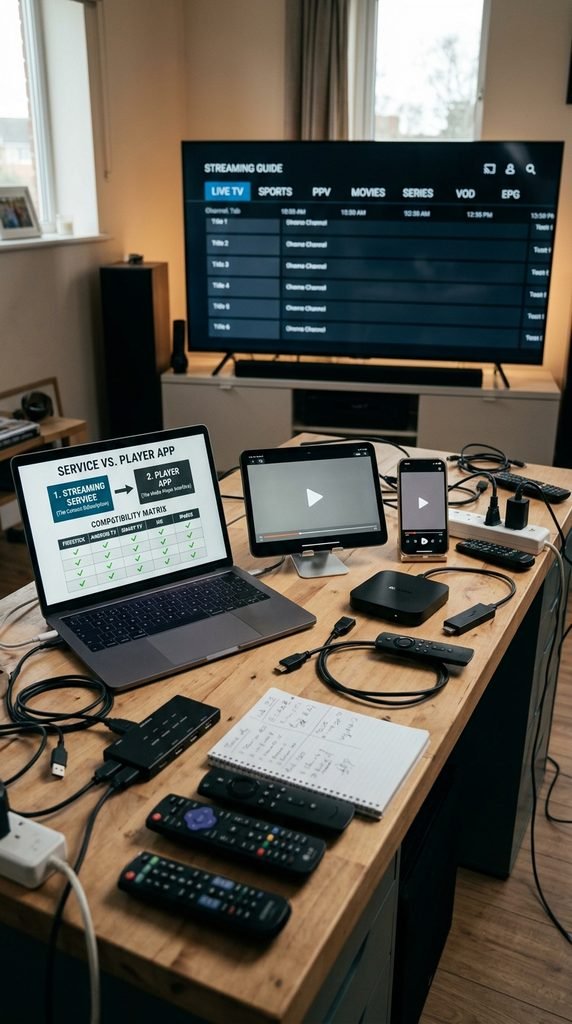
The service is separate from the player or operating system used to watch it. A subscription provides account or activation access, while a device such as a Fire TV Stick, Android TV television or iPhone runs the compatible application.
What does the subscription include?
The official CatchOn TV site currently advertises 24,000+ live channels, 90,000+ movies and TV series, 4K/FHD/HD/SD options, an electronic program guide and multi-device compatibility. The site also promotes live sports and PPV content.
The subscription is the access you purchase. The app is the software that displays the streams, guide and VOD library on your device.
Key takeaway: Catch On TV is the service; your Firestick, Smart TV, Android TV or iPhone is the playback platform.
What Is the Difference Between Catch On TV Standard and VIP?
The verified difference is currently simpler than many IPTV pages make it appear: the official CatchOn TV site publishes standard connection-based plans, while a separate paid VIP tier is not clearly documented there. That means buyers should treat “VIP” as unverified until a provider supplies a written price and feature list.
Catch On TV Standard vs VIP: side-by-side comparison
Linkable asset — verified October 6, 2026
Criteria
Standard Catch On TV plan
“VIP” tier
Published by catchontvusa.com
Yes
No separate VIP tier clearly documented
Pricing
1-, 3-, 6- and 12-month plans are published
No independently verified VIP price
Connections
Plans are sold by connection count
No separate verified VIP connection rules
Live TV
24,000+ channels advertised
No separate VIP channel allowance documented
VOD
90,000+ movies and series advertised
No separate VIP VOD allowance documented
EPG
Advertised
No separate VIP EPG specification documented
4K/HD access
Advertised on standard plans
No separate VIP quality specification documented
Sports/PPV
Advertised as part of the service
No separate VIP sports allocation documented
Support
24/7 support advertised
No verified VIP priority-support policy
Trial
Free 24-hour trial advertised
No separate VIP trial terms documented
Refund
Check the current terms before purchase
No separate VIP refund policy verified
The practical conclusion is important: a label alone is not a feature. A seller offering a “Catch On TV VIP” package should be able to state exactly what the buyer receives that differs from the standard plan.
What should you ask before paying for VIP?
Ask for these details in writing:
Exact VIP price and subscription period.
Number of simultaneous connections.
Additional channels, sports or VOD features.
Any premium support or activation benefit.
Trial eligibility.
Refund conditions.
Key takeaway: The current verified evidence supports standard connection-based plans, not a clearly documented separate VIP tier.
How Much Does a Catch On TV Subscription Cost?
The current CatchOn TV homepage publishes four one-connection plans: $15.99 for one month, $34.99 for three months, $59.99 for six months and $79.99 for 12 months. Longer plans reduce the effective monthly cost, while additional connection options are offered separately on the pricing interface.
The homepage also displays connection selectors from one through five devices, but the exact multi-connection prices are not exposed in the indexed text used for this article. That is why this guide does not invent those figures.
Which plan makes sense?
A one-month plan is the lowest-commitment starting point. A six- or 12-month subscription reduces the effective monthly price, but longer commitments make more sense only after the service works reliably on the buyer’s own network and preferred devices.
Before you buy an IPTV subscription, confirm whether “connection” means simultaneous viewing, because installing an account on multiple devices is not automatically the same as streaming on all of them at once.
Key takeaway: The clearest current published entry point is $15.99 for one month and one connection, with substantially lower effective monthly pricing on longer terms.
What Channels and VOD Does Catch On TV Include?
CatchOn TV currently advertises 24,000+ live channels and 90,000+ movies and series, with categories spanning news, entertainment, sports, kids and international programming. The platform also promotes EPG functionality and live sports, but actual availability can change by stream, event and content rights.
Live channels and categories
The service advertises a large global live-TV library rather than limiting the subscription to a single US network bundle. Buyers should still inspect the current Catch On TV channel list for the categories and channels most relevant to them.
Sports and PPV
CatchOn TV markets access to major sports categories and PPV programming. For sports viewers, the more useful test is whether the exact league, event or channel needed is available during the trial rather than relying on a headline channel count.
Movies, series and EPG
The VOD library is promoted at more than 90,000 movies and TV series. An EPG, or Electronic Program Guide, adds program schedules and makes a large live-TV lineup easier to browse.
Key takeaway: Library size is useful for comparison, but actual channel and event availability matters more than the headline number.
How Do You Install Catch On TV on Firestick, Smart TV, Android and iOS?
Installation depends on the device and on which CatchOn-compatible app the provider currently supports. The safest workflow is to install an available official app or approved player, obtain your subscription credentials, enter them exactly as supplied, and test live TV plus VOD before changing advanced network settings.
Firestick
Amazon’s current Fire TV instructions say apps can be found from Find, selected and downloaded using Get or the shopping-basket icon. Amazon Fire TV app installation guide
Open Fire TV and go to Find.
Search for the supported CatchOn application or player.
Select Get to install it.
Open the app after installation.
Enter the account or activation details supplied with the subscription.
Test one live channel and one VOD title.
Amazon also recommends restarting, clearing an app’s cache/data, reinstalling it and checking for system updates when an app crashes or fails to load.
Android TV
Google states that Android TV apps are installed through the Google Play Store: open Apps, select Google Play Store, search for the app and follow the installation instructions.
Open Apps.
Launch Google Play Store.
Search for the supported CatchOn app or compatible player.
Install the app.
Open it and enter the supplied credentials.
Refresh the playlist or guide if required.
Smart TV
Smart TV installation varies by manufacturer and operating system. Search the television’s official app store first; menu names and available apps can differ by model and region.
A Smart TV that does not list the required application may need a compatible external streaming device instead of an unsupported native installation.
Search for the supported CatchOn application or compatible player.
Install it.
Open the app.
Enter the subscription credentials.
Test playback over Wi-Fi or cellular data.
Key takeaway: Install the supported application through the device’s normal software channel whenever available, then test the subscription before changing advanced settings.
Can You Try Catch On TV Before Buying?
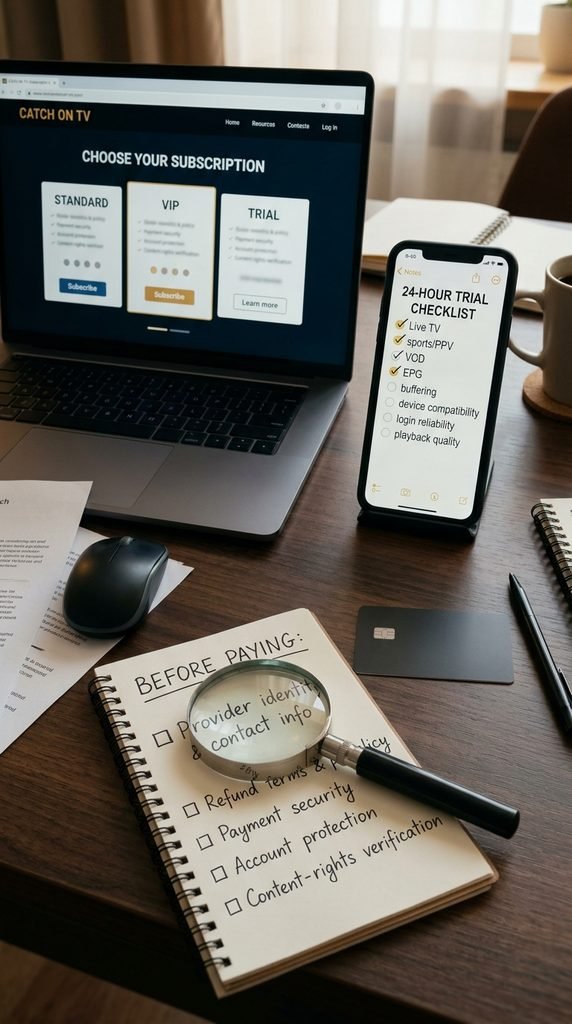
Yes. The current CatchOn TV homepage advertises a free 24-hour trial with no credit card required. A 24-hour trial should be treated as a functional test, not merely a preview: use the time to check channels, VOD, EPG, playback stability, login and every device you expect to use.
What should you test during an IPTV free trial 24 hours?
Use a simple checklist:
One local or regional channel.
One HD or 4K stream.
One sports or live-event channel.
Two VOD titles.
EPG loading and schedule accuracy.
Playback during your normal evening viewing period.
Each device you plan to use.
Login and account activation after a restart.
What about refunds?
Refund rules can be different from trial rules, and the trial does not automatically create a refund entitlement after a paid order. The safest approach is to read the current refund terms at checkout and save a copy of them with the payment receipt.
Do not assume a third-party CatchOn-branded website uses the same trial or refund policy as catchontvusa.com.
Key takeaway: Use the 24-hour trial to test the exact devices, channels and viewing conditions that matter to you before committing to a longer plan.
Is Catch On TV Legitimate, Legal and Safe to Use?
Catch On TV can be evaluated for transparency, but legality cannot be determined from the name “IPTV” alone. IPTV is a delivery technology; the legal question is whether the provider is authorized to distribute the specific copyrighted programming in the relevant jurisdiction.
How to evaluate legitimacy
Before purchasing, check:
The exact domain and checkout page.
Clear subscription prices.
Published terms and refund conditions.
A working support channel.
A channel list that matches the actual service.
Whether premium content is properly licensed or otherwise lawfully distributed.
US copyright law provides remedies for unauthorized infringement and addresses criminal infringement in specified circumstances.
That does not establish that CatchOn TV is illegal or legal by itself. A reader should evaluate the provider’s authorization and comply with US law and applicable local rules.
Payment and account safety
Use the exact domain you intended to visit, keep your receipt, avoid sending passwords through unrelated contacts, and be cautious of copied branding or lookalike storefronts.
Legal-use disclaimer: CatchOn TV’s legal status depends on the content rights and licensing applicable to the service and your jurisdiction. This article is informational and does not provide legal advice.
Key takeaway: Legitimacy is about authorization, transparency and account safety—not the word IPTV, the number of channels, or a “VIP” label.
How Does Catch On TV Compare With Other IPTV Services in 2026?
For a buyer searching for the best IPTV service 2026, the right comparison is not simply the largest channel count. Compare total price, simultaneous connections, device compatibility, VOD scope, trial terms, refund protection, support quality and how clearly the provider explains what the customer is actually buying.
Criteria
Catch On TV
Traditional cable
Multiple standalone streaming apps
Billing model
Subscription
Subscription + possible equipment/fees
Several subscriptions
Live TV focus
High
High
Varies
VOD
Advertised large library
Varies
Usually strong per service
Multi-device flexibility
Connection-based
Provider-dependent
Usually account/app based
EPG
Advertised
Usually standard
Varies
Trial availability
24-hour trial advertised
Usually limited/no trial
Varies
Best for
Buyers wanting a single IPTV-style package
Conventional TV households
Viewers prioritizing specific apps
Catch On TV has the strongest fit for a buyer who wants live TV, sports, VOD and a short trial before making a longer commitment. Someone who values guaranteed licensed distribution above price or catalog breadth may prefer a conventional licensed TV or streaming provider.
Key takeaway: Compare the entire buying package, not just channel count or the phrase “best IPTV.”
What Do Reddit Users Say About Catch On TV?
Reddit should be treated as reputation evidence rather than laboratory testing. Searches such as “iptv provider reddit” can reveal recurring complaints, outages and user experiences, but Reddit posts are individual reports and can refer to different domains, apps or service periods.
Recent 2026 discussions in the CatchOnTV subreddit included reports of website and app problems, partial service interruptions and users questioning whether the service had ended. Other commenters reported that some functions continued working, showing why one Reddit thread should not be treated as definitive service-status proof.
What positive reports can and cannot prove
Positive comments may help identify useful features such as interface quality or support experiences. They do not independently verify uptime, channel rights, overall reliability or future availability.
What complaints matter most?
Pay attention when multiple dated reports describe the same symptom: login failures, inactive codes, widespread channel outages or a broken app. A repeated pattern deserves more weight than a single enthusiastic testimonial.
Key takeaway: Reddit is useful for spotting patterns, but buyers should verify those patterns against their own trial and the exact service domain.
What Problems Can Happen With Catch On TV and How Do You Fix Them?
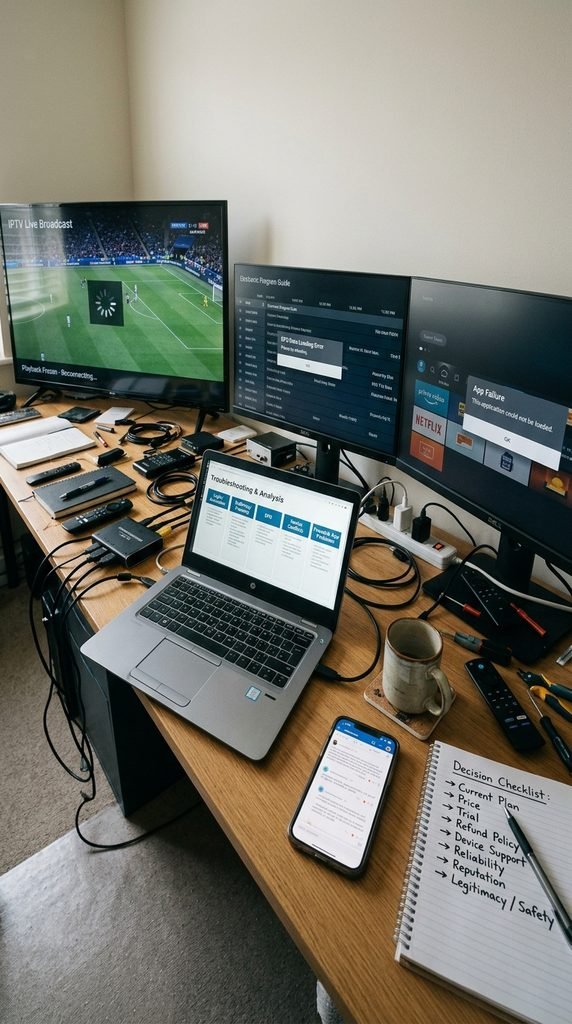
Most subscription playback problems fall into four areas: credentials, device software, home-network conditions and the upstream service. The fastest troubleshooting method is to isolate one variable at a time instead of changing the app, router and account settings simultaneously.
Login or activation problems
Check the username, password, activation code, expiry date and exact app first. If the same credentials fail on multiple devices while other internet services work normally, contact the provider before reinstalling everything.
Buffering or freezing
Test another channel first.
If one channel buffers while others play, the issue may be isolated to that stream. If every channel buffers across several devices, test the home network, restart the router, move from weak Wi-Fi to Ethernet where possible, and compare the result on another network.
EPG problems
Refresh the guide or playlist, confirm that the subscription is active and restart the application. A missing EPG does not necessarily mean the entire service is offline.
Multiple-device connection conflicts
A subscription may be installed on several devices but limited to a specific number of simultaneous connections. Test one device alone before assuming a multi-device account is defective.
Firestick app failures
Amazon recommends restarting the Fire TV, clearing app cache/data, reinstalling the app and checking for a Fire TV software update when an app crashes or fails to load.
Key takeaway: Diagnose the failure layer first—account, app, device, network or service—then change one variable at a time.
Reviews and Reputation: What Should Buyers Trust?
The strongest reputation signal is consistency across independent evidence and your own trial, not a block of five-star testimonials on a sales page. CatchOn TV’s own website contains customer-review claims, but provider-hosted testimonials should be considered promotional material unless independently corroborated.
A stronger buying process combines the published terms, a short trial, current community reports, transparent pricing and your own playback tests. That method is especially useful for services whose availability or branding may change over time.
Key takeaway: Your trial results plus transparent terms are stronger evidence than marketing testimonials alone.
Frequently Asked Questions
Is Catch On TV legitimate?
Catch On TV should be evaluated by checking its exact domain, business transparency, terms, refund conditions and content authorization. IPTV itself is legal technology, but the legality of specific programming depends on licensing and applicable law.
How much does Catch On TV cost?
The current CatchOn TV homepage lists one-connection plans at $15.99 for one month, $34.99 for three months, $59.99 for six months and $79.99 for 12 months. Prices can change, so verify the checkout page before paying.
Does Catch On TV offer a 24-hour free trial?
Yes. The current CatchOn TV homepage advertises a free 24-hour trial without requiring a credit card. Trial availability and conditions should still be confirmed on the current trial page before submitting a request.
What devices support Catch On TV?
CatchOn TV advertises Firestick, Android devices, Smart TVs and smartphones, with broader device compatibility claimed on its homepage. Exact app availability depends on the device model, operating system and current app distribution.
What is Catch On TV VIP?
A separate, clearly documented VIP subscription tier is not currently listed on the verified CatchOn TV site used for this article. Buyers should request a written VIP price, feature list, connection limit and refund terms before paying extra.
Can I get a refund?
Refund eligibility depends on the current terms attached to the purchase. A free trial and a paid-subscription refund policy are not the same thing, so buyers should read and save the current refund conditions before checkout.
Next Step: Verify the Current Catch On TV Plan Before Paying
The single best next step is to open the current Catch On TV pricing page, confirm the price, connection count, trial and refund terms, and then test the service on your primary device before choosing a long-term plan.