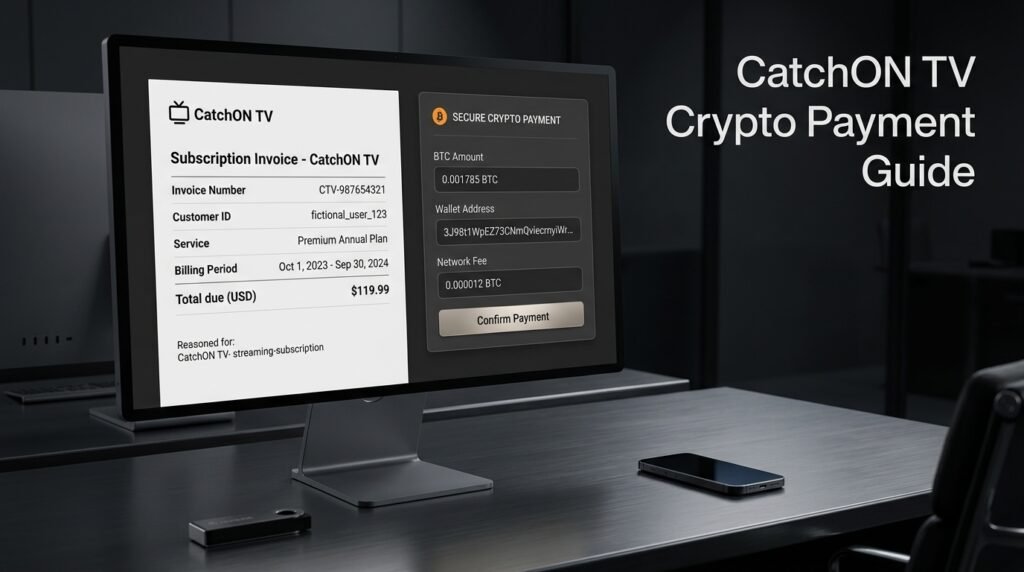
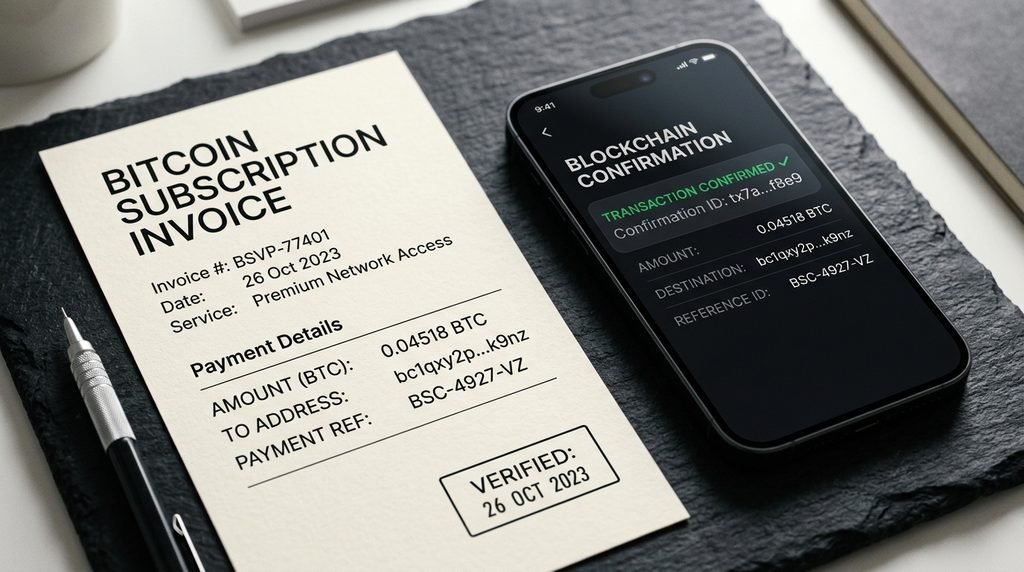
CatchON TV crypto usually refers to paying for a CatchON TV subscription or renewal with Bitcoin. CatchON users began reporting in 2025 that renewals were being moved from easier card-style payments to Bitcoin, with several users saying they completed payments through services such as Cash App.
Crypto payment is different from normal checkout because you send Bitcoin to a wallet address rather than authorizing a reversible card transaction. Before sending anything, verify the exact seller, Bitcoin address, amount, and fees because completed cryptocurrency transfers generally cannot be canceled.
Last updated: September 23, 2026 Target: United States Research note: This guide uses historical CatchON user reports plus current PayPal and FTC cryptocurrency guidance. We did not send a live CatchON payment while preparing this page.
Table of Contents
What Does CatchON TV Crypto Mean?
CatchON TV crypto generally means using cryptocurrency—most commonly Bitcoin—to pay for a subscription or renewal. Instead of entering a credit-card number at checkout, the customer receives or is shown a Bitcoin wallet address and transfers the requested amount from a crypto wallet.
CatchON users began discussing this payment change heavily in early 2025. Some said they had previously paid by card but were later told that renewal required Bitcoin; others said they successfully completed the process using Cash App after initially finding crypto confusing.
That historical context explains why people now search phrases such as CatchON TV crypto, CatchON Bitcoin payment, and how to pay CatchON with crypto.
Why CatchON Users Started Seeing Bitcoin
The public user discussions confirm the payment change but do not establish one verified reason for why it happened. Claims that the change was made for legal, banking, privacy, or other reasons should therefore not be presented as fact without evidence.
What can be established is simpler: users reported reaching renewal and being asked to pay with Bitcoin instead of the methods they had previously used. One March 2025 discussion specifically began with a user asking whether Bitcoin-only renewal was accurate, followed by other users describing how they completed the payment.
Crypto Payment Versus Normal Checkout
The practical difference is significant.
Normal Card Payment
Bitcoin Payment
Enter card information
Send BTC to a wallet address
Price normally shown in dollars
Payment may specify BTC amount
Card network handles transaction
Blockchain handles transfer
Dispute process may exist
Usually difficult to reverse
Merchant receives fiat/card payment
Recipient receives cryptocurrency
No crypto wallet needed
Crypto-enabled account/wallet needed
Crypto therefore adds several steps that a normal subscription checkout does not have.
Key Takeaway: CatchON TV crypto is primarily a payment method, not a separate CatchON subscription or special crypto version of the app.
How Does a CatchON TV Crypto Payment Work?
A CatchON TV crypto payment normally follows three stages: obtain Bitcoin, send the required BTC amount to the wallet address supplied for the order, and wait for the blockchain transaction to confirm. The important part is keeping the payment request and crypto transaction connected to the same order.
Do not start by randomly buying Bitcoin. First determine exactly how much the subscription costs and what payment instructions your verified seller provides.
Buying Bitcoin
You need access to Bitcoin before you can send a BTC payment. Depending on eligibility and location, cryptocurrency platforms and payment apps can let users purchase Bitcoin using a bank account, balance, or debit card.
For example, PayPal currently allows eligible U.S. users to buy Bitcoin and transfer supported cryptocurrency to external wallets. External transfers require additional account verification.
If you are unfamiliar with crypto, buying it is only the first step. The Bitcoin then needs to be transferable outside that platform if the subscription payment uses an external wallet address.
Sending Bitcoin to the Payment Address
A crypto invoice should give you a destination Bitcoin address and the amount required.
Before pressing Send, compare:
Currency: BTC / Bitcoin
Destination: exact wallet address
Amount: requested BTC amount
Fees: amount charged separately or deducted
Order: correct subscription
Wallet addresses are long because they are designed for machines rather than humans. Copying and pasting the address or scanning a legitimate invoice QR code reduces typing errors, but you should still compare the first and last few characters.
PayPal warns that crypto sent to the wrong address, wrong recipient, or incompatible network can be lost and that external transfers cannot simply be canceled afterward.
Waiting for Confirmation
Pressing Send does not always mean the merchant immediately considers the invoice paid. Bitcoin transactions are broadcast to the Bitcoin network and then receive confirmations. The time involved varies depending on network conditions and the platform handling the payment.
Do not send another transaction merely because activation does not appear immediately. First confirm whether the original transaction is still pending or already completed.
Key Takeaway: One verified transaction is better than several rushed attempts to make the payment arrive faster.
How Much Crypto Should You Send for CatchON TV?
Send the BTC amount requested by the active payment invoice rather than manually guessing how much Bitcoin equals the subscription’s dollar price. Bitcoin’s market value changes constantly, and fees can affect how much crypto leaves your account or reaches the destination.
Suppose a CatchON subscription costs $80. Buying exactly $80 of Bitcoin does not automatically guarantee that an $80-equivalent payment reaches the destination because the crypto platform may charge purchase or transfer fees.
Bitcoin Price Changes
Bitcoin is traded continuously, so its dollar value can move between the moment you check the price and the moment you complete a payment.
That is why a crypto checkout may show an exact BTC amount for an invoice rather than simply telling you to “send $80 in Bitcoin.” Follow the current invoice.
Do not use a BTC figure copied from an old Reddit post or screenshot.
Network and Platform Fees
A crypto transaction can involve more than one type of cost:
Crypto purchase fee
Exchange-rate spread
Blockchain network fee
Possible withdrawal or transfer fee
PayPal, for example, states that external cryptocurrency transfers can include a blockchain network fee and displays the fee during the transfer process. (PayPal)
If your wallet says:
You send: 0.0012 BTC Network fee: 0.0001 BTC
verify whether the fee is added to the payment or deducted from what the recipient receives.
Key Takeaway: Check the recipient amount, not just how much Bitcoin you purchased.
Can You Use PayPal or Cash App for CatchON Crypto?
PayPal can be used by eligible U.S. customers to buy Bitcoin and send BTC to an external wallet, while historical CatchON users frequently reported completing their payments through Cash App’s Bitcoin functionality. These platforms act as the place where users obtain and transfer crypto; they are not necessarily the CatchON checkout itself.
This distinction is important.
Using PayPal to buy Bitcoin does not necessarily mean you are making an ordinary PayPal merchant payment. The payment flow may instead look like:
A CatchON user described the Cash App process in similar terms, saying it took some figuring out but ultimately worked for their renewal. That is a user experience, not a guarantee that the same process applies to every current CatchON-branded seller.
CatchON TV Crypto Payment Decision Table
Use this before you send anything.
Situation
Best Next Move
Checkout clearly asks for BTC
Verify address and amount
Someone DMs you a wallet address
Do not pay until independently verified
Old email contains a BTC address
Generate/confirm a current payment request
Wallet shows BTC and BCH
Make sure you select Bitcoin/BTC
BTC amount changed
Follow current invoice, not old screenshot
Payment is pending
Wait and monitor original transaction
Payment confirmed but no activation
Contact the exact seller with transaction ID
You sent to wrong address
Contact the recipient/platform immediately; recovery may not be possible
You are unsure which CatchON seller you have
Verify the domain/order before paying
This is the useful rule: verify first, send once.
What Can Go Wrong With CatchON TV Crypto?
Most costly crypto-payment mistakes happen before the transaction is sent: the wrong recipient, wrong cryptocurrency, incorrect amount, or an unverified seller. Unlike an ordinary subscription checkout, correcting those mistakes afterward can be difficult.
Understanding the failure points matters more than memorizing a particular wallet app.
Wrong Wallet Address
A single incorrect destination can send the cryptocurrency somewhere you did not intend. If somebody sends you a payment address through an unexpected email, private message, Telegram account, or forum comment, do not automatically assume it belongs to your provider.
Return to the order or verified support channel and confirm it.
Wrong Cryptocurrency or Network
Bitcoin and Bitcoin Cash are not the same asset.
BTC sent incorrectly to an incompatible destination can be lost. PayPal explicitly tells users to confirm that the crypto address matches the exact cryptocurrency being transferred.
If the invoice says BTC, select Bitcoin.
Do not substitute another cryptocurrency just because its name looks similar.
Underpaying Because of Fees
A historical CatchON Reddit user described finishing a crypto payment and realizing fees had left the payment a few dollars short. The seller reportedly still activated that user’s service, but another automated payment system might not. (Reddit)
The better approach is to inspect the final transfer summary before sending. If the checkout requests a precise BTC amount, make sure that precise amount is what is being transferred to the recipient.
Key Takeaway: Most crypto payment problems are easier to prevent than to fix.
Is Paying CatchON TV With Crypto Safe?
Cryptocurrency can technically be transferred securely, but the payment method offers fewer recovery options than a credit-card purchase if you send money to the wrong recipient or deal with the wrong seller. The risk comes less from Bitcoin itself and more from the irreversibility of the transfer and the identity of the recipient.
The FTC warns consumers that cryptocurrency transactions generally lack the protections associated with credit cards and usually cannot be reversed unless the recipient voluntarily sends the money back.
The FTC also advises extra caution when someone unexpectedly contacts you and insists that cryptocurrency is the only way you can pay them. That is especially relevant when several websites or individuals use similar brand names.
Before making a CatchON TV crypto payment, verify:
The exact provider you intend to pay
The subscription plan
The current payment request
The Bitcoin address
The BTC amount
Any fees
How activation will be delivered
What support channel belongs to the seller
If you are still deciding how much service to purchase, check the CatchON TV pricing guide before paying.
What Should You Save After Paying?
Keep enough information to prove exactly what you bought and exactly which blockchain transaction paid for it. At minimum, save the subscription order, wallet transaction ID, amount, date, destination address, and confirmation messages until the service is activated and working.
The transaction ID—often called a TXID or transaction hash—is particularly useful because it identifies the payment on the blockchain.
A good payment record includes:
Order number
Subscription duration
Number of devices/connections
Amount requested
BTC sent
Transaction ID
Seller/domain
Confirmation email
Activation credentials
Do not publish the full details publicly when asking for help. A support representative normally does not need your wallet password, recovery phrase, or crypto-account login.
Historical CatchON users reported being required to use Bitcoin for some subscription renewals beginning in 2025. Current payment methods can vary between sellers using CatchON branding, so verify the checkout attached to your exact order.
What Crypto Does CatchON TV Use?
Bitcoin is the cryptocurrency most consistently mentioned in historical CatchON payment discussions. If a checkout requests crypto, follow the exact asset and network specified rather than assuming every cryptocurrency will work.
Can I Pay CatchON TV With Bitcoin Through PayPal?
Eligible U.S. PayPal users can buy Bitcoin and transfer BTC to supported external wallet addresses. This is different from making a normal PayPal merchant purchase.
Why Is CatchON TV Asking for Crypto?
Public user reports confirm that CatchON renewals moved toward Bitcoin payments, but they do not establish one verified reason for the change. Avoid treating speculation about why crypto was introduced as fact.
Can I Reverse a CatchON TV Crypto Payment?
Usually not by yourself. Cryptocurrency transfers generally cannot be canceled once initiated, so verify the destination and amount carefully before sending.
What If My CatchON Crypto Payment Is Confirmed but Nothing Happens?
Save the transaction ID and order information, then contact the exact seller that generated the payment request. Do not immediately send a second Bitcoin transaction.
What Should You Do Next?
For CatchON TV crypto, the safest sequence is simple:
Verify the provider → choose your plan → get the current payment request → buy enough BTC → check the address, amount and fees → send once → save the transaction ID → wait for confirmation and activation.
Do not pay from an old wallet address, random social-media message, or screenshot simply because it contains the CatchON name.
You can review the CatchON TV pricing page before deciding how much subscription time you want.