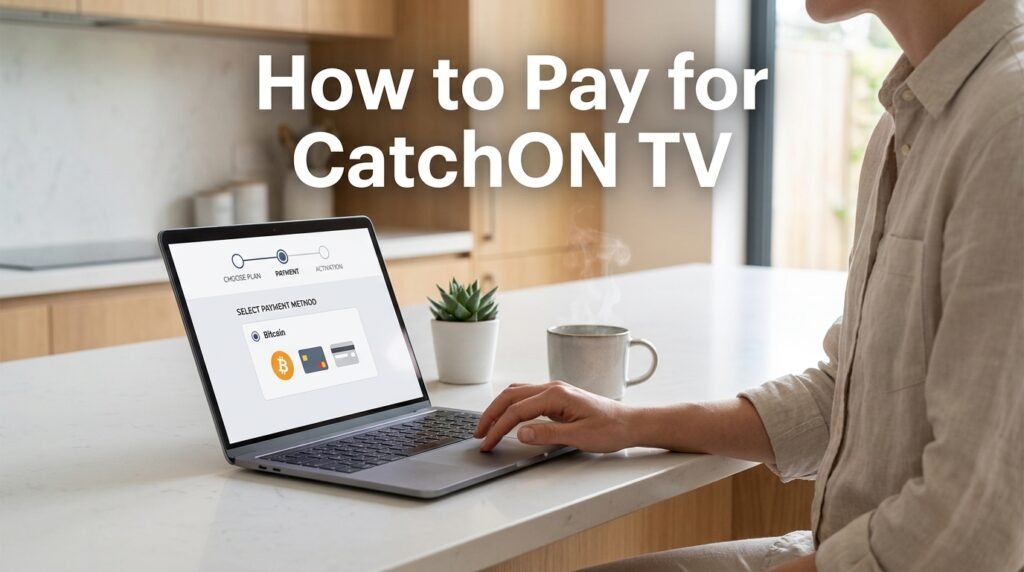
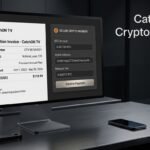
To pay for CatchON TV, first choose the subscription plan from the exact CatchON provider you intend to use, then follow the payment method shown at that provider’s checkout. One currently accessible CatchON-branded site says it accepts Bitcoin and directs customers to obtain BTC through services such as PayPal or Cash App before sending the payment.
Do not send cryptocurrency to an address copied from an old email, Reddit post, screenshot, or unrelated CatchON website. Bitcoin transactions are normally difficult or impossible to reverse after they are confirmed, so verify the seller, payment amount, cryptocurrency, and destination address before pressing Send.
Last updated: September 23, 2026 Research method: Current CatchON-branded payment information was checked against official PayPal cryptocurrency documentation and FTC guidance on cryptocurrency payments. No payment method is assumed unless the seller currently displays it.
Table of Contents
How Do You Pay for CatchON TV?
The exact CatchON TV payment process depends on the seller handling your subscription, but a current CatchON-branded site says its payment method is Bitcoin. The normal flow is to choose a plan, receive a Bitcoin payment request, obtain enough BTC, send it to the provided wallet address, and wait for confirmation.
This matters because the CatchON name appears across several websites. Do not assume that payment instructions from one CatchON-branded site will activate a subscription bought from another.
If CatchON Asks for Bitcoin
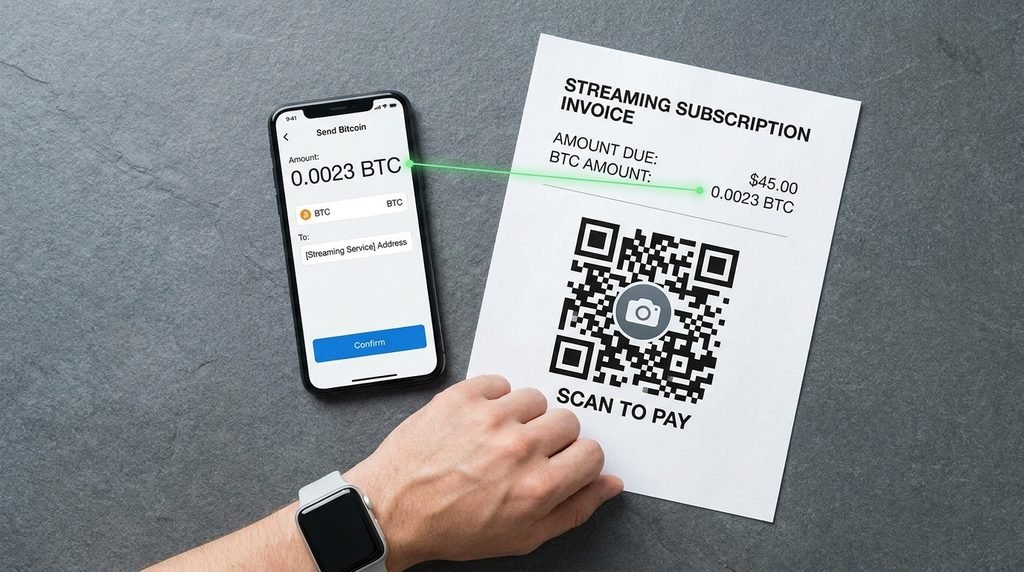
A Bitcoin checkout normally gives you two critical pieces of information: the amount to send and the recipient Bitcoin address. Some payment systems may also provide a QR code containing that wallet address.
Your job is not to calculate a random Bitcoin amount yourself. Use the amount displayed for your order and confirm that your wallet is sending Bitcoin (BTC) to a Bitcoin address before completing the transaction.
If Another Payment Option Appears
Use only the payment options actually displayed by the checkout connected to your order. If your seller shows card, PayPal, or another payment processor, follow that checkout rather than converting money into cryptocurrency unnecessarily.
The important point is consistency: the website, order, payment recipient, and eventual activation should all belong to the same transaction.
Key Takeaway: Start from the subscription checkout, not from a random wallet address someone sends you later.
How to Pay for CatchON TV Step by Step
Paying for CatchON TV should be treated as a short transaction process rather than simply sending money and hoping support identifies it later. Keep the subscription page open until you have completed the payment and saved the order details.
Choose the Correct Subscription
First, decide how long you want the subscription and how many devices or connections you actually need. Check the current options on your CatchON TV pricing page before committing to a long plan.
Longer subscriptions may reduce the effective monthly price, but they also require more money upfront. If you have never used the exact seller before, a shorter commitment gives you less exposure if something goes wrong.
Generate the Payment Request
Select the plan and continue to checkout. If the seller accepts Bitcoin, the payment page should provide a specific BTC amount and destination wallet address rather than asking you to guess either value.
Leave that page open while preparing the payment. Taking a screenshot of the order number, amount, and destination can also help if support later needs to identify the transaction.
Buy the Required Bitcoin
If you do not already own Bitcoin, you need a service that allows you to purchase BTC and send it to an external wallet. PayPal’s U.S. documentation says eligible customers can buy Bitcoin and transfer supported cryptocurrency to external wallets after completing the required account verification. (PayPal)
On PayPal, the general purchase process is to open the crypto section, choose Bitcoin, select the amount, review the funding source and transaction details, and complete the purchase. Availability and transfer requirements can depend on your account and location.
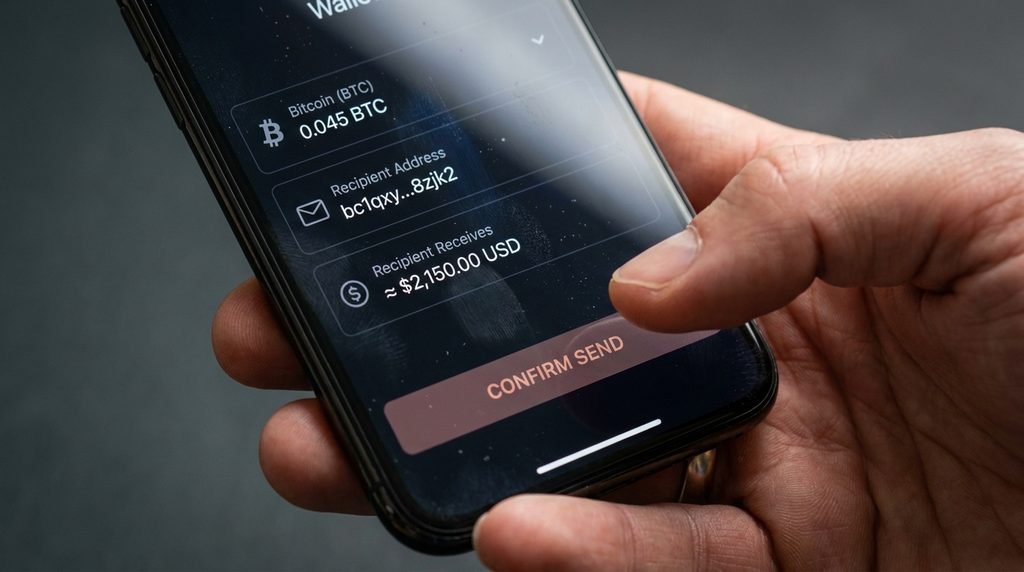
Return to the CatchON payment request and carefully compare the destination address with the one in your wallet. Copying and pasting is safer than manually typing a long crypto address, but you should still compare the beginning and ending characters before sending.
Then confirm all four details:
Cryptocurrency: Bitcoin / BTC
Destination address
BTC amount
Estimated network fee
Only press Send when they match the order you are paying.
Save the Confirmation
After sending the transaction, save the wallet confirmation and any transaction ID shown by your payment app. Also keep your CatchON order number and confirmation email.
Bitcoin transactions may need blockchain confirmations before the seller considers the payment final. A payment therefore may show as pending for a period even after it leaves your wallet.
Key Takeaway: Keep the order details and crypto transaction record until your CatchON account has been activated successfully.
Can You Pay for CatchON TV With PayPal?
You may be able to use PayPal to obtain and send Bitcoin, but that is different from paying the CatchON merchant directly with a normal PayPal purchase. One current CatchON-branded site’s instructions specifically describe Bitcoin as the accepted payment and mention PayPal as a way customers can obtain BTC
That distinction matters because seeing the word “PayPal” does not necessarily mean you can enter your PayPal email at CatchON checkout and pay the merchant directly.
Paying Through PayPal Versus Buying Bitcoin
These are two different flows.
Normal PayPal checkout: Merchant → PayPal → regular purchase payment.
Bitcoin bought through PayPal: PayPal → buy BTC → transfer BTC → merchant’s wallet.
If the CatchON checkout gives you a Bitcoin address, you are using the second process.
PayPal also warns that crypto sent to the wrong address type can be lost. Always confirm that the receiving address matches the cryptocurrency being transferred.
Can You Pay With a Credit or Debit Card?
Do not assume CatchON TV accepts cards just because an older guide says it did. Payment methods can change, and different businesses using similar CatchON branding may offer different checkout systems.
If a card option is present directly in the checkout you have verified, follow the displayed process. If the checkout shows only Bitcoin, entering card details on a different CatchON-looking website would mean you are dealing with a different payment system and potentially a different seller.
For questions about a specific order or payment page connected with this site, use the CatchON TV contact page.
How Much Bitcoin Should You Send?
Send the exact amount requested by the payment page while accounting for how your wallet handles network fees. Do not assume that buying $50 of Bitcoin guarantees the recipient will receive exactly $50 worth of BTC after purchase costs, price movement, and transfer fees.
For example, imagine your order requires the equivalent of $55 in Bitcoin. If your crypto platform charges a purchase fee and a separate network or transfer fee, buying exactly $55 worth may leave you short when the actual payment is sent.
Account for Network and Purchase Fees
PayPal states that crypto purchases can include a transaction fee and an exchange-rate spread, while network or transfer conditions can also affect the final amount moving between wallets.
The correct approach is to review the final amount the recipient will receive, not merely the original dollar amount you purchased.
If the checkout provides a precise BTC figure such as 0.000xxxxx BTC, follow that figure rather than manually converting dollars using a Google price result that could change seconds later.
What Happens After You Pay?
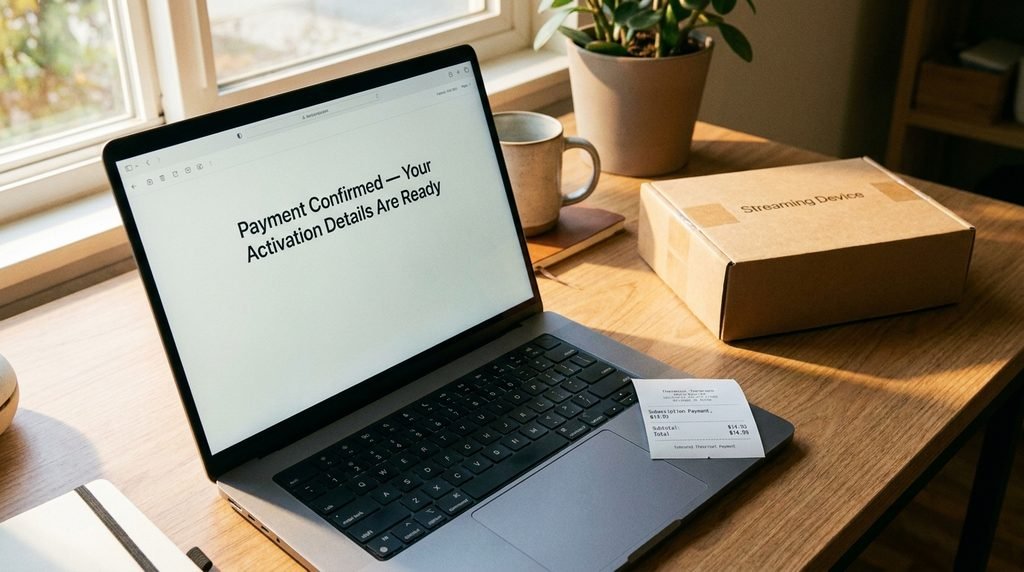
After a successful CatchON TV payment, the seller should match the transaction with your order and provide whatever credentials, activation information, or subscription extension applies to your purchase. Keep an eye on both your inbox and spam folder while the transaction confirms.
Do not delete the payment confirmation after receiving your credentials. Keep it at least until you have confirmed that the subscription duration, connection count, and account access match what you purchased.
For new subscriptions, test the service reasonably soon after activation rather than waiting weeks to discover that the order details were incorrect.
Common CatchON TV Payment Problems
Most payment problems fall into three categories: the blockchain transaction is still confirming, the amount received does not match the invoice, or the payment was completed but the account has not been activated. Those situations require different responses, so first establish whether the crypto actually reached the destination address.
Payment Still Pending
A Bitcoin payment is not always considered complete the instant you press Send. The transaction must be broadcast and confirmed by the Bitcoin network, and confirmation time can vary with network conditions and the fee attached to the transaction.
Check the transaction status in the wallet you used. If it still says pending, sending a second payment would normally make the situation worse.
Wrong Amount Sent
If the seller receives less Bitcoin than requested, an automated checkout may leave the invoice unpaid. This can happen when someone buys only the dollar value of the subscription without accounting for fees.
Do not immediately send a random second amount. Contact the seller using the support details attached to the original order and provide the transaction ID.
Activation Never Arrives
First confirm that the blockchain transaction shows as completed, then check your spam folder and the email address used during checkout. If payment is confirmed but no credentials arrive, contact the exact provider you paid and include the order number and transaction ID.
Avoid paying again simply because an automated activation email is delayed.
Key Takeaway: A confirmed crypto payment and a completed CatchON activation are two separate events; preserve evidence of both.
How to Pay More Safely
Cryptocurrency payments require more care than ordinary card transactions because correcting mistakes afterward can be difficult. The FTC says cryptocurrency transactions typically lack the dispute protections available with credit cards and are generally not reversible unless the recipient voluntarily returns the money.
Before paying, verify the exact seller and check:
Before Sending
What to Confirm
Website
Exact domain you intended to use
Plan
Correct duration and device count
Cryptocurrency
BTC if Bitcoin is requested
Address
Matches the current checkout
Amount
Exact amount requested
Fees
Recipient will receive enough
Order
You have an order/reference number
Evidence
Screenshot and transaction record saved
Never send Bitcoin merely because someone contacts you unexpectedly claiming to represent CatchON. Start from the provider you deliberately chose and verify the payment request inside that transaction.
CatchON TV Payment FAQ
How Do I Pay for CatchON TV?
Choose your subscription and follow the payment option displayed at checkout. One current CatchON-branded site says it accepts Bitcoin, so customers may need to purchase BTC and transfer it to the provided Bitcoin address.
Does CatchON TV Accept PayPal?
A current CatchON-branded site mentions PayPal as a method for obtaining Bitcoin rather than clearly presenting ordinary PayPal merchant checkout. Follow the exact payment method displayed for your specific order.
Can I Pay CatchON TV With Bitcoin?
Yes, at least one currently accessible CatchON-branded provider explicitly lists Bitcoin as its payment method. Verify the BTC address directly from your active checkout before sending anything.
How Long Does CatchON TV Take to Activate After Payment?
Activation can depend on the seller and how quickly the cryptocurrency transaction confirms. Keep your transaction ID and order number until your subscription has been activated and tested.
What If I Sent CatchON TV the Wrong Bitcoin Amount?
Do not automatically send another payment. Save the blockchain transaction ID and contact the same provider that generated your invoice so it can check the amount actually received.
Can I Reverse a CatchON TV Bitcoin Payment?
Usually not on your own. Cryptocurrency transfers are generally irreversible after being sent, which is why verifying the recipient and amount before payment is especially important.
What Should You Do Next?
If you are ready to pay for CatchON TV, the safest sequence is:
Choose the exact provider → select the plan → generate the checkout → verify the payment method → copy the current BTC address → confirm the amount and fees → send once → save the transaction record → wait for activation.
Do not reuse an old wallet address, send money based on a screenshot, or pay a different CatchON-branded website because its checkout appears easier.
You can review the CatchON TV pricing options before deciding how much subscription time you actually need.