Searching for catchon tv download can mean several different things, and that is where a lot of the confusion begins. Some users want the CatchON TV application itself, others are trying to download a compatible IPTV player, and some are actually looking for a way to save movies or live channels for offline viewing. Those are three completely different requests. The current CatchON TV official website promotes an app for Firestick, Android devices, Smart TVs, and other popular platforms, but it does not mean that every file, Downloader code, or APK carrying the CatchON name online belongs to the same service.
That distinction has become more important because older CatchON download tutorials remain searchable long after their links, applications, or provider domains changed. A code that worked in 2023 may lead nowhere today, and an APK from another CatchON-branded website may install successfully while being unrelated to the subscription you bought. The safest catchon tv download process therefore starts by identifying exactly what you need to download, verifying the source, and matching the software with the credentials supplied by your current subscription.
What CatchON TV Download Usually Means
For most users, catchon tv download means installing the software needed to access an existing CatchON TV subscription. The current .us site says customers can use CatchON TV across Firestick, Android devices, Smart TVs, computers, and other streaming platforms, with login credentials sent after activation. That suggests the application and subscription are two separate pieces: downloading software does not automatically create paid access, and buying a subscription does not necessarily mean the correct app has already been installed.
There is also an important difference between downloading the app and downloading television content. The current CatchON TV pages focus on streaming live television and VOD over an internet connection; they do not publicly advertise a permanent offline-download feature for saving channels or movies to watch without internet access. If you are searching catchon tv download because you want offline movies, do not assume that feature exists unless your current app explicitly provides it.
A simple way to understand the terminology is:
Search intent
What you probably need
Download CatchON TV
Streaming app or compatible player
CatchON TV APK
Android installation file
CatchON TV Firestick download
Fire TV installation method
CatchON TV Smart TV download
TV-compatible app/player
CatchON TV movie download
Check whether offline saving is supported
CatchON TV setup
App plus subscription credentials
CatchON TV login
Existing account information
Knowing which of these describes your situation prevents you from downloading software you never needed.
Finding the Correct CatchON TV Download
The hardest part of catchon tv download is often not installing the app; it is deciding which download actually belongs to the service you use. Search results currently contain several unrelated or differently branded CatchON websites offering their own APKs, Downloader codes, or IPTV-player instructions. Some list completely different subscription prices and connection rules, which is a strong sign that they should not automatically be treated as extensions of catchontvusa.us.
Start with the domain connected to your purchase and the setup information delivered after activation. The current CatchON TV pricing page says customers receive automated login credentials and then download the CatchON TV app on a supported smart device. If your subscription email provides a specific installation method, that information should take priority over an old forum guide.
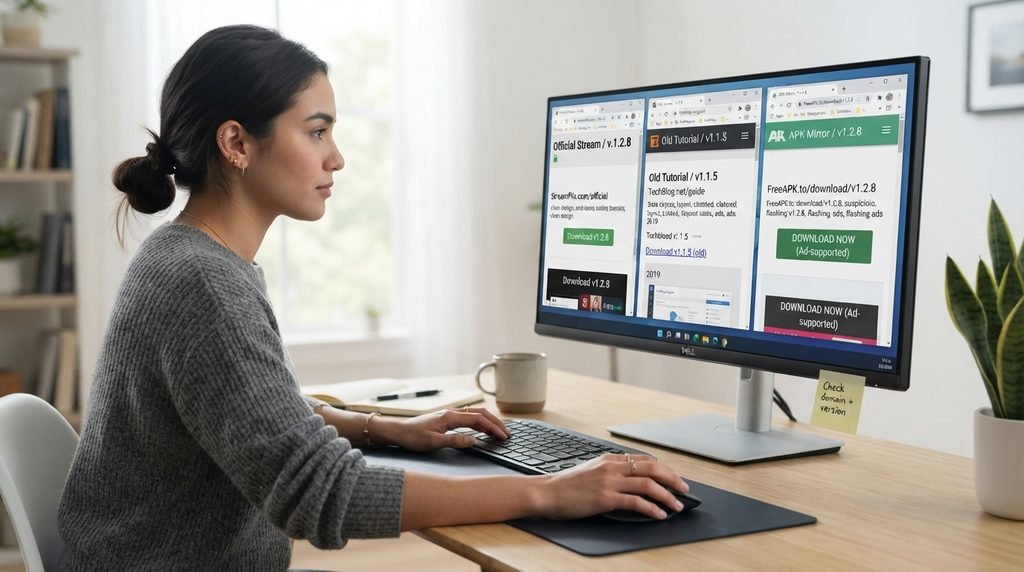
Verify the Domain Before Downloading
Look at the complete website address rather than just the CatchON logo. Similar names are easy to imitate, and a professional design does not prove that two sites belong to the same provider. For the service covered here, your reference domain is catchontvusa.us. If a download suddenly takes you somewhere else, check why before continuing.
Match the App With Your Account
A correct catchon tv download should lead to an app or compatible player that accepts the type of credentials you were actually sent. If your confirmation contains a username and password but the downloaded app asks only for an unfamiliar prepay code, there may be a mismatch. Do not start guessing codes immediately. Verify the application first.
Check the Publication Date Carefully
Old CatchON tutorials can remain highly visible in search because people continue linking to them. A download method published several years ago may describe an app version or provider that no longer exists in the same form. The newer the installation information, the more useful it is likely to be.
Avoid Downloading Several Versions at Once
Installing three or four different CatchON APKs does not increase the chance of success. It makes troubleshooting harder because you no longer know which app belongs to which credentials. Choose one verified installation path and test it properly before changing direction.
Choosing the Best Download Method
There is no single catchon tv download method that fits every platform. Fire TV, Android, Smart TVs, Windows computers, and mobile devices have different software environments, and some accept direct applications while others need a compatible IPTV player. Instead of forcing the same APK onto every screen, use the method that matches the operating system.
This is one area where the article should not be reduced to “install Downloader everywhere.” Downloader is relevant to some Fire TV or Android-style installations, but it is not a universal requirement for every CatchON-supported platform.
App Store Installation When Available
If the exact compatible application specified by your subscription appears in your device’s official app store, that is generally the simplest installation route. Store installation handles downloading, updates, and compatibility more cleanly than manual APK installation.
For Android TV or Google TV, you can use Google’s official Android TV app guidance to understand how normal app installation works on the platform.
Direct APK Installation When Required
Some Android-based streaming applications are distributed as APK files instead of through Google Play. In that case, catchon tv download becomes a sideloading process, which usually requires permission to install software from the source you are using. Only do this when the APK source is one you have intentionally verified. “Android says this can be installed” is not the same thing as “this file belongs to my provider.”
Compatible IPTV Player Setup
Some CatchON subscriptions can work through a separate IPTV player rather than a dedicated CatchON-branded application. In that setup, you download the player and then enter the credentials supplied with your subscription. The player is simply the interface; your subscription controls the service access.
Browser or Desktop Access Options
Computers may use a different route from televisions. Depending on the current service setup, you may use a compatible desktop player, browser-based method, or application provided in your instructions. Do not download an Android APK onto Windows and expect it to function like a normal desktop installer.
CatchON TV Download and Subscription Access
One of the easiest misunderstandings is assuming that installing the app provides free access. Catchon tv download and CatchON TV subscription are separate steps. The software gives you a way to access the service, while the subscription provides authorization.
The current CatchON TV pricing plans include one-, three-, six-, and twelve-month options and allow users to select between different simultaneous connection counts. Installing the application does not bypass those plan limits.
For one connection, the current listed prices are:
Plan
Current listed total
1 Month
$15.99
3 Months
$35
6 Months
$59
12 Months
$79
The current site also advertises a 24-hour trial. That can be useful if you want to test whether your catchon tv download works properly on your hardware before paying for a longer plan.
What to Check Before Installing Anything
A few minutes of preparation can prevent most catchon tv download problems. Check the device, storage, internet connection, account information, and installation source before you begin. This is especially useful on streaming sticks and older TV hardware where storage is limited. You do not need advanced technical knowledge. You simply need to know what you are installing and where it came from.
Use this pre-installation checklist:
Confirm the exact CatchON provider domain
Find your subscription email or trial information
Identify the device operating system
Check available storage
Confirm the device has stable internet
Save your login credentials
Verify the app or player name
Avoid random codes from old tutorials
Keep your purchase confirmation
Make sure you can reinstall if needed
Once those items are ready, the actual installation usually becomes the easy part.
When CatchON TV Download Fails
A failed catchon tv download can happen at several different stages, and each stage points toward a different cause. If the file never begins downloading, the problem is not the same as an APK that downloads completely but refuses to install. Likewise, an installed app that rejects credentials is no longer a download problem at all.
Download Link Does Not Open
First check whether normal websites and app-store downloads work on the same device. If they do, the specific download link may be old, incorrect, or unavailable. Do not search for a random replacement APK immediately. Go back to the current setup information associated with your subscription.
File Downloads but Installation Fails
Check available storage and device compatibility. Android may also block installation from an unfamiliar source until you explicitly permit that source. If an older version of the same application is already installed, that can sometimes create conflicts as well. Save your account information before removing anything.
Installation Works but App Will Not Start
Restart the streaming device and try again. An application can install successfully while still being incompatible with the operating-system version or hardware. if the app came from an old tutorial, verify the version before troubleshooting the entire television.
App Opens but Credentials Are Rejected
At this point, catchon tv download has technically succeeded. The remaining issue is related to account information, subscription status, the wrong app, or authentication. Do not repeatedly reinstall a working application to solve a password problem.
Old CatchON TV Downloads Can Cause Problems
Older CatchON TV download instructions are still easy to find. Reddit discussions from 2023 and 2024 referenced Downloader links and prepay codes, while users later reported that some links stopped working. By early 2025, commenters on an older installation thread were specifically asking where the mobile download had gone because the previous website no longer worked.
That history is useful because it shows why permanent-looking CatchON download instructions should not actually be treated as permanent. APK locations change, apps are replaced, authentication methods evolve, and domains can disappear.
A safer rule is:
Old instruction says
What you should do now
“Use this Downloader code”
Verify the current code first
“Download this APK forever”
Check the current app version
“Use this public prepay code”
Use your own account details
“This is the official site”
Verify the domain today
“Only this device works”
Check current compatibility
“This app is required”
Confirm whether a compatible player also works
Search results are historical archives as much as they are current instructions. Treat them that way.
Downloading Channels and Movies Offline
The phrase catchon tv download can also mean downloading entertainment itself rather than downloading the application. That is an important distinction because streaming access and offline downloads are different features. The current catchontvusa.us pages promote live television, movies, series, and EPG streaming over an internet connection, but they do not clearly advertise permanent offline downloads for movies or episodes. Therefore, you should not assume that a VOD title can be saved locally just because it appears inside the app.
If your current CatchON application contains an explicit offline-download option, follow the rules and storage information shown there. If no such feature exists, the normal expectation is streaming while connected to the internet. Downloading unofficial copies of streams through external tools is a different activity and is not part of the normal CatchON TV setup described by the provider.
Making the First Download Test Useful
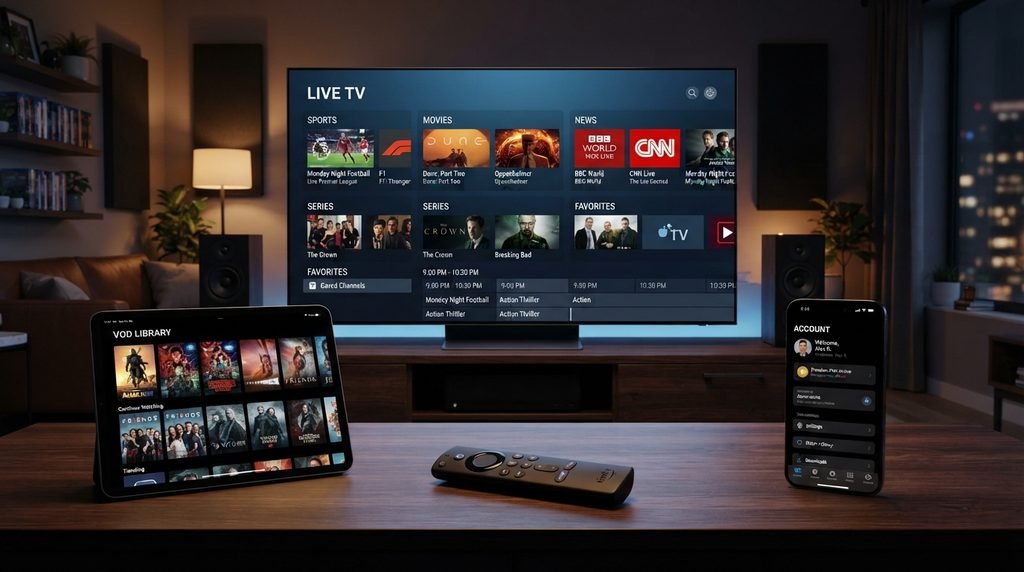
Once your catchon tv download is complete and the app opens, test more than the home screen. You want to know whether the application, account, content, and device all work together correctly.
The current CatchON TV channel list can help you choose specific networks to test rather than opening random streams.
A practical first test should cover:
Open three unrelated live channels.
Test one sports stream if sports matter to you.
Open a VOD movie or series.
Allow the EPG to populate.
Search for an exact channel name.
Add several channels to Favorites.
Close and reopen the app.
Restart the device once.
Test during your normal viewing hours.
If all of those work, your catchon tv download and account setup are probably functioning as intended. If only one channel fails, troubleshoot the stream instead of reinstalling the entire application.
CatchON TV Download Frequently Asked Questions
Where can I download CatchON TV?
Start with the current CatchON TV official website and the setup information associated with your subscription. Because several similarly named CatchON sites exist, verify the exact domain before downloading an APK or following a Downloader code.
Can I download CatchON TV on Firestick?
CatchON TV currently lists Firestick among its supported devices. The exact installation method can depend on the current app and instructions supplied with your account. Do not assume an old Downloader code remains valid indefinitely simply because it appears in a popular tutorial.
Why is CatchON TV not downloading?
The cause could be an outdated link, insufficient storage, network failure, browser restrictions, or an incorrect download method for the device. Determine whether the problem happens before the file starts or during installation. That distinction makes troubleshooting much faster.
Do I need Downloader for CatchON TV?
Not necessarily. Downloader is commonly used on Fire TV for sideloading apps, but other devices may use an app store, browser download, or compatible IPTV player instead. Use the method appropriate to your operating system rather than forcing every device through the same workflow.
What should I do after installing CatchON TV?
Enter the account information supplied with your subscription and test several live channels, VOD, EPG, search, and Favorites. Restart the app once as well so you know the setup survives a normal relaunch. If those features work, there is no reason to keep experimenting with other CatchON downloads.
Final Thoughts on CatchON TV Downloads
The safest way to approach catchon tv download is to stop treating it as one universal file that every device and every CatchON-branded service should use. Your actual download method depends on the platform, app version, provider, and credentials associated with your subscription. Fire TV may require a different route from Android TV, while a computer or Smart TV can use another compatible option entirely.
Start with the CatchON TV official website, verify the domain connected with your purchase, keep your login information nearby, and use the setup method intended for your device. Be especially cautious with old Downloader codes, public prepay codes, APK mirrors, and tutorials that no longer identify which CatchON service they belong to.
Once installation succeeds, stop focusing on the download itself and test the complete experience. Check live channels, VOD, EPG, Favorites, search, and the content you actually care about. A successful catchon tv download is not merely a file reaching 100%; it is the correct software working properly with your subscription on the device you plan to use.